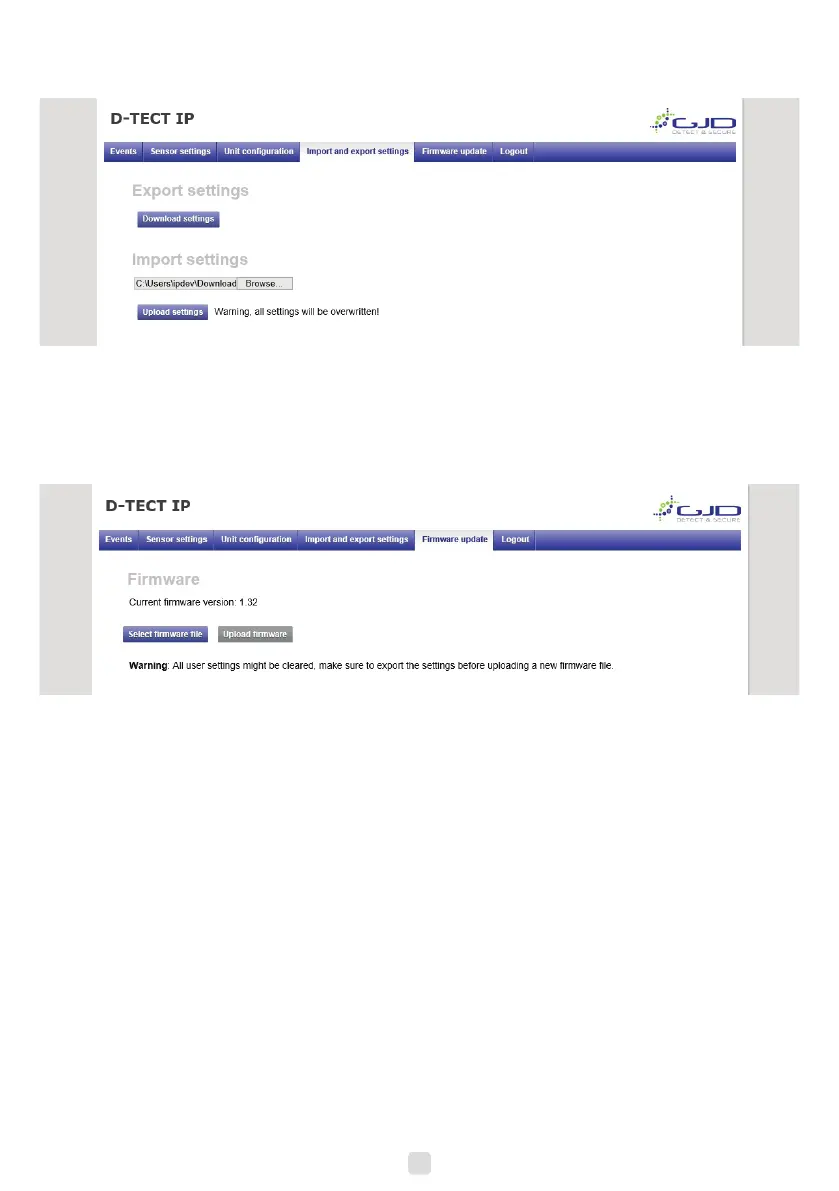
1. To import a setting le, press Browse button and navigate to the location of your setting le on your hard drive.
2. When the le is selected it is possible to import it with the Upload button. Pay attention to the status message next to
the button. Importing a setting le will overwrite all current settings.
Firmware update
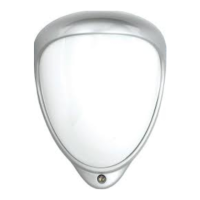
The D-Tect IP rmware can be updated to add new functions or resolve software issues.
1. Open the Firmware update tab. The current rmware version is displayed.
2. Press the select rmware le button. Locate the downloaded rmware le, then click open.
3. The selected le will be present. Click upload rmware.
4. When back onto the login page, this indicates that the rmware has uploaded.
8


 To Next Page