Introduction
Bluetooth Low Energy (BLE) is widely used for smart home,
wearable and IoT sensors. This guide provide a simple but useful
tool that send your BLE data to MQTT servers, which is the
underling mechanism for popular IoT solution.
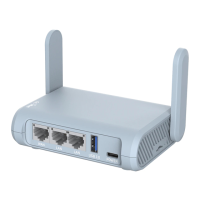
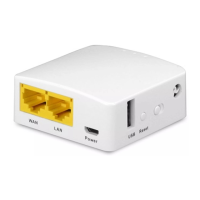
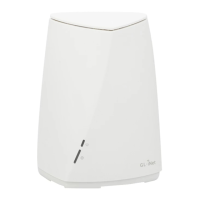
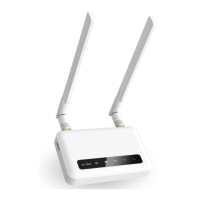
In this guide we will introduce two GL.iNet BLE gateway, GL-X750
Spitz and GL-S1300 convexa S which has built-in BLE modules and
how to use them to forward your BLE data to the cloud based on
MQTT protocol, including GL.iNet GoodCloud and AWS IoT.
Hardware Required
Both GL-X750 and GL-S1300 comes with a Silicon BLE 5.0
module with the following specs. It connects to the main board
using UART. The same module support BLE and Zigbee. However
you need to change the firmware on the module (not the gateway).
There is no way to change the firmware from BLE to Zigbee or vice
versa on the air. So you have to select the correct module when
you purchase the correct product.


 To Next Page