• LTE Signal
• Email alarm about online offline status update
Set up routers remotely
• Set up routers (e.g. SSID and Key) remotely
Monitoring clients on routers remotely
• Check who is on your network
• Realtime traffic monitoring and block clients
• Email alarm about new client and block
Operate routers in batch
• Set up config templates and configure routers in batch
• Reboot or upgrade routers in batch
Manage routers in groups
• Divide devices in different groups
• Manage devices in one page
Site to Site
• Virtual Office: extend your office network to other offices
• Business Travel: remote access office's OA, CRM, MySQL systems
• Smart Home: remote access IP camera, NAS and other devices at home
Setup
GoodCloud only support firmware v3.021 and above right now, we recommend to
upgrade to the latest testing version(Pre-release) for better cloud experience.
This document is based on the latest testing firmware.
Download firmware file
Choose the Pre-release column of this url https://docs.gl-
inet.com/en/3/release_notes/
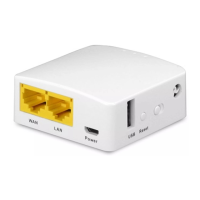
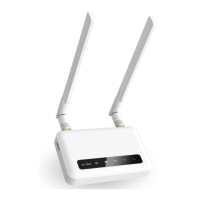
For GL-USB150, it can use GoodCloud too, but it only can be binded to
GoodCloud by "Auto discover". ( about Add device )


 To Next Page