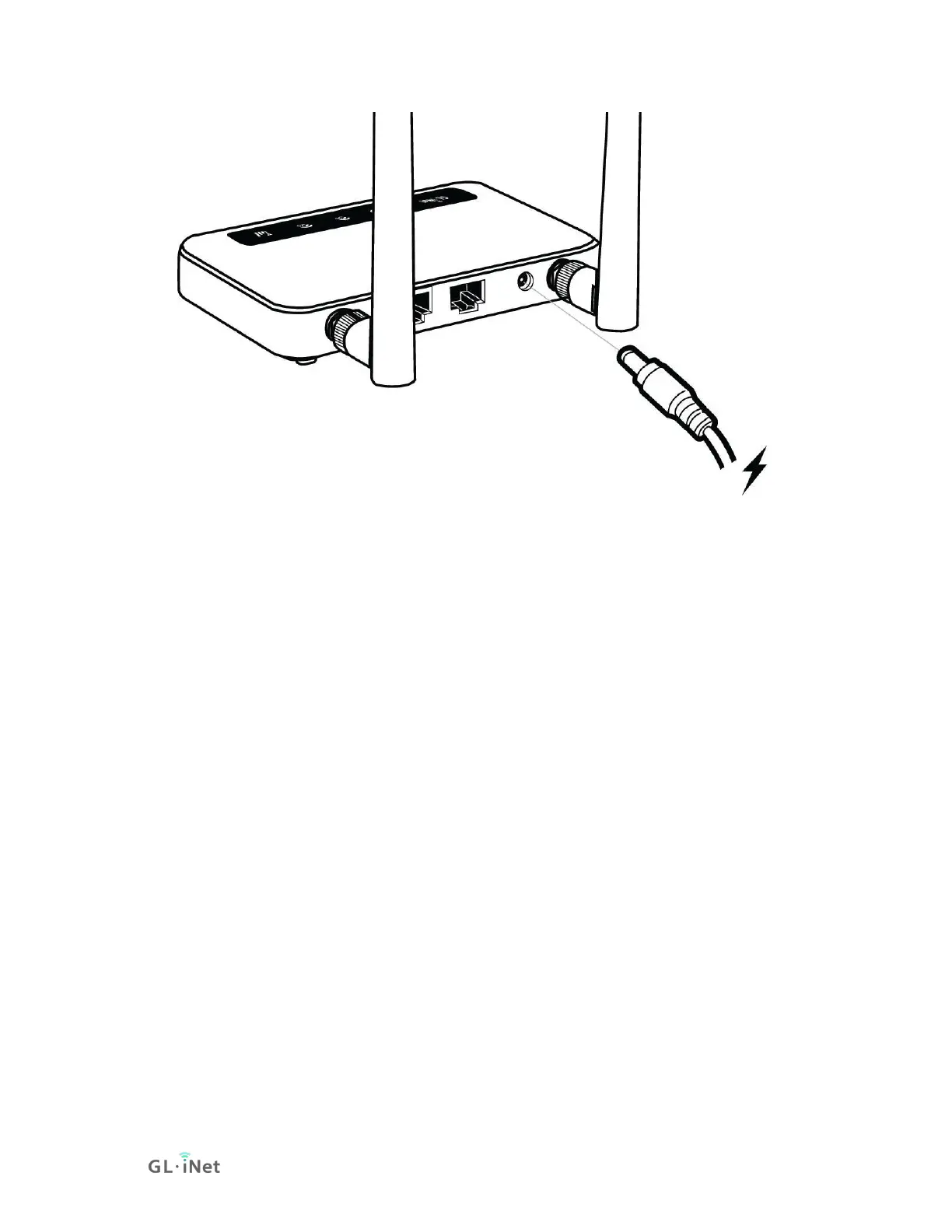
Note: Hot plug for SIM card and TF card is not supported. If you want to use,
please insert before powering on the router.
1.2. Connect
You can connect to the router via Ethernet cable or Wi-Fi.
Note: This step only connects your devices to the local area network (LAN) of the
router. You cannot access the Internet currently. In order to connect to the
Internet, please finish the setup procedures below and then follow Internet to set
up an Internet connection.
(1) Connect via LAN
Connect your device to the LAN port of the router via Ethernet cable.


 To Next Page