WireGuard Providers
If you are using Azirevpn or Mullvad, you can click Others and use your
AzireVPN or Mullvad account to set up WireGuard client directly.
AzireVPN: Select AzireVPN as the provider, enter your User Name and Password and then click
"Add" finish the WireGuard Client setup. 
Mullvad: Select Mullvad as the provider, enter your Account Number and then click "Add" to finish
the WireGuard Client setup. 
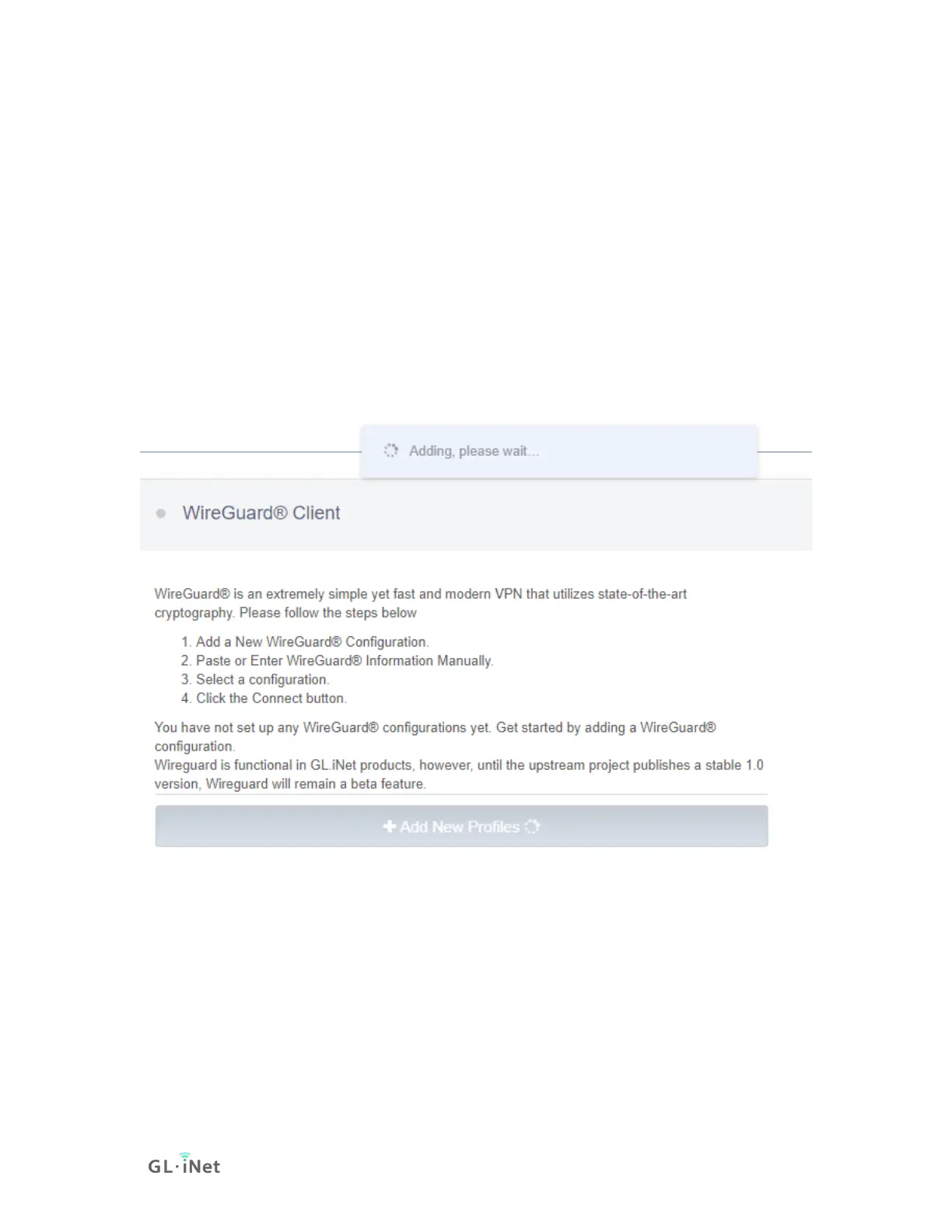
Waiting for the adding.
(3) Connect to the WireGuard server
Click Connect. You will see the upload and download traffic when it is connected
successfully.


 To Next Page