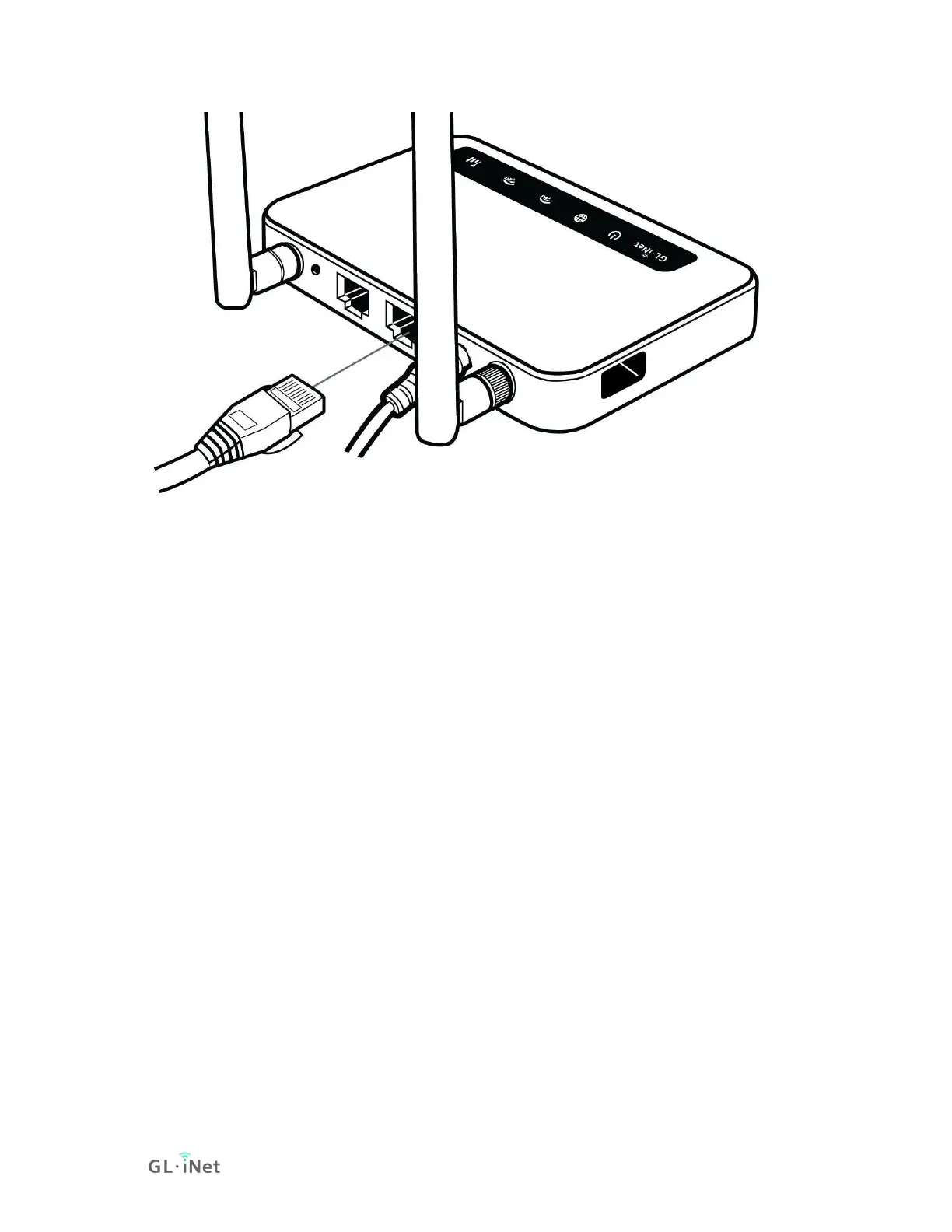
(2) Connect via Wi-Fi
Search for the SSID of the router in your device and input the default password:
goodlife.
Note: The SSID was printed on the bottom label of the router with the following
formats:
• GL-X750-XXX-5G
• GL-X750-XXX
1.3. Access the Web Admin Panel
Open a web browser (we recommend Chrome, firefox) and visit
http://192.168.8.1. You will be directed to the initial setup of the web Admin
Panel.
1) Language Setting
You need to choose the display language of the Admin Panel. Currently, our
routers support English, 简体中文, 繁體中文, Deutsch, Français, Español and
日本語.


 To Next Page