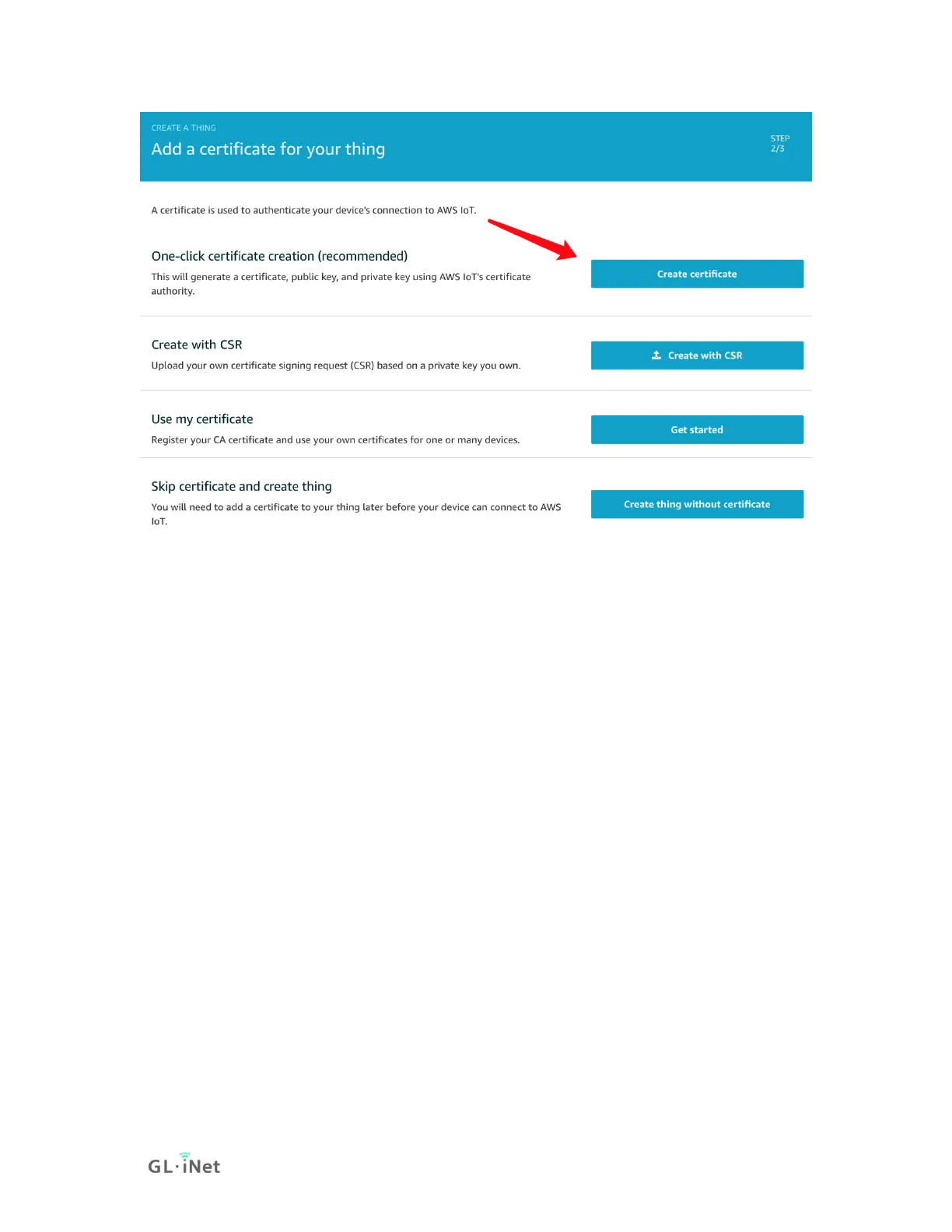
5) On the Certificate created! page, download your public and
private keys, certificate, and root certificate authority (CA):
• Choose Download for your certificate.
• Choose Download for your private key.
• Choose Download for the Amazon root CA. This will display a
new web page. Choose RSA 2048 bit key: Amazon Root CA
1. This opens another web page with the text of the root CA
certificate. Copy this text and paste it into a file
named Amazon_Root_CA_1.pem.
Most web browsers save downloaded files into a Downloads
directory. You will copy these files to a different directory when you
run the sample applications. Choose Activate to activate the X.509
certificate, and then choose Attach a policy.


 To Next Page