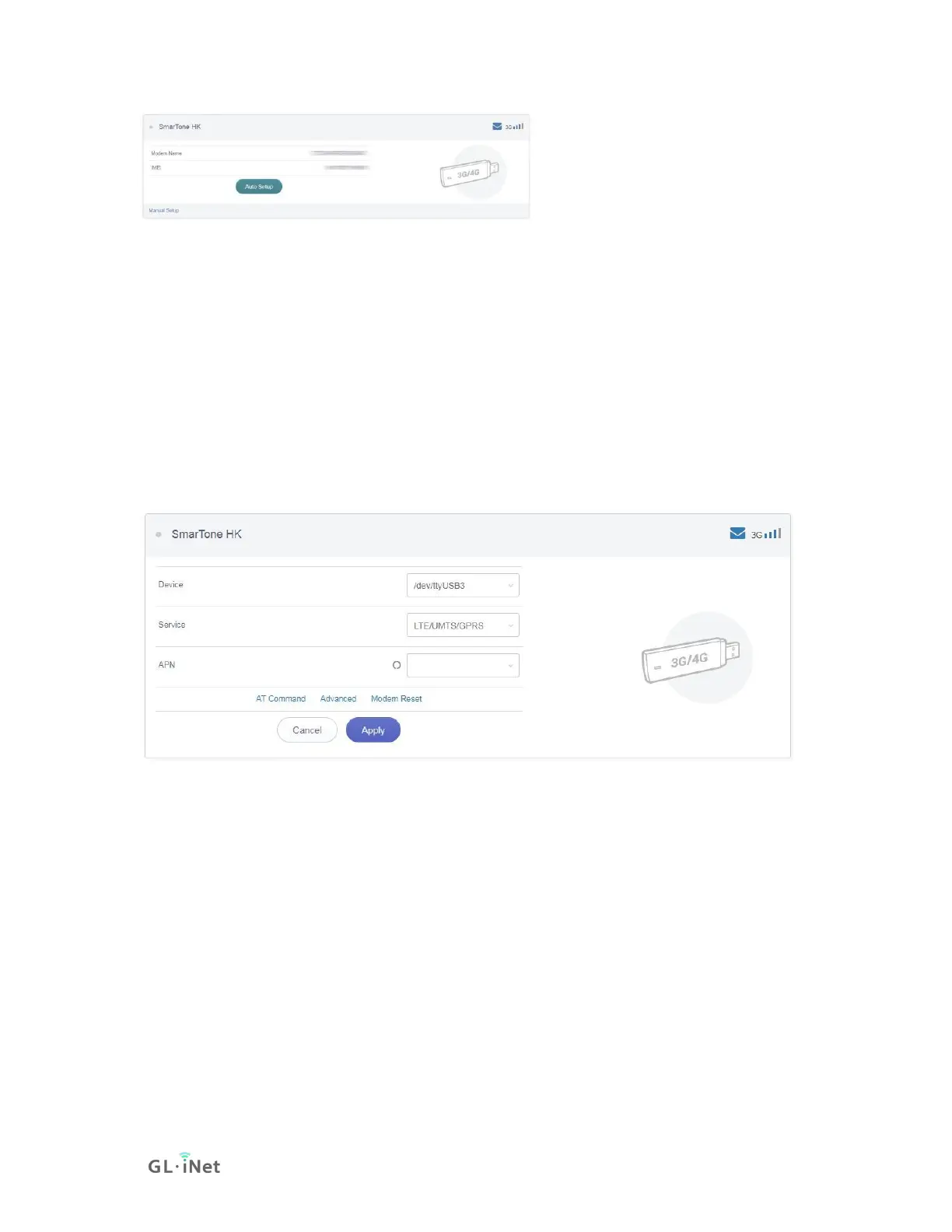
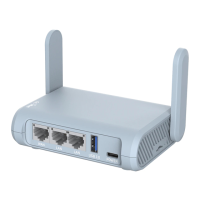
You can also click Manual Setup to set up manually.
In General, you can set up by the three basic parameters below. Click Apply to
connect.
• Device: Please choose /dev/cdc-wdm0 (qmi) or /dev/ttyUSB3.
• Service Type: indicate the service of your SIM card.
• APN: Confirm with your SIM card carrier.
Advanced Settings:
• Dial Number: Generally, it is a default value and you don't need to set it
manually. However, if you have this info, please input it.
• Pincode, Username and Password: Generally, these are not necessary for
an unlocked SIM card. However, if you have a locked SIM card, please
consult your service provider.


 To Next Page