Page 11
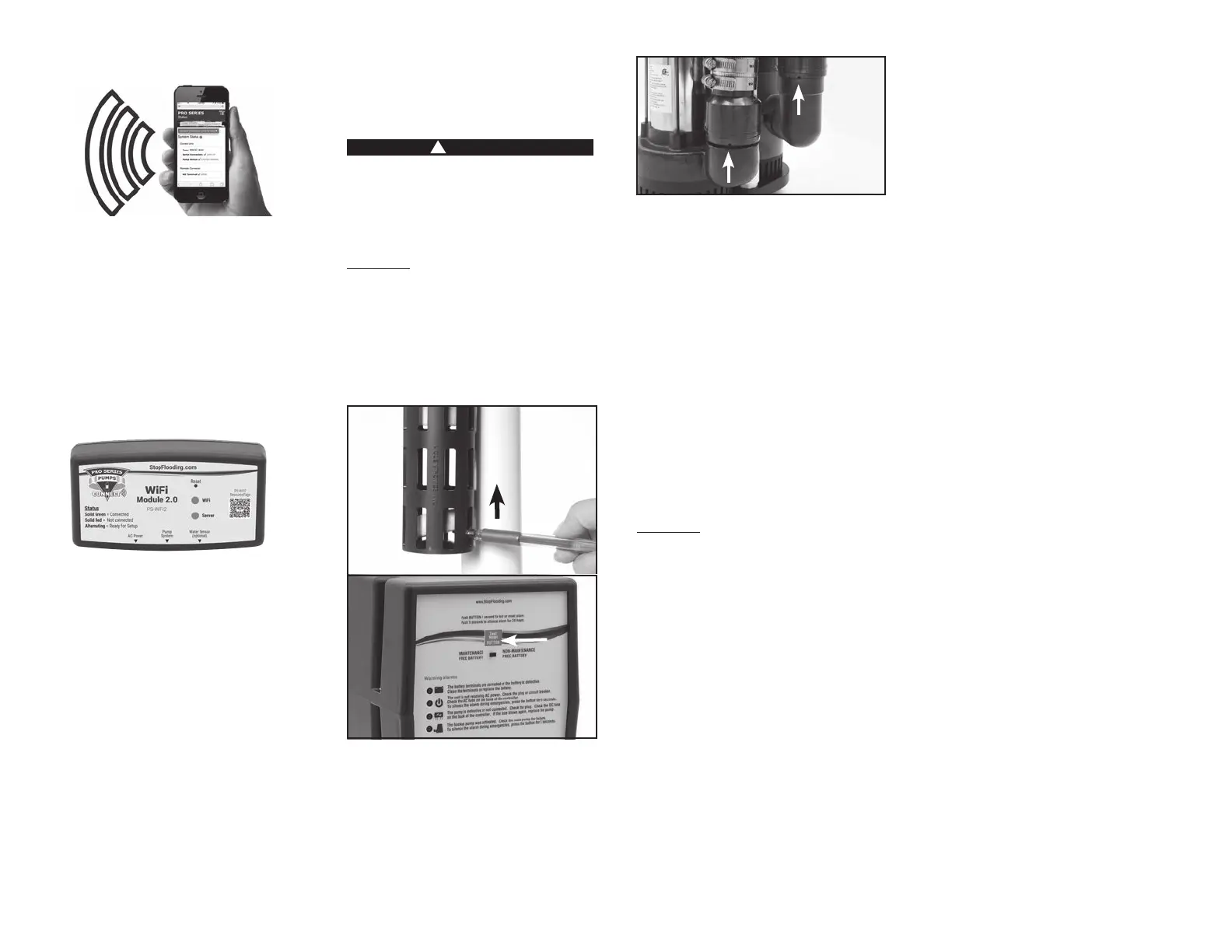
CONNECT MODULE
The Pro Series CONNECT Module is a
separately sold accessory that will allow the
user to stay connected and receive remote
needed maintenance while away from home.
Pro Series WiFi Module (Model PS-WiFi2)
•
and status alerts to your phone, tablet or
computer
• No required monthly or yearly fees or
subscriptions
Model PS-WiFi2
For more information, please visit
www.StopFlooding.com
TESTING THE FLOAT SWITCH
FOR THE BACKUP PUMP
It is important to manually test the oat
switches periodically or after any maintenance.
!
DANGER
Unplug the main AC pump when installing
or servicing the backup pump to avoid
electric shock. Failure to do so could cause
serious injury or death. Review the safety
instructions on page 2.
nonmetallic item, and let go. This will activate
the pump. The control unit will run the pump
for approximately 25 seconds so it can empty
all the water in the sump pit. If no water is in
the pit, the pump can run dry for this amount
of time. The alarm will sound and the “Pump
was activated” light will go on. After the
pump has stopped, push the RESET button
to silence the alarm. If the RESET button is
pressed before the pump has stopped, the
alarm will go off temporarily. Wait for the
pump to stop pumping, and then push the
RESET button on the front of the control unit
to completely silence the alarm.
While the pumps are active, water will come
valve above the pump. This is normal. The
hole is needed to prevent an air lock within
the system. DO NOT obstruct this hole or an
air lock may prevent the pump from activating,
BE SURE TO PLUG IN THE MAIN AC PUMP
WHEN YOU HAVE COMPLETED THE TEST.
TESTING THE FLOAT SWITCH
FOR THE PRIMARY PUMP
nonmetallic item, and let it go to activate the
pump. The pump will run an additional 10
position. It will not damage the pump to run
it for this short time if the sump pit is dry.
However, DO NOT
extended time without water in the sump pit.
While the pumps are active, water will come
valve above the pump. This is normal. The
hole is needed to prevent an air lock within
the system. DO NOT obstruct this hole or an
air lock may prevent the pump from activating,
MAINTENANCE CHECKLIST
Maintenance should be performed 1-2 times
per year.
1.
described to the left.
2. Remove all debris from the bottom of the
pit and pump strainer.
3.
4.
cage.
5. Fill the pit with water. Make sure the
pumps turn on at the intended levels.
6. While the pump is running, make sure
the pump is evacuating water at a good
air bleed hole.
7. Check and clean battery and terminals.
PARTS & SERVICE INFORMATION
You can receive technical support, parts, or
service information by calling Glentronics,
Inc., at 800-991-0466 or by visiting the Pro
Series website at www.stopooding.com.
Send your unit to the following address if
repairs are needed:
Glentronics, Inc.
Attn: Service
645 Heathrow Drive
Lincolnshire, IL 60069-4205
Lift
Float


 To Next Page