EasyManua.ls Logo

GLIDEAWAY MOTION 400 - Basic Head and Foot Adjustments

GLIDEAWAY MOTION 400
18 pages
Print Icon
To Next Page IconTo Next Page
To Previous Page IconTo Previous Page
Loading...
12
OWNER’S MANUAL: MOTION 400
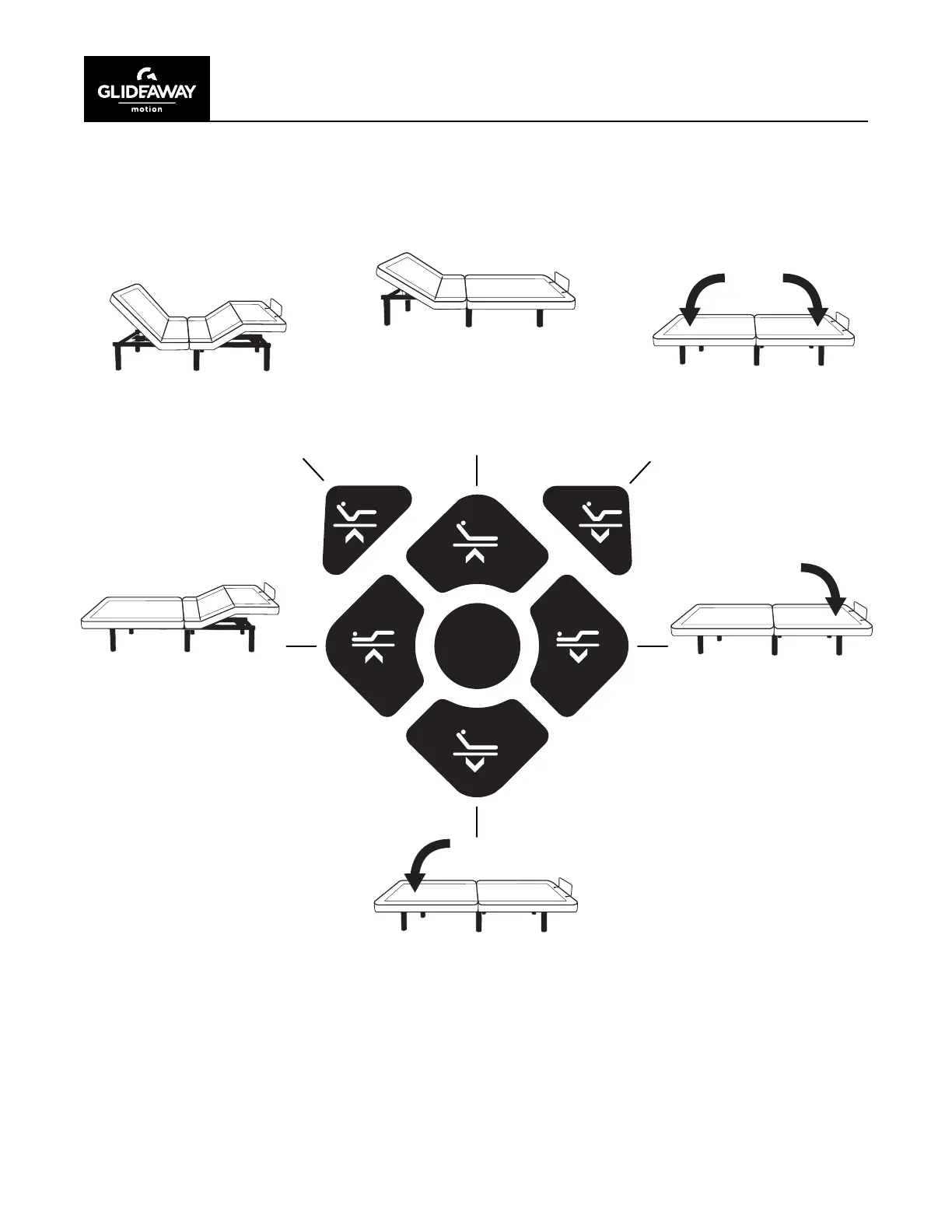
FLAT
OPERATION
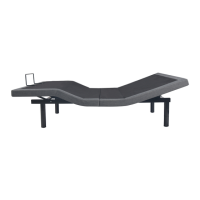
Press and hold the HEAD
UP button to raise the
head position. Release
button when desired
position is reached.
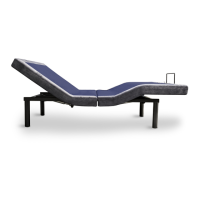
Press and hold the FOOT
UP button to raise the
foot position. Release
button when desired
position is reached.
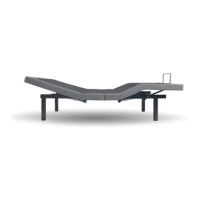
Press and hold the HEAD
UP + FOOT UP button to
raise the head and foot
simultaneously. Release
button when desired
position is reached.
Press and hold the HEAD
DOWN + FOOT DOWN
button to lower the head
and foot simultaneously.
Release button when
desired position is
reached.
Press and hold the HEAD
DOWN button to lower
the head position. Release
button when desired
position is reached.
Press and hold the FOOT
DOWN button to lower
the foot position. Release
button when desired
position is reached.

Other manuals for GLIDEAWAY MOTION 400

Related product manuals