13
OWNER’S MANUAL: MOTION 400
PAIRING REMOTE
Simultaneously press and hold the HEAD UP and HEAD
DOWN buttons on remote until the remote back lights
ash and stay lit, then release remote buttons.
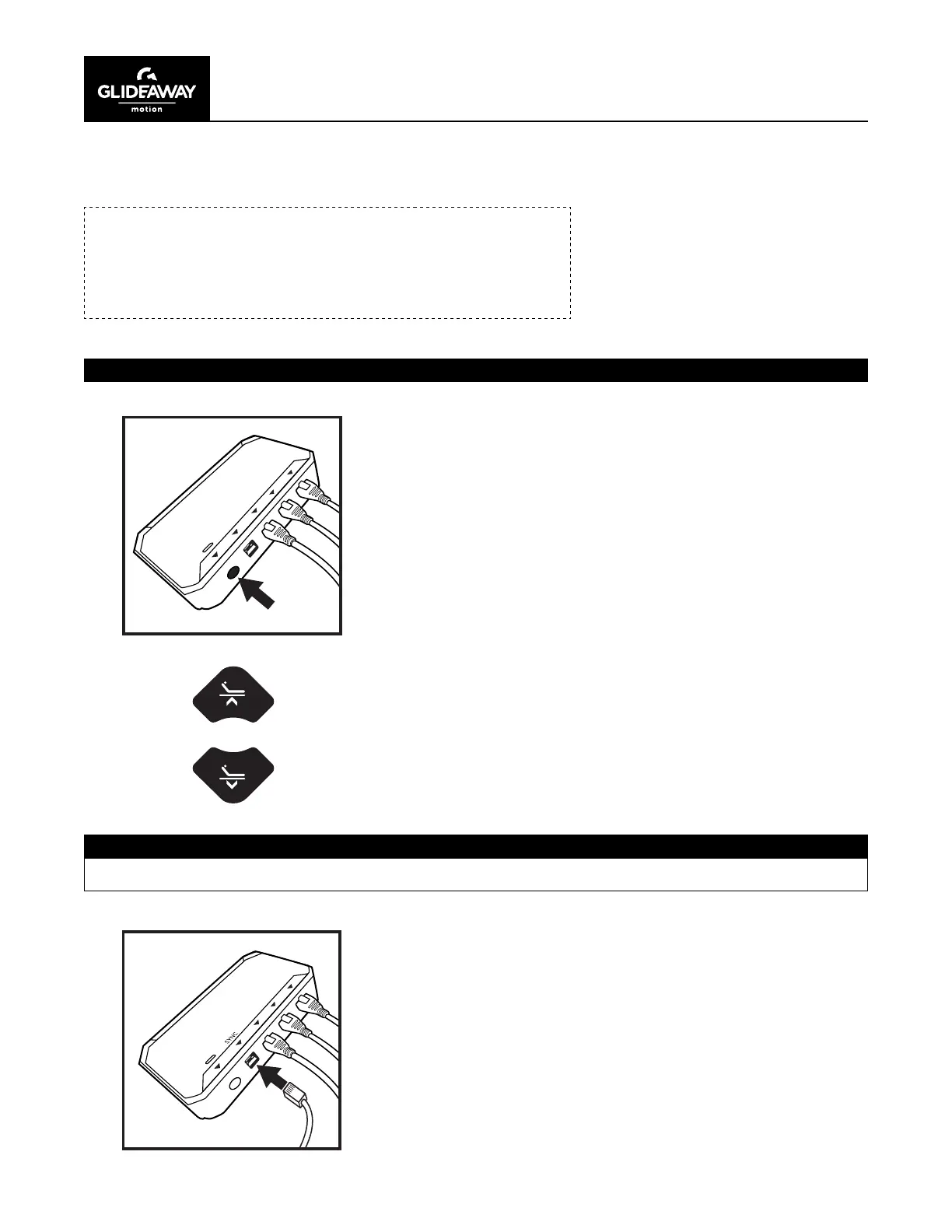
PAIRING REMOTE TO BASE
Double click the PAIR button on the control box
(light will turn blue during the pairing process).
With both bases in FLAT position, connect each base to the other
by inserting SYNC CABLE into each control box slot labeled sync.
PAIRING REMOTE TO BASE
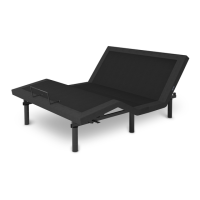
SYNCING 2 BASES TO ACT AS ONE
If SYNCING 2 bases (TXL, SCK, SQ) together, follow these instructions.
NOTE:
Your base comes with a ready-to-use, factory paired remote.
Pairing instructions are for replacement remotes or trouble
shooting purposes.


 To Next Page