11
OWNER’S MANUAL: MOTION 400
ZG
ANTI
SNORE
OPERATION
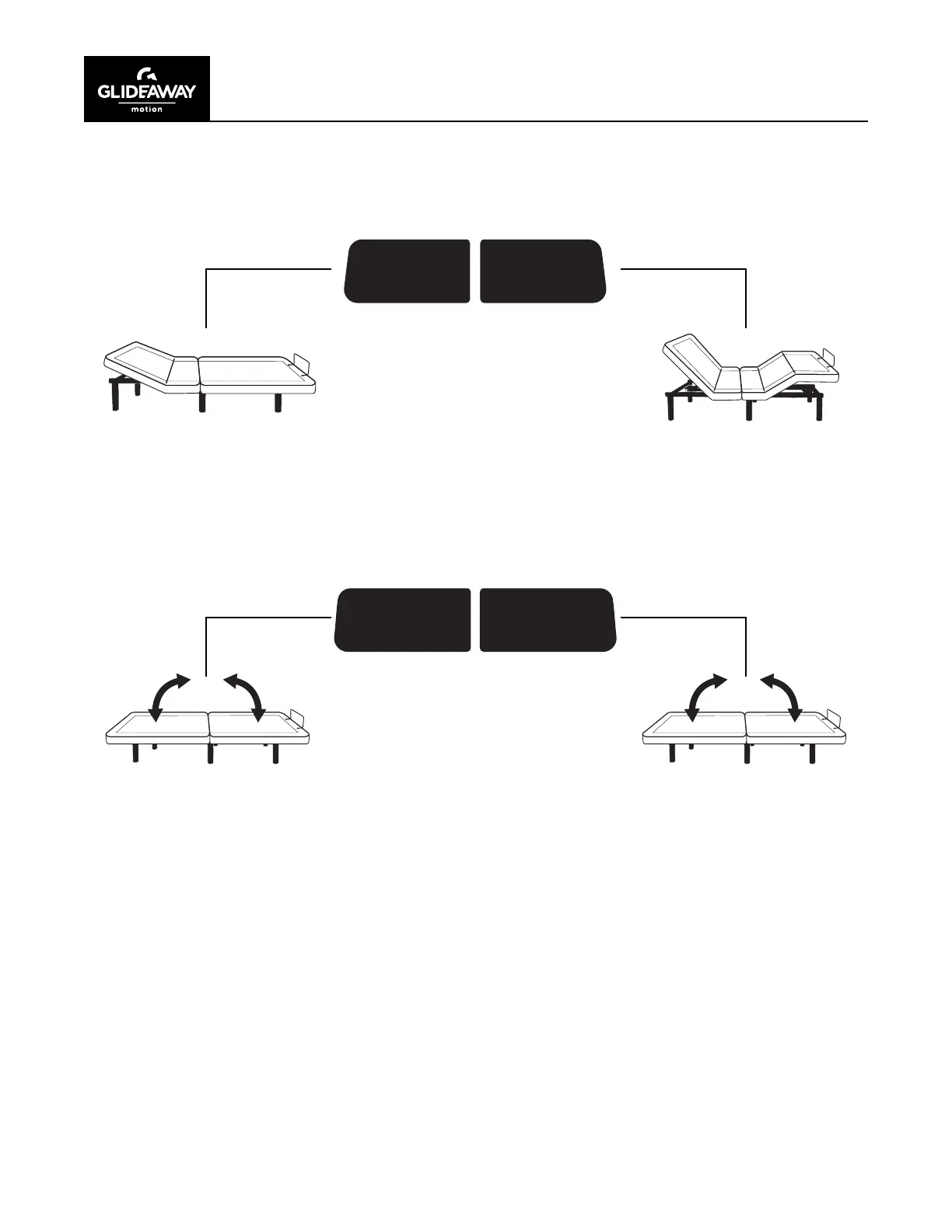
Adjust head and/or foot
section(s) to desired positions.
Press and hold MEMORY A
button until the back-light on
remote ashes. Release button
and wait for ash to stop. Button
has now been programmed.
Repeat process if new preset
position is desired.
Adjust head and/or foot
section(s) to desired positions.
Press and hold MEMORY B
button until the back-light on
remote ashes. Release button
and wait for ash to stop. Button
has now been programmed.
Repeat process if new preset
position is desired.
MEMORY
A
MEMORY
B
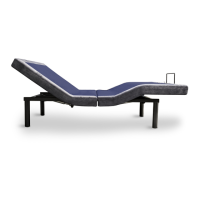
Press the ZERO GRAVITY
button to move the head and foot
to the ZERO GRAVITY position.
This action can be stopped at any
time by pressing another button.
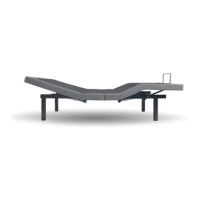
Press the ANTI-SNORE button
and the head will go to the
ANTI-SNORE position. This
action can be stopped at any
time by pressing another button.


 To Next Page