EasyManua.ls Logo

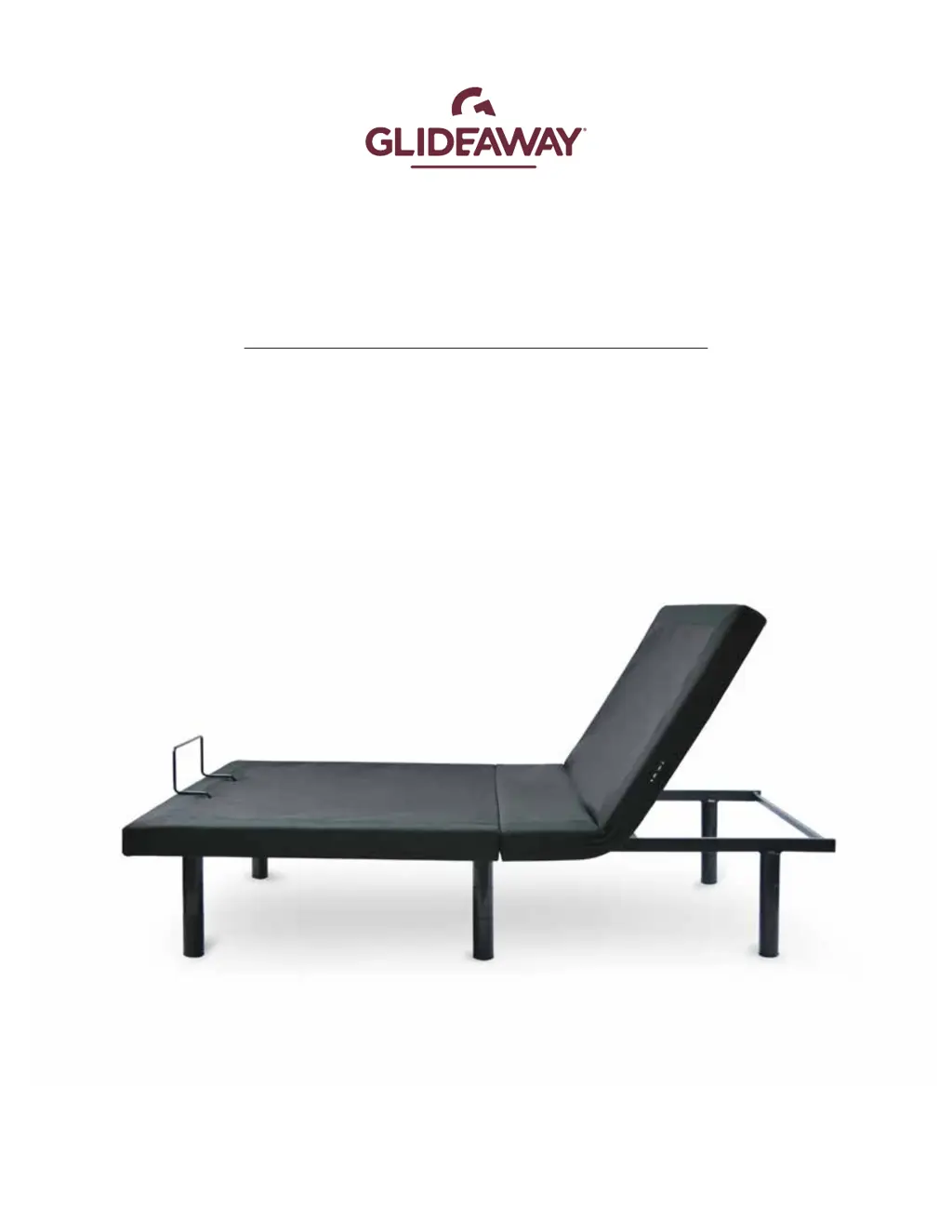
GLIDEAWAY MOTION 400 - User Manual

GLIDEAWAY MOTION 400
18 pages
Print Icon
To Next Page IconTo Next Page
Loading...
motion
MOTION 400
OWNERS MANUAL
REV 06.30.20

Other manuals for GLIDEAWAY MOTION 400

Questions and Answers

  • M
    Monica RandallAug 4, 2025
    What to do if the GLIDEAWAY MOTION 400 Indoor Furnishing remote control illuminates but the base doesn't activate?
    • T
      Thomas SmithAug 5, 2025
      If your GLIDEAWAY Indoor Furnishing remote control lights up but the base isn't responding, try these steps: First, unplug the power cord, wait 30 seconds, and plug it back in to reset the electronics. Check the outlet by plugging in another working appliance to ensure it's not a defective surge protector or outlet. Also, verify that the electrical circuit breaker hasn't tripped. You might also need to re-pair the remote control or replace its batteries and then re-pair it.
  • Q
    qnovakAug 10, 2025
    What to do if no features of my GLIDEAWAY Indoor Furnishing base will activate?
    • A
      andre99Aug 10, 2025
      If your GLIDEAWAY Indoor Furnishing base isn't activating, start by unplugging the power cord, waiting 30 seconds, and plugging it back in to reset the electronic components. Also, test the outlet with another working appliance to rule out a defective surge protection device or electrical outlet. Finally, check your electrical circuit breaker box to make sure a breaker hasn't tripped.
  • C
    Cindy KellerAug 16, 2025
    Why won't my GLIDEAWAY MOTION 400 Indoor Furnishing remote control illuminate?
    • D
      David BullockAug 16, 2025
      If your GLIDEAWAY Indoor Furnishing remote control won't illuminate, replace the batteries in the remote control.
  • L
    Linda ThomasAug 22, 2025
    What to do if the head section of my GLIDEAWAY MOTION 400 elevates but won't return to the flat position?
    • B
      Blake HaynesAug 23, 2025
      If the head section of your GLIDEAWAY Indoor Furnishing elevates but doesn't return to the flat position, first elevate the base and check for any obstructions and remove them. Also, check that the distance between the headboard brackets and the mattress is sufficient, and adjust if needed.
  • A
    anthonysmithAug 28, 2025
    Why does my GLIDEAWAY MOTION 400 Indoor Furnishing head or foot lift function have minor interference during operation?
    • J
      James JohnsonAug 28, 2025
      If you're experiencing minor interference with the head or foot lift function of your GLIDEAWAY Indoor Furnishing, try these steps: Check and replace the batteries in the remote if necessary. Ensure you're following the motor's duty cycle (do not operate more than one minute over a nine-minute period, or approximately a 12% duty cycle). Press the lift buttons squarely and accurately. If the control box may be experiencing common Radio Frequency Interference from other radio transmitting devices, see the Pairing Remote section.

Summary

Safety Information

General Safety Warnings and Precautions

Critical warnings for operation, RF, electrical hazards, and battery handling.

Product Usage and Weight Restrictions

Guidelines on warranty, in-home use, hospital disclaimer, and maximum weight capacity.

Specific Hazard Warnings

Alerts for children, pets, lubrication, lifting, moving, and general operating risks.

Whats Included

Components and Handling Instructions

Lists all items included in the package and important handling notes.

Assembly Instructions

Initial Setup and Base Preparation

Steps for unpacking, unfolding, and securing the adjustable bed base.

Leg Installation and Power Connection

Guide for attaching legs and connecting the power supply unit.

Final Assembly and Power-Up

Instructions for retainer bars, batteries, and plugging into power.

Remote Control Guide

Remote Layout and Button Functions

Overview of the remote's buttons and their corresponding positions.

Operation Guide

Preset Position Activation

How to use Anti-Snore and Zero Gravity preset positions.

Programming and Using Memory Positions

Steps to set and recall personalized bed positions with Memory A and B.

Basic Head and Foot Adjustments

Instructions for manually raising and lowering the head and foot sections.

Remote Pairing and Syncing

Remote-to-Base Pairing Procedure

Steps to pair the remote control with the adjustable base unit.

Syncing Multiple Bases

Instructions for synchronizing two bases to operate as one.

Troubleshooting Common Issues

Remote and Base Operational Problems

Solutions for unresponsive remote or base activation failures.

Lift, Sync, and Obstruction Issues

Troubleshooting lift issues, syncing problems, and obstructions.

Emergency Lowering Procedure

How to lower the bed using the control box in case of remote loss.

Reprogramming the Remote

Reprogramming Preset and Memory Functions

Detailed steps to reprogram Anti-Snore, Zero Gravity, and Memory positions.

Available Accessories

Accessory Kit Overview

Overview of optional accessory kits like leg kits, brackets, and lift kits.

Base Height Guide

Leg Configuration Height Options

Table detailing bed height based on leg installation configuration.

Customer Support and Warranty Information

Contact details for accessory orders, customer service, and warranty.

GLIDEAWAY MOTION 400 Specifications

General IconGeneral
TypeAdjustable Bed Base
MassageYes
Wireless RemoteYes
Under-bed LightingYes
Weight Capacity850 lbs
SizesTwin XL, Queen
Pre-set PositionsZero Gravity, Anti-Snore

Related product manuals