15
OWNER’S MANUAL: MOTION 400
REPROGRAMMING REMOTE
When syncing 2 TXL, SQ, SCK bases, the ANTI-SNORE, ZERO GRAVITY, MEMORY A and MEMORY B
may need to be reprogrammed to match the 2 bases to the same program.
1
1
1
2
2
2
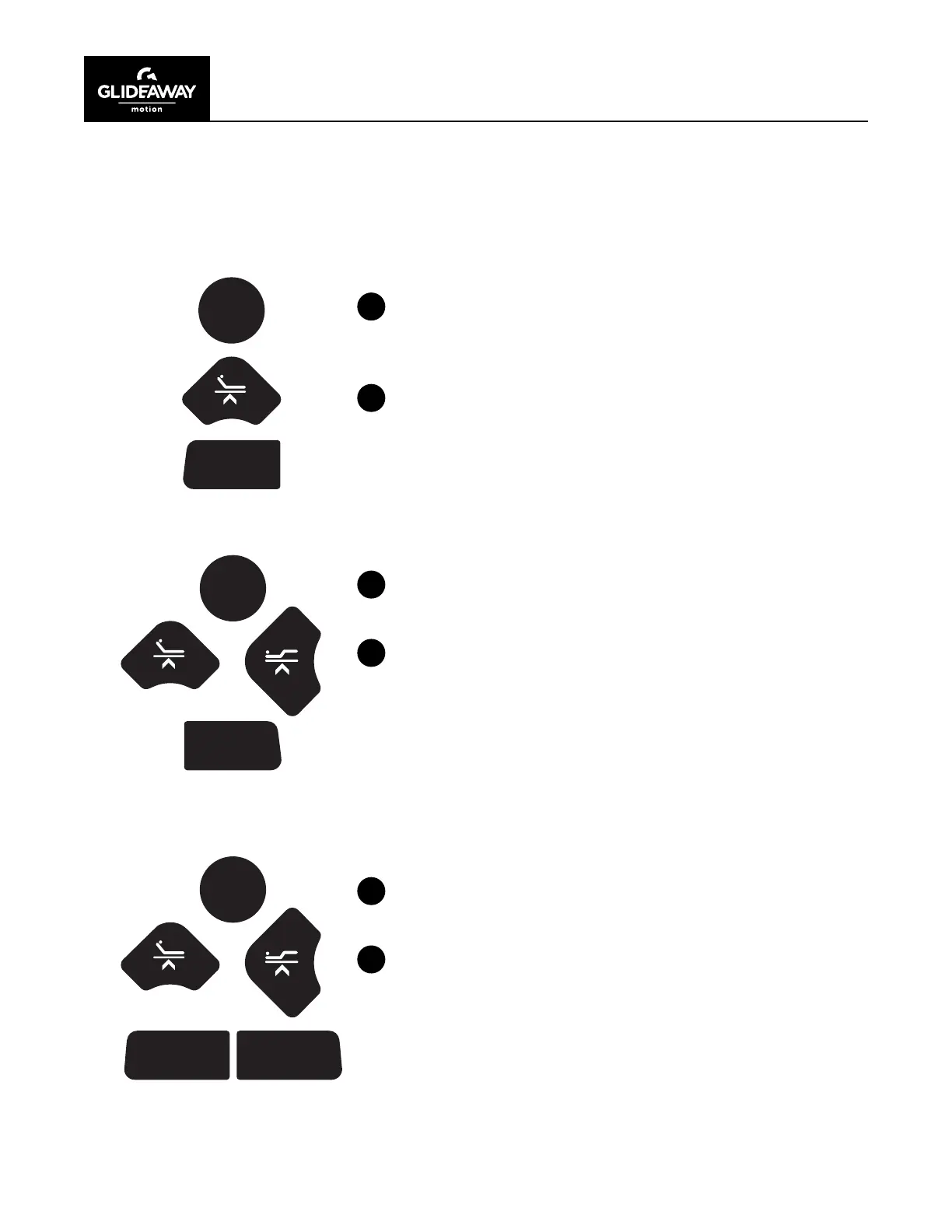
ANTI-SNORE
After connecting the sync cable into both bases, press the
FL AT button on the remote.
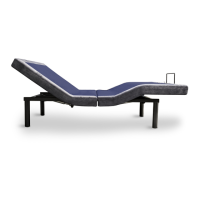
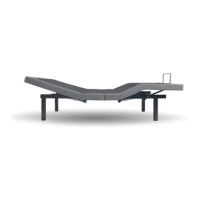
Press the HEAD UP button until the 2 bases are at a 10 degree
angle. Push and hold the ANTI-SNORE button until the remote
back lights blink.
ZERO GRAVITY
Press the FL AT button on the remote.
Press the HEAD UP button until the 2 bases reach the 15
degree angle. Next, push FOOT UP button until the foot
section of both bases reach the 25 degree angle. Next, press
and hold the ZERO GRAVITY button until the remote back
lights blink.
SETTING MEMORY A OR MEMORY B
Press the FL AT button on the remote.
Using the HEAD UP and FOOT UP, adjust the base to a
comfortable position. Next, press and hold MEMORY A button
until the remote back lights blink.
Repeat this process for the MEMORY B position.
ANTI
SNORE
ZG
FLAT
FLAT
FLAT
MEMORY
A
MEMORY
B


 To Next Page