EasyManua.ls Logo

Global A-Series - User Manual

Global A-Series
40 pages
Print Icon
To Next Page IconTo Next Page
Loading...
110-013-079 REV E
ECO 202802 Date Effective: JUNE 2017
A-Series
TM
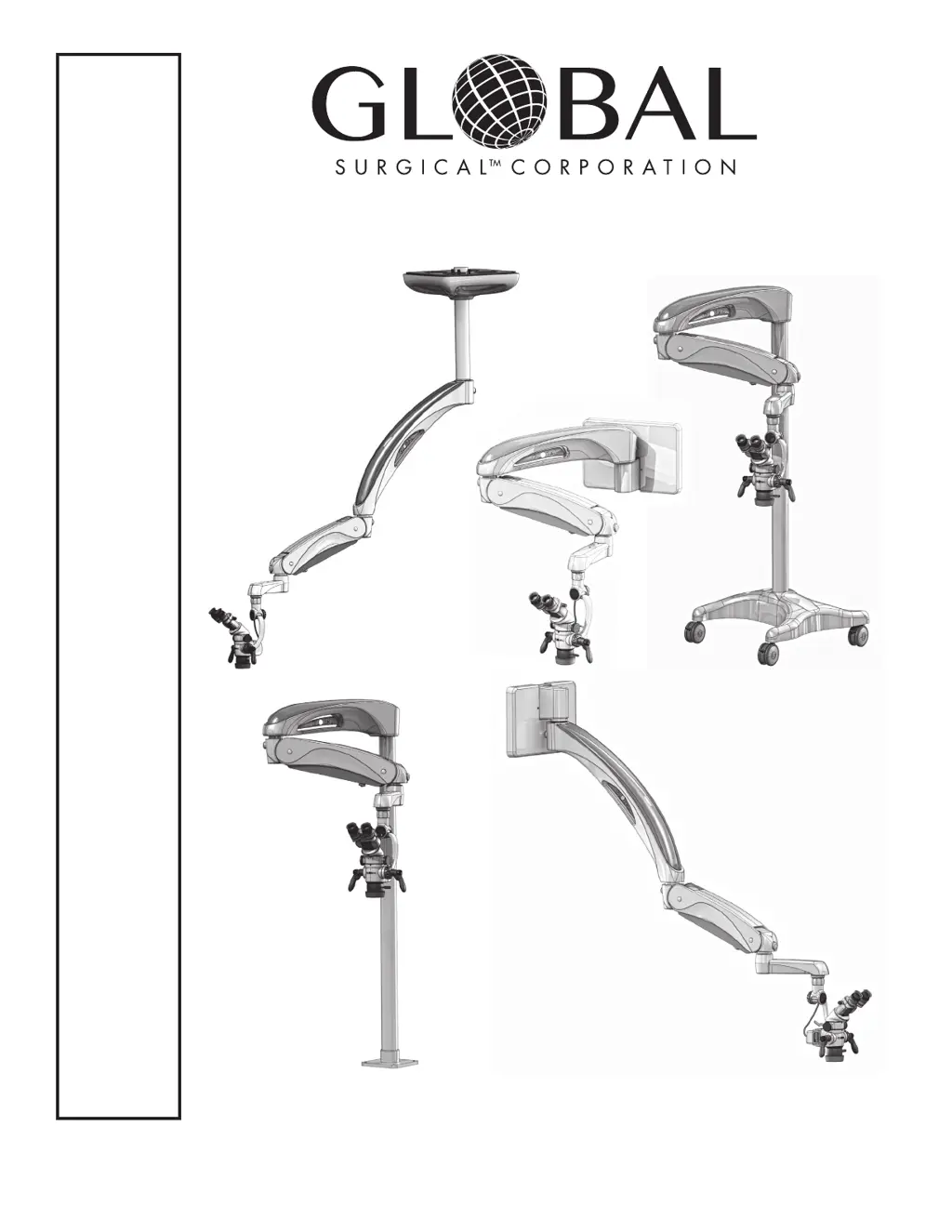
Surgical Operating
Microscope System
OWNER’S MANUAL
M A730 Series
Controlled Document
Not To Be Reproduced

Questions and Answers

  • M
    Miguel SanchezAug 13, 2025
    What to do if the LED light source on my Global A-Series does not turn on?
    • D
      Dawn LopezAug 13, 2025
      If the LED light source on your Global Microscope doesn't turn on, first, remove the horizontal arm, spring arm, or 45-degree arm, and extension arm covers to check for any damaged or pinched cables. Next, make sure the filter lever is in one of the three correct positions. Finally, remove the horizontal or 45° arm cover and ensure the LED power cord is securely plugged into one of the plugs on the multiple socket outlet located in the horizontal or 45° arm.
  • T
    Troy ThompsonAug 17, 2025
    How to troubleshoot a Global A-Series with no power?
    • A
      Adriana StewartAug 17, 2025
      If your Global Microscope has no power, ensure the AC power cord is properly connected. Also, verify that the building circuit breaker hasn't tripped, or test the outlet with another device. Finally, check the system’s fuses and replace them if necessary, replacing both fuses if either is blown.
  • K
    Kimberly TaylorAug 20, 2025
    Why does the Global A-Series floorstand seem unstable?
    • I
      ianjamesAug 21, 2025
      If the floorstand of your Global Microscope seems unstable, ensure that both weights are installed in the base, under the plastic cover.
  • T
    Theodore ChavezAug 25, 2025
    What to do if Global A-Series Microscope system arms drift horizontally?
    • J
      James JenkinsAug 26, 2025
      If the system arms of your Global Microscope drift horizontally on their own, apply slight tension to the spring arm tension adjustment. If the drifting continues, make sure the wall, floor mount, or ceiling mount is installed level and plumb. If using a floor stand, try moving it to a different location and ensure the column screws are tight.
  • R
    Randy RiddleAug 28, 2025
    Why are the system arms on my Global A-Series hard to rotate?
    • S
      Shane ThompsonAug 28, 2025
      If the system arms on your Global Microscope are hard to rotate from right to left, it may be because the spring arm tension adjustment knob is adjusted too tight.
  • P
    Philip EwingSep 1, 2025
    How to fix a Global Microscope floorstand that is difficult to roll?
    • R
      rwagnerSep 1, 2025
      If your Global Microscope floorstand is difficult to roll, make sure that all the casters are unlocked.
  • M
    Mr. Anthony MirandaSep 5, 2025
    What causes the vertical position of the Global A-Series arms to not stay in place?
    • S
      Sophia SimpsonSep 5, 2025
      If the vertical position of the arms or microscope on your Global Microscope doesn’t stay in position when released, adjust the counterbalance as described in Section 5.3.
  • K
    kimberly51Sep 8, 2025
    Why is the vertical movement of my Global A-Series difficult?
    • M
      Matthew McdonaldSep 9, 2025
      If the vertical movement of your Global Microscope is difficult, adjust the counterbalance as described in Section 5.3.

Summary

Section 1 Important Safety Instructions

1.1 Symbol Definitions

Describes symbols used in the manual for important information and warnings.

1.2 Warnings and Cautions

Outlines crucial safety warnings and cautions for equipment operation and handling.

Section 3 Product Information

Section 5 Operating Instructions

5.1 Turning On The System

Instructions for powering the microscope system on and off using the power button.

5.3 Arm Adjustments

Covers counterbalancing the microscope head and adjusting spring arm tension.

5.4 Microscope Positioning Adjustments

Details adjustments for pivot, roll angle, pitch angle, casters, and maneuvering handles.

5.6 Focusing and Light Source Operation

Guides on achieving sharp focus and operating the MA801-LED light source.

Section 6 Care and Maintenance

Section 7 Troubleshooting

7.1 Troubleshooting Guide

A guide to common symptoms, their possible causes, and recommended solutions.

Section 8 Service and Warranty

Global A-Series Specifications

General IconGeneral
EyepiecesWF10x/18mm
Optical SystemFinite optical system
Observation Tube30° inclined, 360° rotatable
ObjectivesAchromatic 4x, 10x, 40x, 100x (oil)
NosepieceQuadruple
FocusingCoaxial coarse and fine focusing knobs
CondenserAbbe condenser NA 1.25 with iris diaphragm
IlluminationLED illumination
Power Supply100-240V, 50/60Hz

Related product manuals