7.3.3 Enable Geo-fence Alert
Geo-fence is independent from other functions. It needs the information of
GPS to check with the settings. So the GPS should be additionally turned on
regardless of other reports. Please refer to chapter “5. GPS” for the setting.
After configuring the geo-fence areas, there must be an additional command
‘N6’ to turn on the function. It can be turned off by ‘N7’ command or by setting
K0=0.
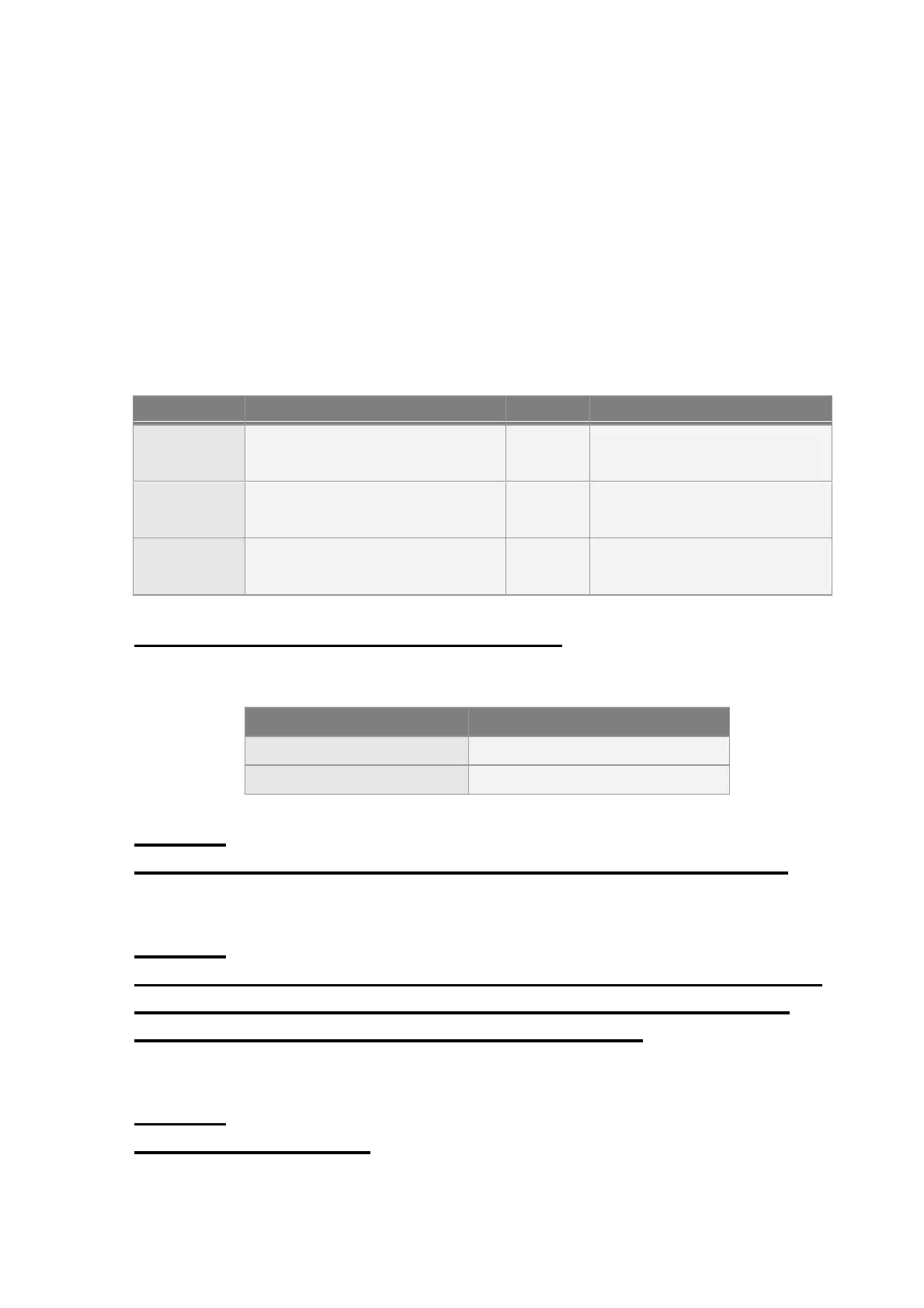
1=enable
0=disable (default)
Report media of geo-fence
alarm
Please refer to 2.9 report
media.
Report media of reading
geo-fence area
Please refer to 2.9 report
media.
Command’s format for enable/disable Geo-fence:
GSC,N6*Checksum!
Example 1:
Asking TR-206 enter geo-fence alert state and make GPS always on (C0=1)
GSC, 135097652783615,N6(C0=1)*47!
Example 2:
Asking TR-206 enter geo-fence alert state and use timer 1: Start Time: 12:00AM
(X0=0), End Time:11:59PM(X1=86399), Report Interval=0 (X2=0), Weekday:
Sunday~ Saturday (X3=7f), Report Media: GPS ON(X4=80)
GSC,011412000010789,N6(X0=0,X1=86399,X2=0,X3=7f,X4=82) *29!
Example 3:
Disable geo-fence function
GSC,135097652783615,N7*18!


 To Next Page