16
GM Energy V2H Bundle User Manual
NEED-TO-KNOW ACTION ITEMS
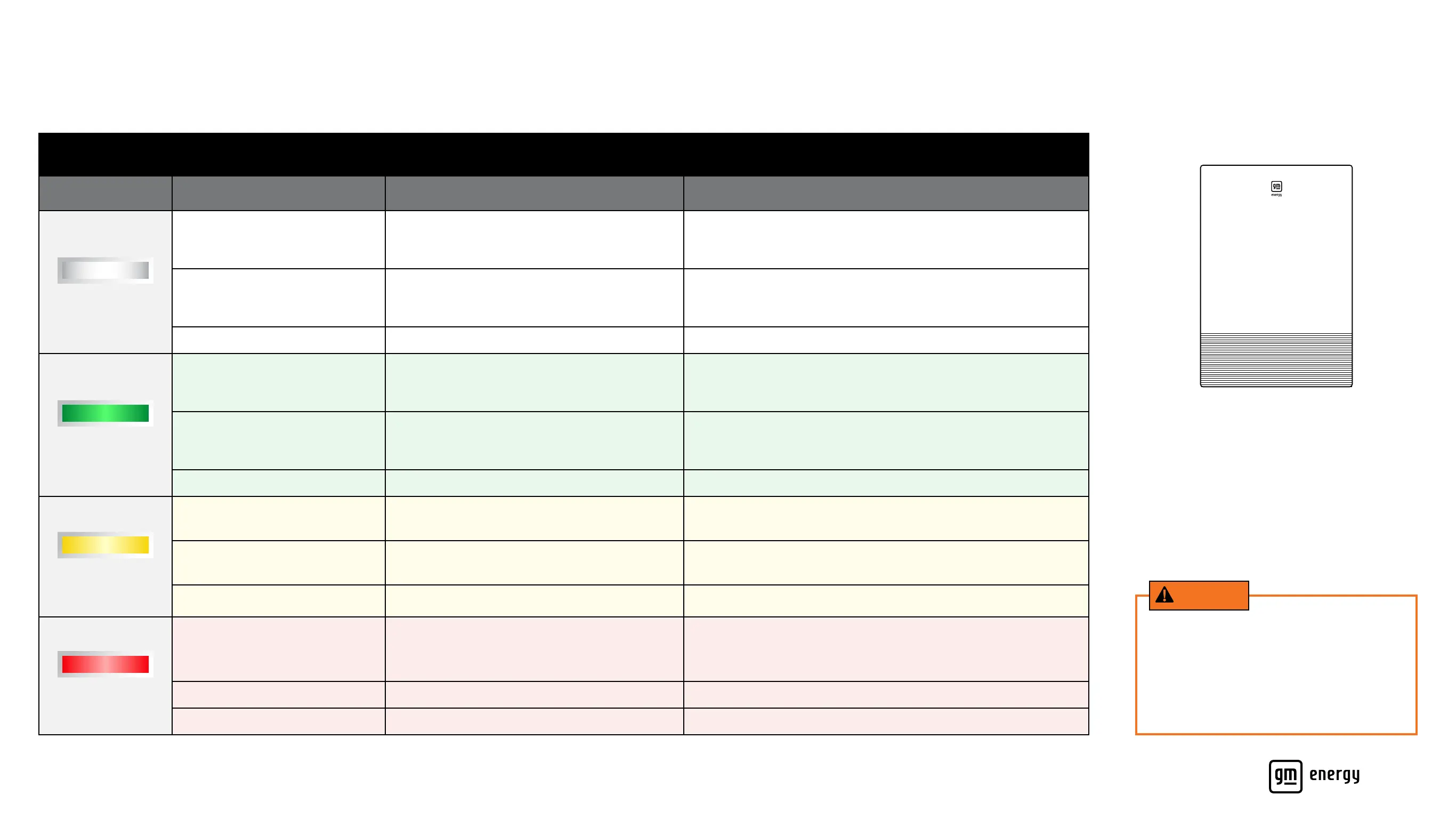
Decoding the Blinking LED Lights
GM Energy Inverter LED Indicator
Color Behavior Denition Recommended Action
White
Steadily Blinking
(1 second on, 1 second off)
OTA (over-the-air) software update is in progress No action required
Slowly Blinking
(1 second on, 4 seconds off)
Deep Sleep Mode
Plug in GM EV and press Power Button
Solid
GM Energy Inverter is initializing after a reset
No action required
Green
Steadily Blinking
(1 second on, 1 second off)
A charge or discharge session is starting up No action required
Slowly Blinking
(1 second on, 4 seconds off)
Idle/standby No action required
Solid Normal operation – the system is converting power No action required
Yellow
Steadily Blinking
(1 second on, 1 second off)
Battery fault mode (GM Energy PowerBank
or GM Energy Dark Start Battery)
Try pressing the red button at the bottom of the GM Energy Inverter.
If the light remains yellow, call the GM Energy Support Center
Slowly Blinking
(1 second on, 4 seconds off)
GM Energy Inverter warning
Contact the GM Energy Support Center
Solid
Equipment alarm
Contact the GM Energy Support Center
Red
Irregular Blinking
(0.5 seconds on, 0.5 seconds off, 2
seconds on, 0.5 seconds off)
Over current protection fault – more power is
being drawn than the system can handle
(such as by an AC unit, welding kit, etc.)
Try turning off appliances and devices to lower your current energy
consumption. The backup power session should restart automatically.
If the session does not start back up automatically,
consider unplugging and plugging in the Compatible GM EV again
Rapid Blinking Ground fault – indicates a possible wiring issue Call the GM Energy Support Center
Solid Arc fault – indicates a possible wiring issue Call the GM Energy Support Center
GM Energy Inverter
WARNING
A red LED light indicates an error or issue
that may cause a hazardous situation.
To reduce the risk of re, electric shock or
serious injury, do not attempt to open any
equipment or x/alter any components, and
follow the recommended action noted.



 To Next Page