18
GM Energy V2H Bundle User Manual
OVER-THE-AIR UPDATES (OTA)
The GM Energy System is designed to install software updates automatically, using wireless technology so as not to inconvenience the user. After the update
is nished, the system will reboot. Depending on the type of update, the lights in the home may icker briey.
• Designed to work over the life of the system to improve features and
x minor bugs
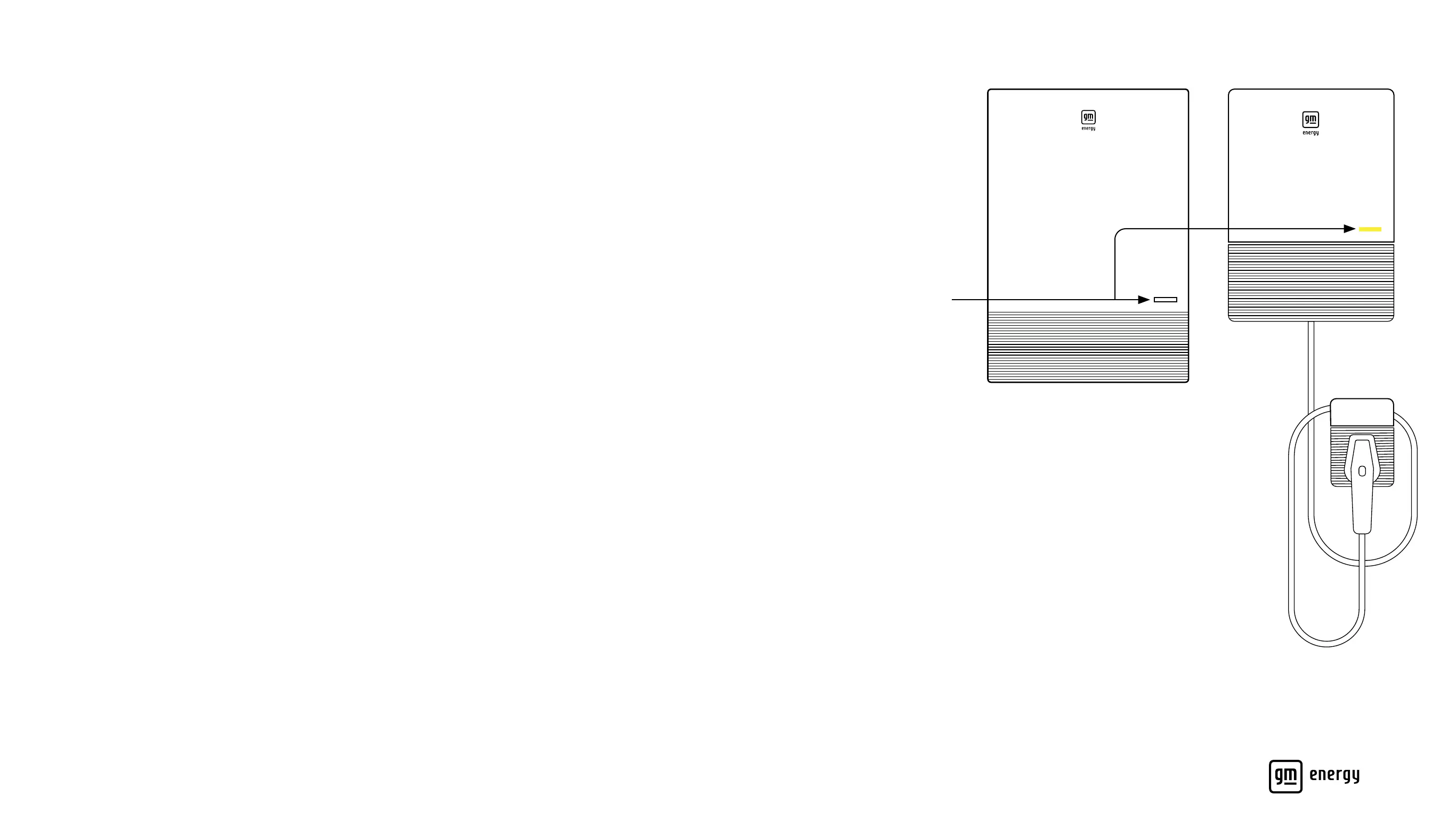
• Is indicated by a yellow LED light on the GM Energy PowerShift Charger
and a blinking white LED light on the GM Energy Inverter
• Triggers a notication in your vehicle’s mobile app (myChevrolet, myBuick,
myGMC or myCadillac) that an update is in progress
• The LED Indicators will return to a solid green light (if the GM EV is
plugged in)
• If LED Indicators do not return to normal after two hours, please call the
GM Energy Customer Support Center
LED Indicators



 To Next Page