15
GM Energy V2H Bundle User Manual
NEED-TO-KNOW ACTION ITEMS
Decoding the Blinking LED Lights
Both the GM Energy PowerShift Charger and the GM Energy Inverter feature LED Indicators that signal the system’s charge status.
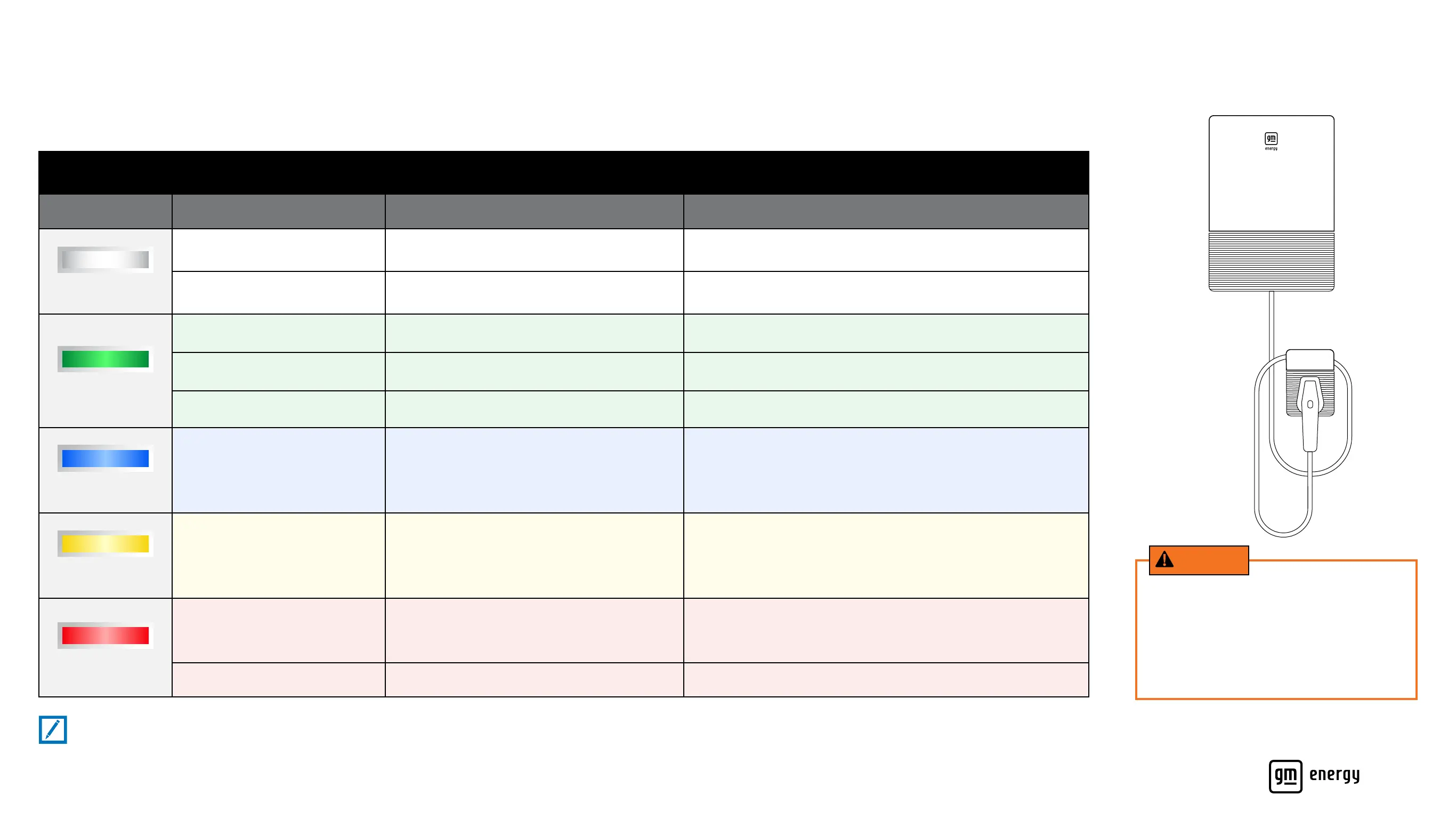
GM Energy PowerShift Charger LED Indicator
Color Behavior Denition Recommended Action
White
Blinking Charger is resetting No action required
Solid
Charger is ready but GM EV is not plugged in Plug in GM EV
Green
Steadily Blinking
(1 second on, 1 second off)
GM EV is actively charging
No action required
Slowly Blinking
(1 second on, 4 seconds off)
Compatible GM EV is actively discharging power to the home
No action required
Solid
Compatible GM EV is plugged in but not actively
charging or discharging
No action required. (Leave Compatible GM EV plugged in until you
need to drive, so that it’s ready in case of a power outage)
Blue
Solid
Bidirectional charging system is in process of switching
from charging to discharging session
No action required
Yellow
Blinking
OTA (over-the-air) software update is in progress
No action required
Red
Blinking Charger error
Check your Compatible GM EV’s mobile app (myChevrolet, myBuick, myGMC or
myCadillac) for further descriptions. Attempt to unplug and plug in the charging
coupler again. If issue persists, or if physical damage is noticeable to the system,
please call the GM Energy Support Center before proceeding
Solid Installation incomplete Contact installer
Note:
If the LED Indicator on the GM Energy PowerShift Charger is completely off, the system is not receiving power (it is in Deep Sleep Mode).
GM Energy
PowerShift Charger
WARNING
A red LED light indicates an error or issue
that may cause a hazardous situation.
To reduce the risk of re, electric shock or
serious injury, do not attempt to open any
equipment or x/alter any components, and
follow the recommended action noted.



 To Next Page