22
Control Solution Testing
Gmate™ control solution contains a known amount of glucose and is
used to check that the meter and the test strips are working properly.
Control solution is available separately.
Do a control solution test:
to practice the test process instead of using blood,
whenever you open a new vial of test strips,
if you suspect the meter or the test strips are not working properly,
if you have had repeated unexpected blood glucose results, or
if your meter is damaged.
STEP 1
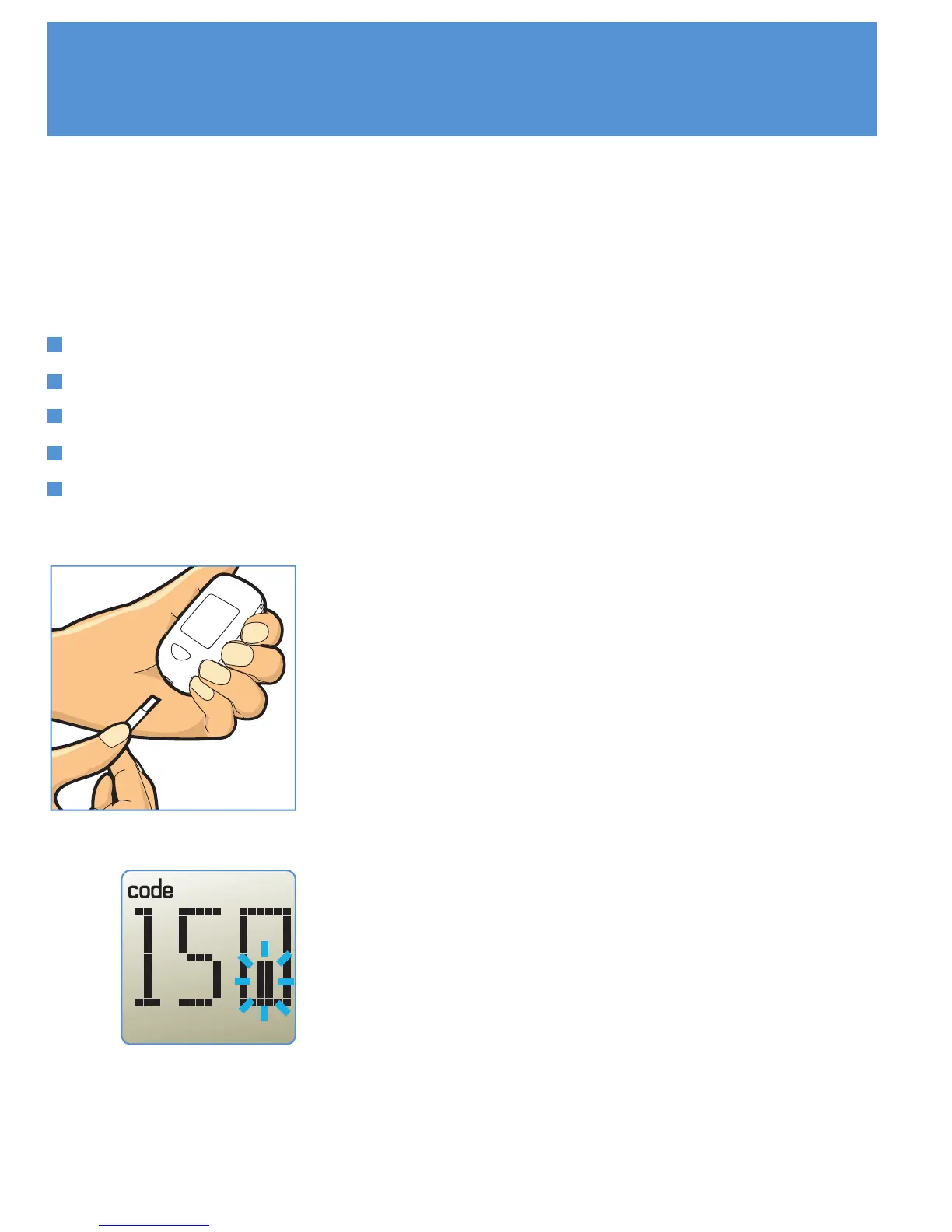
Hold the test strip with the electrode end
facing up. Insert the electrode end into the
test strip port on the meter. Insert a new test
strip into the meter until it stops. The meter
will turn on.
STEP 2
Time will be displayed for a moment. Then
Code number and strip symbol will be
displayed. A strip symbol with filling blood will
appear letting you know the meter is ready to
test.



 To Next Page