23
Control Solution Testing
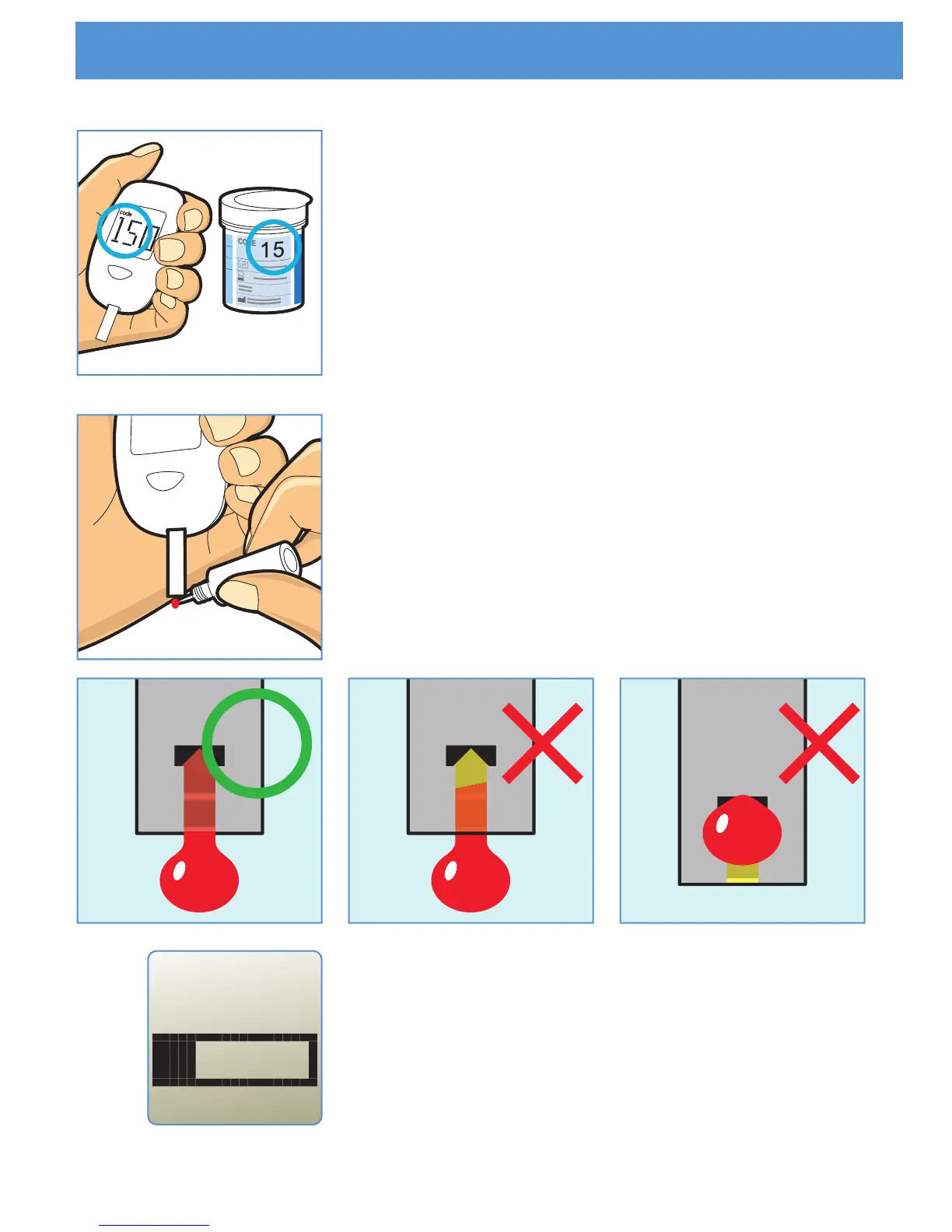
STEP 3
Make sure the code number showed on the
screen is same as the code number printed
on the test strip vial. If the code number on
the screen is different from the code number
printed on the strip vial, try to insert new strip.
STEP 4
Shake the control solution vial and remove
the cap. Gently touch a drop of control
solution to the tip of the test strip. Hold until
the meter beeps.
STEP 5
The meter will now show counting progress
during 5 seconds.



 To Next Page