24
Control Solution Testing
STEP 6
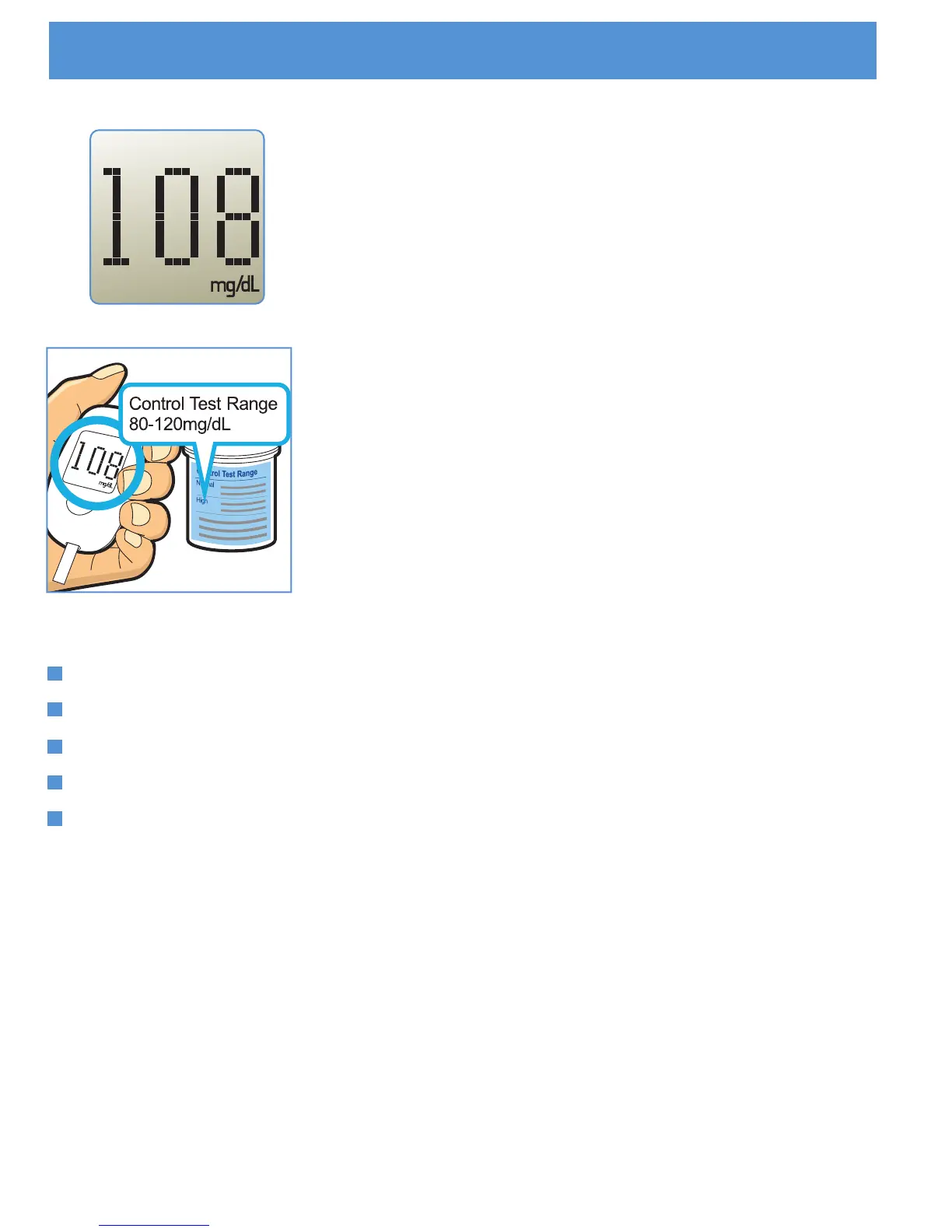
The test result is complete when you hear
beeps. Your control solution test result is
shown on the display screen.
STEP 8
To turn your meter off, remove the used test
strip.
STEP 7
Compare the result displayed on the meter to
the control solution range printed on the test
strip vial. If the results you get are not within
this range, the meter and strips may not be
working properly. Repeat the control solution
test.
Out of range results may be caused by:
not following the instructions on this USER’S GUIDE,
expired, contaminated or watered-down control solution,
expired or damaged test strip,
control solution test done outside 20°C to 25°C(68°F to 77°F),
or a problem with the meter.
If you continue to get control solution results that fall outside the
range printed on the test strip vial, do not use the meter, the test
strips, or the control solution. Call the local distributor.



 To Next Page