30
Replacing the Battery
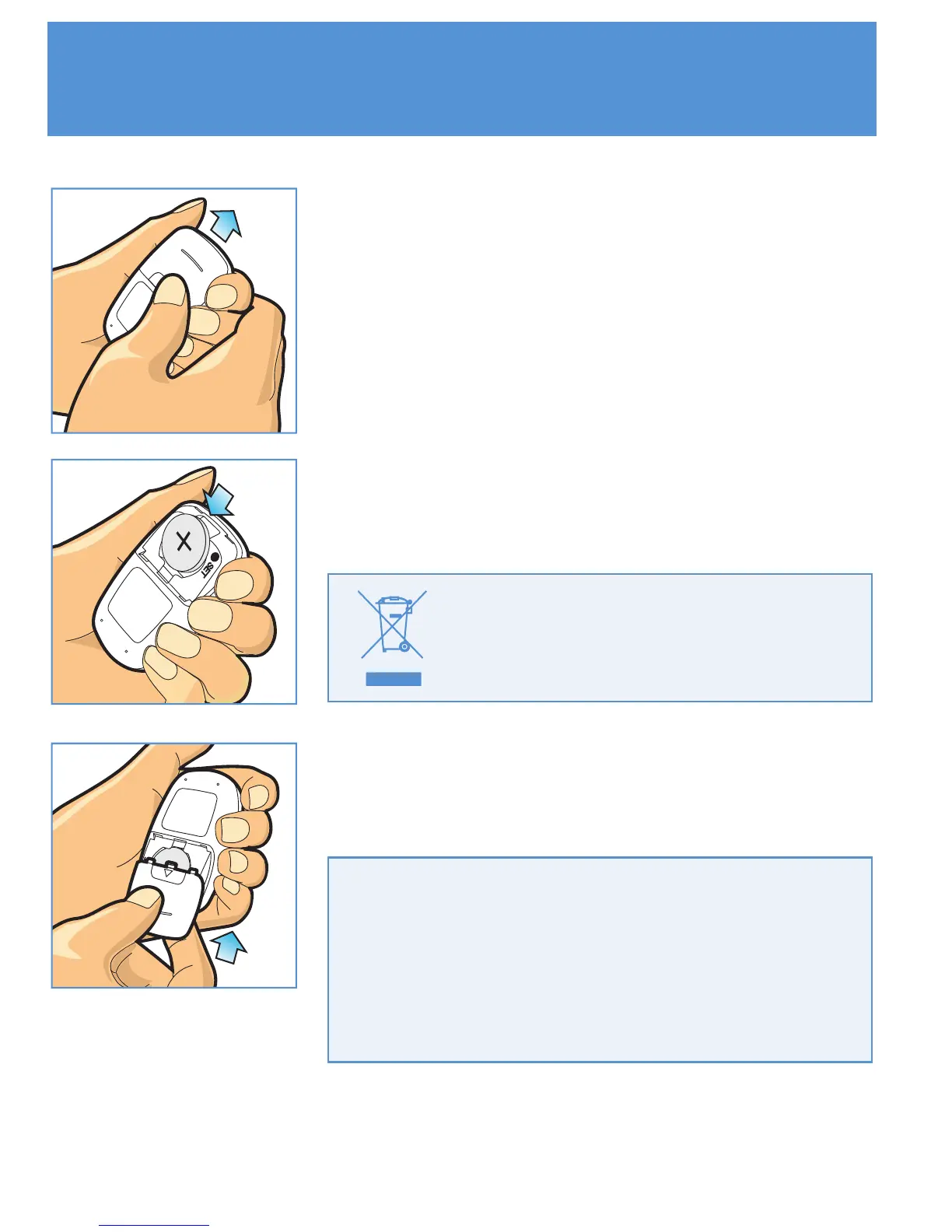
STEP 1
Prepare the 3V Lithium battery(CR2032) for
replacement. Press firmly on the battery cover
and slide in the direction of the arrow.
STEP 2
Remove the old battery and place the new
one in the tray with the "+" side facing up.
STEP 3
Slide the battery cover back into place and
close firmly.
Caution : Dispose of battery
according to your local
environmental regulations.
Important : If you do not replace the new
battery within one minute of taking the old
one out, you have to reset the date and
time. Removing the battery does not affect
the meter's memory or user settings.



 To Next Page