29
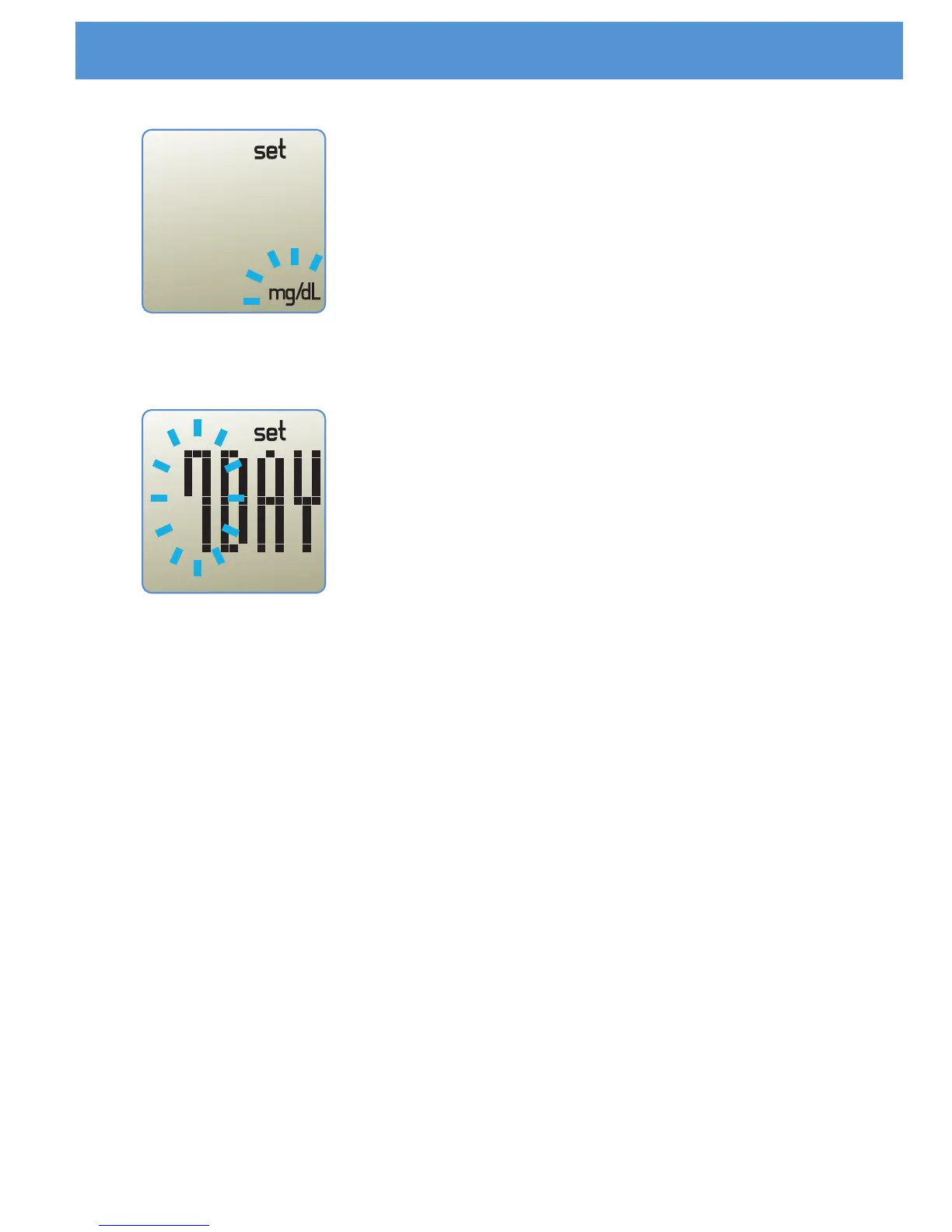
STEP 9
With the unit flashing, press the 'M' button to
select "mg/dL" or "mmol/L". Press the 'SET'
button to move to the average day setting.
STEP 10
For the average day setting, press “M” button,
then the period of date will change 0,7,14 and
30. If you set the period of date to 0, then no
average would be displayed in reviewing
results. Press the 'SET' button to complete
meter set-up and turn off the meter.
Setting the Meter



 To Next Page