28
Setting the Meter
STEP 5
With the month flashing, press the 'M' button
until the correct month appears. Press the
'SET' button to move to the day setting.
STEP 6
With the day flashing, press the 'M' button
until the correct day appears. Press the 'SET'
button to move to the hour setting.
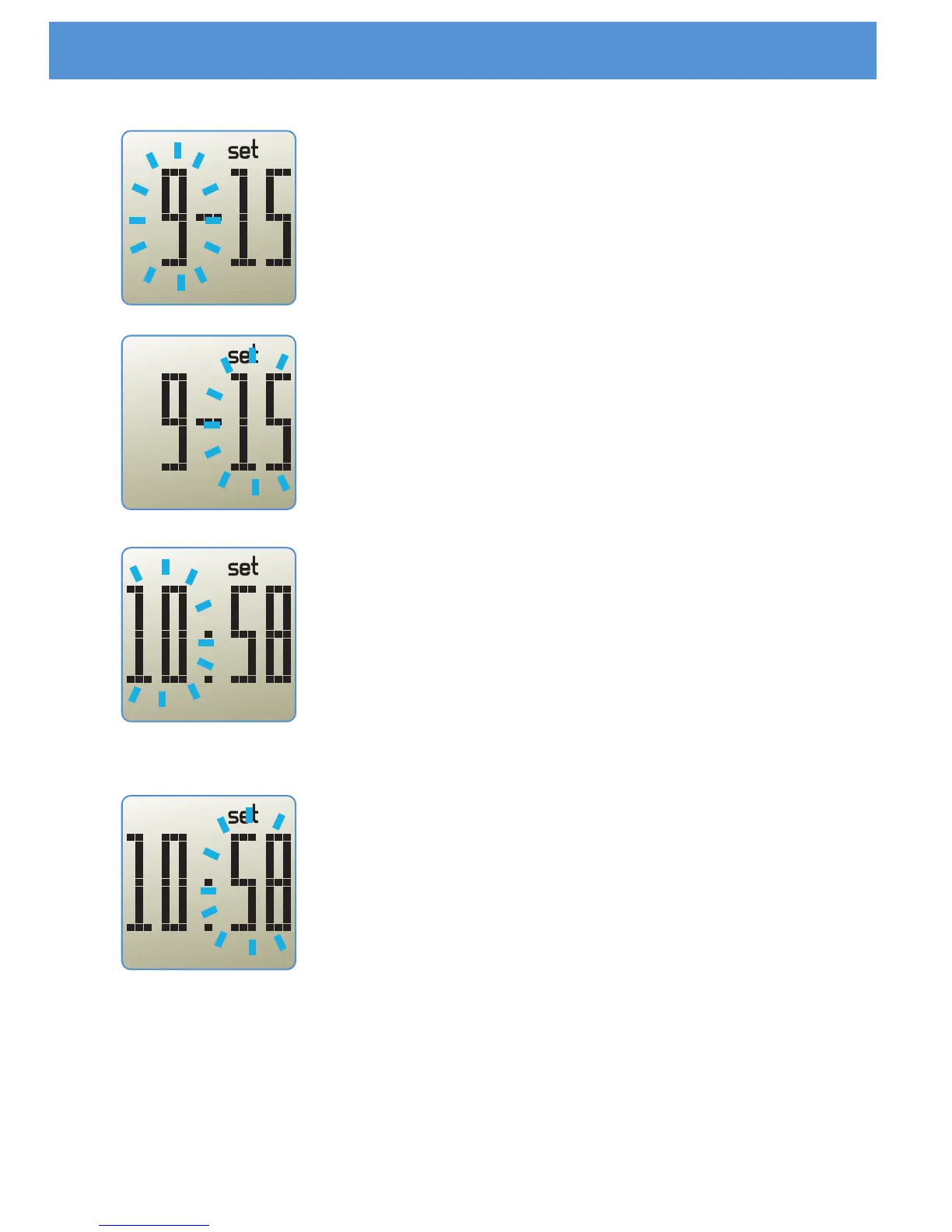
STEP 7
With the hour flashing, press the 'M' button
until the correct hour appears. The meter
displays only the 24-hour time format. Press
the 'SET' button to move to the minute setting.
STEP 8
With the minute flashing, press the 'M' button
until the correct minute appears. Press the
'SET' button to move to the unit setting.



 To Next Page