25
Reviewing Results
STEP 1(To review average)
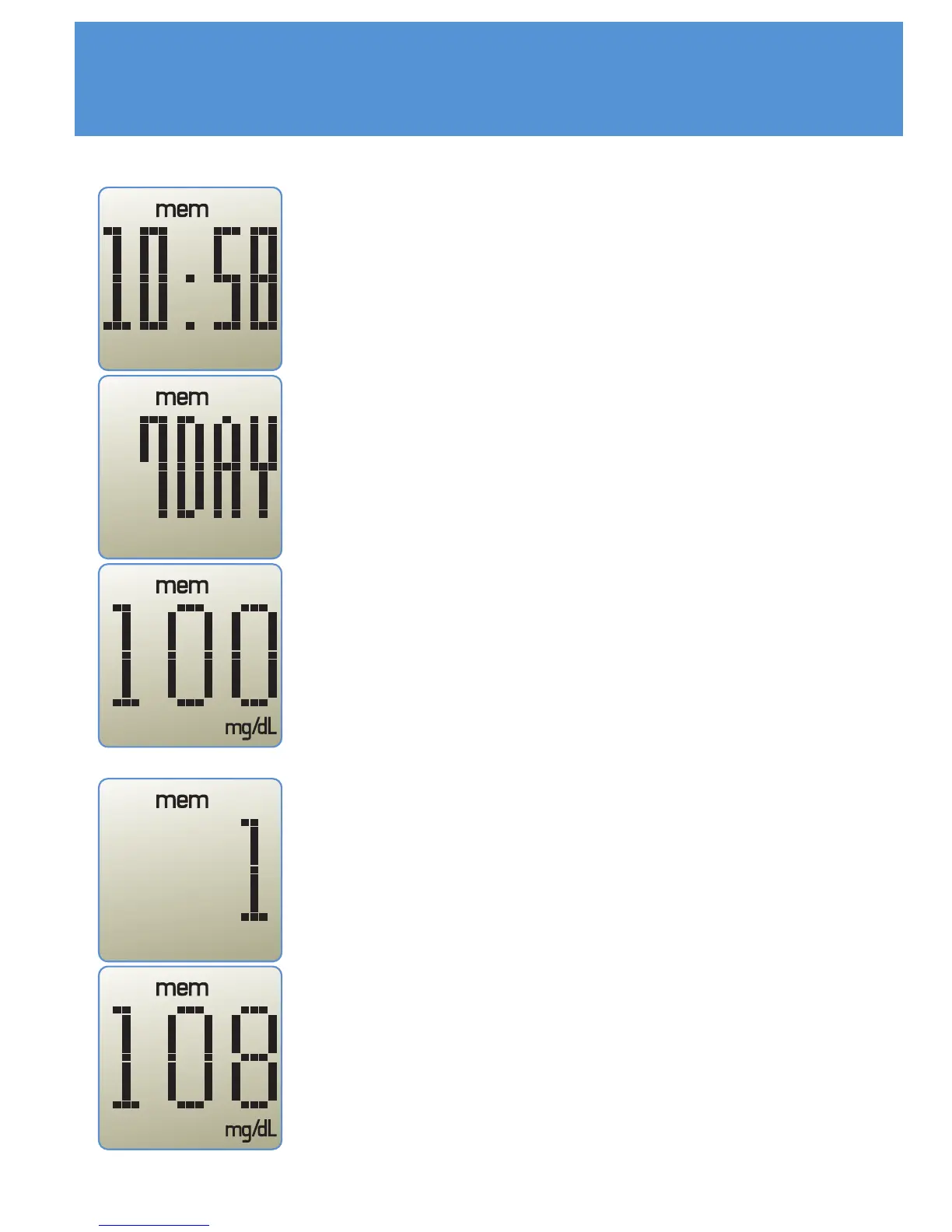
With the meter is off, press and release the
'M' button on the meter. Time will be
displayed for a moment. Then the average of
your glucose result during fixed period will be
displayed. If you set the date of average
result 0 day, the meter will show most recent
test result instead of average. If you press 'M'
button again while the average is showing,
then most recent result should be displayed.
STEP 2(To enter review mode)
In the average mode, press and hold the 'M'
button. The number of last glucose result will
be displayed. Release the 'M' button. The first
glucose result will be displayed.



 To Next Page