mg/dL
am
Control Solution Testing
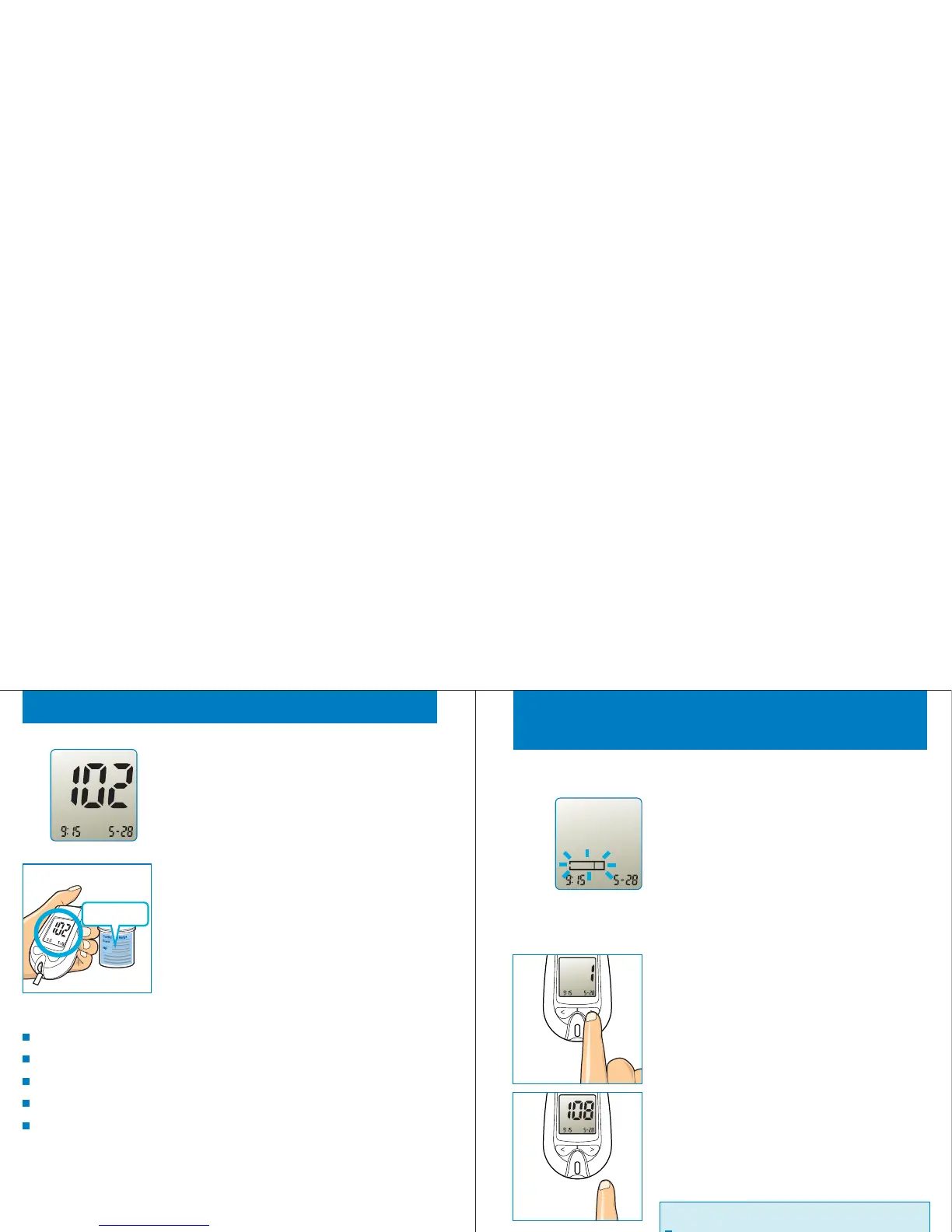
Beeps when test is finished. The test result
of control solution is displayed on screen.
STEP 6
Compare the test result with control
solution range which is printed on test strip
container. If the test result is not within the
range, the Gmate™WHeeL and strip may
worked improperly. Repeat the control
solution test.
STEP 7
If your control solution test results are out of the range
continuously, do not use the Gmate™ WHeeL, the test strips
and/or the control solution. Please contact the local distributor.
Out of range results may be caused by:
when you are not comply the instructions on this USER’S GUIDE,
expired, contaminated or watered-down control solution,
expired or damaged test strip,
control solution test is done out of temperature range 20°C to 25°C,
or a problem on the Gmate™WHeeL.
Roll the eject wheel to discard the used strip. Test result is stored
in memory automatically.
STEP 8
24
mg/dL
am
R eviewing Results
STEP 1
During the meter is off, when click any
button, the present time and date are
displayed. After then, a strip symbol is
blinking.
25
am
STEP 2(T o enter review mode)
When a strip symbol is blinking, press the
'>' button. The last test sequence number
(=1) is displayed. Release the '>' button,
the last test result is displayed.
Mem
am
Mem
mg/dL
am
Important :
If there is no result, “- - -” is displayed.



 To Next Page