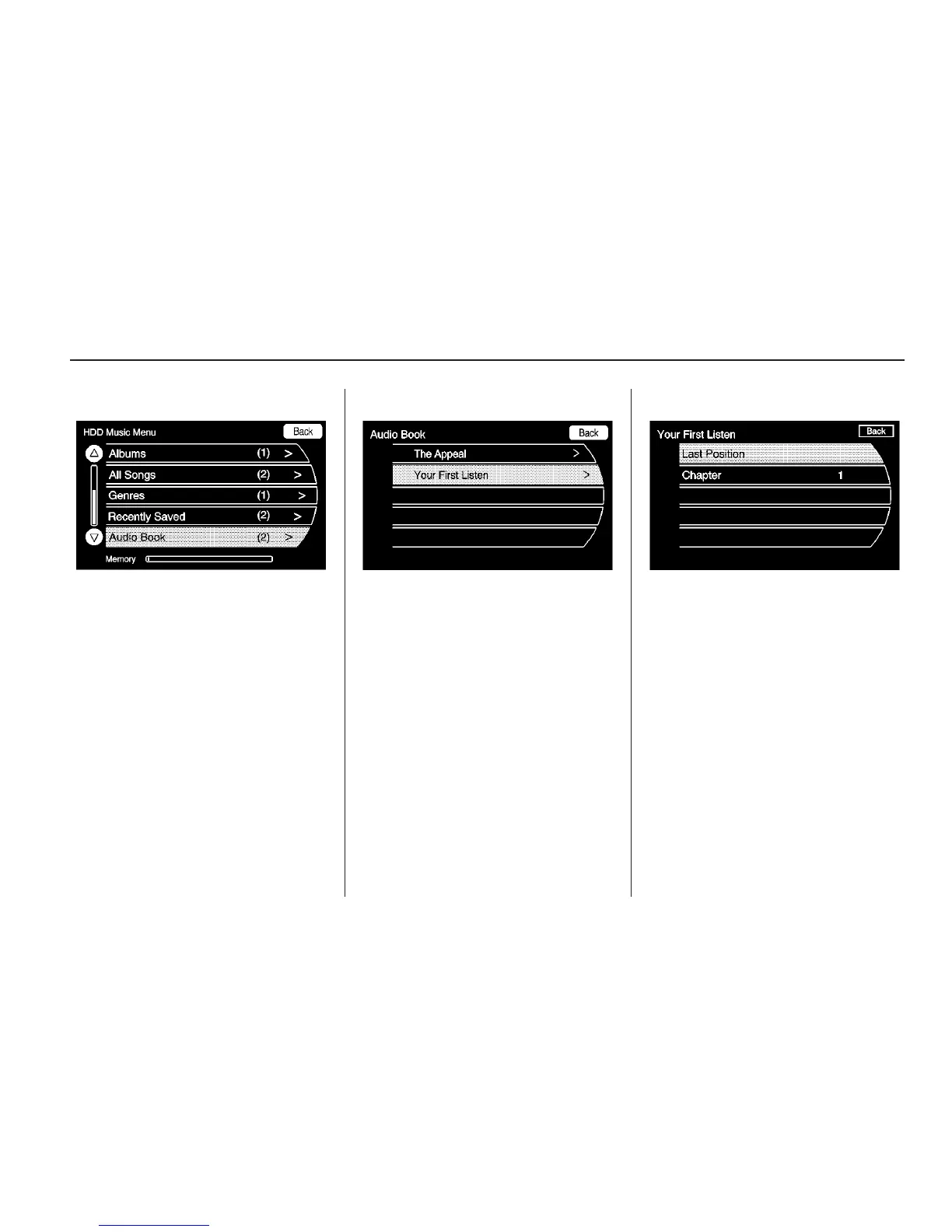
2. Enter the HDD Menu, the HDD
Music Menu displays. Scroll
down to the Audio Book option
and select.
3. The Audio Book screen displays a
list of the available audio books
for playback. Select a book.
4. Then, select a chapter to start
playback.
Infotainment System 37



 To Next Page