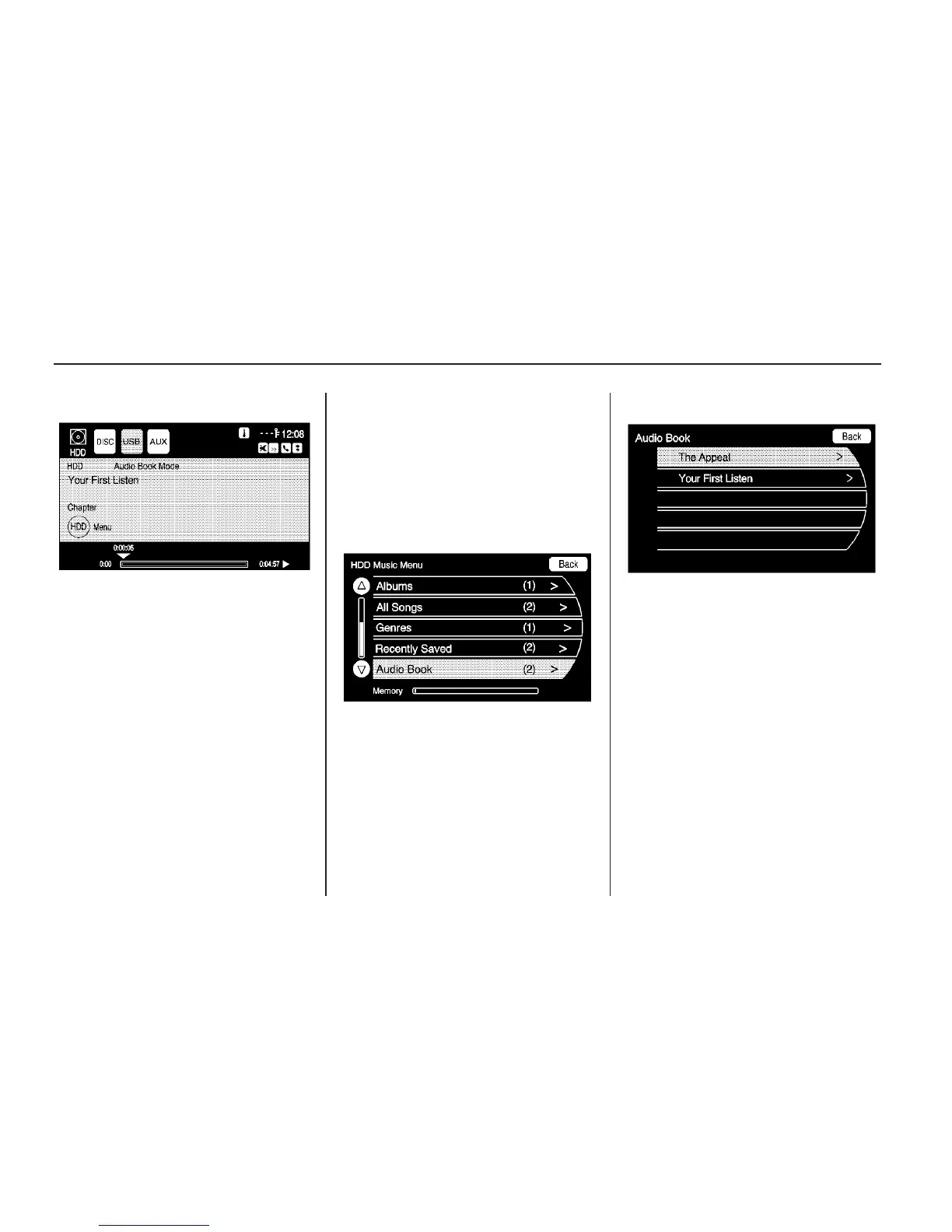
5. The audio book begins playback.
Selecting Another Audio Book
To play a different audio book from
the one selected, return to the Audio
Book menu options.
To change the audio book currently
playing:
1. Press the Select hard key or
touch the HDD Menu screen
button to enter that screen menu.
The HDD Music Menu displays.
Scroll down to the Audio Book
option.
2. The Audio Book screen displays a
list of the available audio books
for playback. Select a book.
38 Infotainment System



 To Next Page