12 Infotainment System
MENU/SEL: Turn the knob to
change the radio station. See
“Finding a Station” later in this
section for more information.
RADIO/BAND: Press to select the
AM, FM, or XM (if equipped) band.
The audio sources can also be
changed by using the steering
wheel controls. See “Steering Wheel
Controls” in the Index of the vehicle
owner manual for more information.
HDD/DVD/AUX: Press to change
source to DISC, HDD, USB,
or AUX.
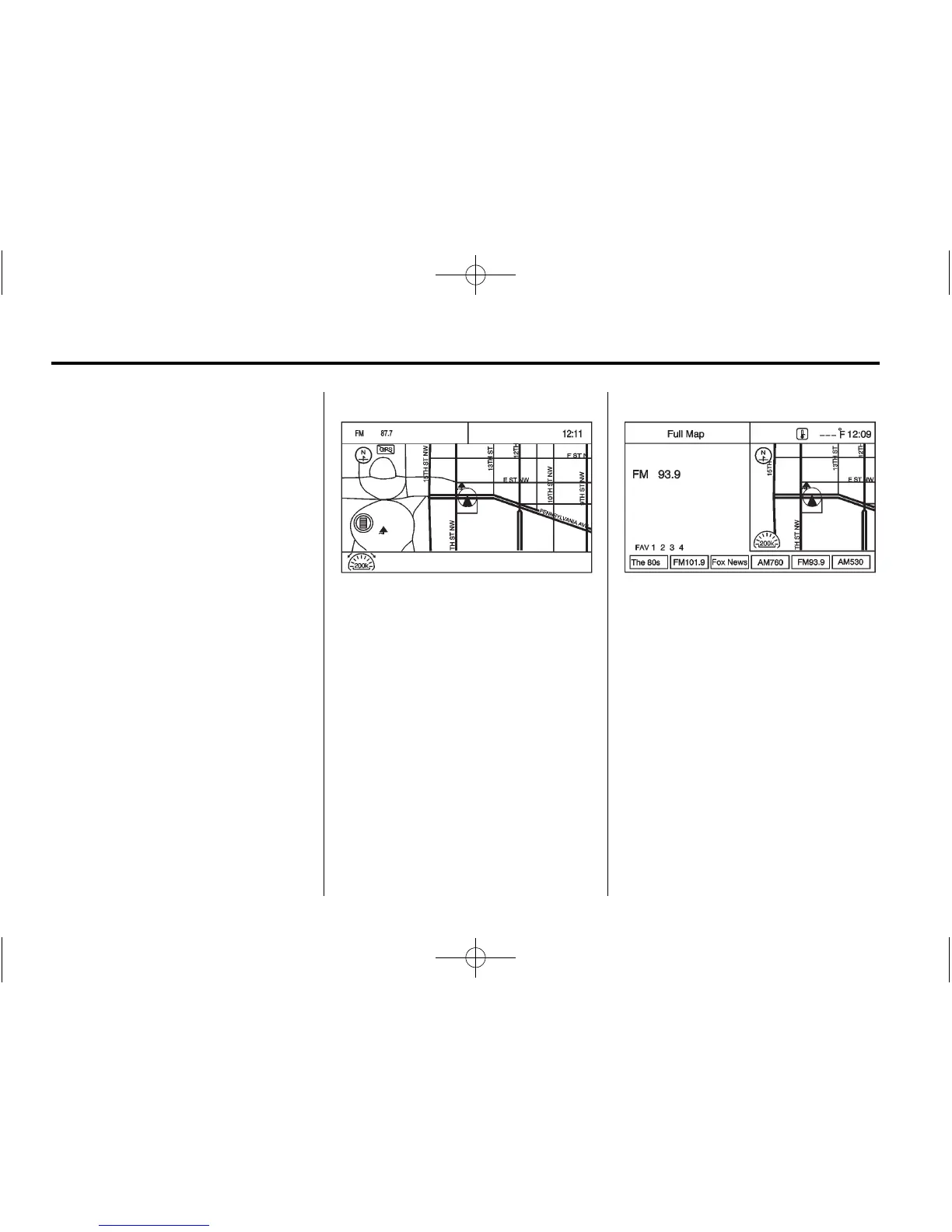
If the audio system is on and you
are viewing a map screen, an audio
information screen will appear at the
top of the map display.
Press the audio information screen
to display the current audio source.
The display shows a split screen
with the audio source screen on the
left side and the map or guidance
screen on the right side. Press the
Full Map button to exit the split
view screen.















 To Next Page