Infotainment System 13
Navigation Audio System
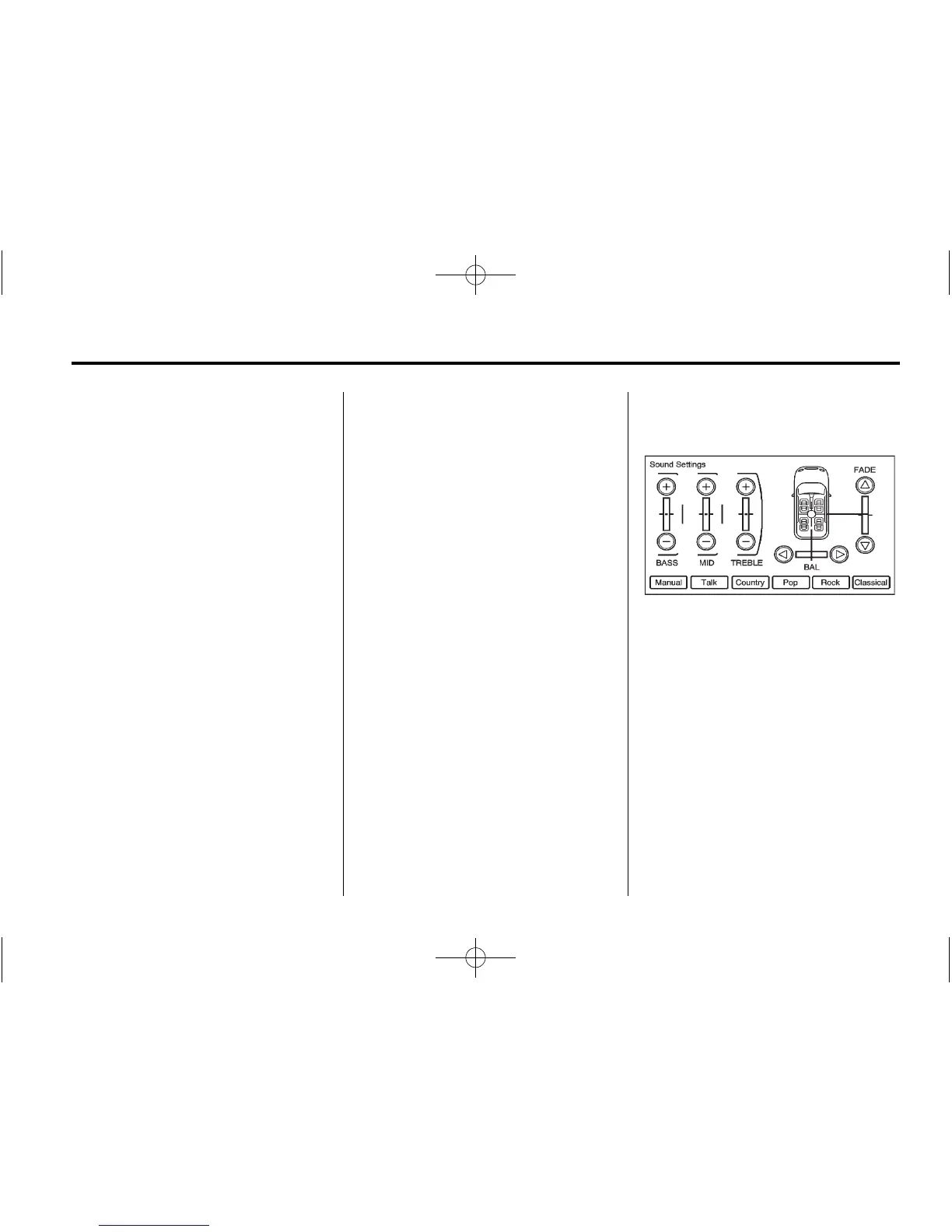
Sound Menu
To access the sound menu, press
the TONE button.
Use the sound menu to adjust the
following features:
.
Setting the Tone
.
Adjusting the Speakers
Setting the Tone
To adjust the tone using the
sound menu:
.
TREBLE: Press + or − to change
the level.
.
MID (Midrange): Press + or − to
change the level.
.
BASS: Press + or − to change
the level.
Adjusting the Speakers
To adjust the speaker balance (BAL)
using the Sound menu:
.
Press and hold o for more
sound from the left speakers or
p for more sound from the right
speakers. The middle position
balances the sound between the
left and right speakers.
To adjust the speaker fade (FADE):
.
Press and hold w for more
sound from the front speakers
and
x for more sound from the
rear speakers. The middle
position balances the sound
between the front and rear
speakers.
EQ Settings
EQ (Equalization): The EQ
settings are selected through the
sound menu. EQ provides a choice
of Manual, Talk, Country, Pop, Rock,
or Classical settings.















 To Next Page