14 Infotainment System
Radio Settings
To access the Radio settings menu:
.
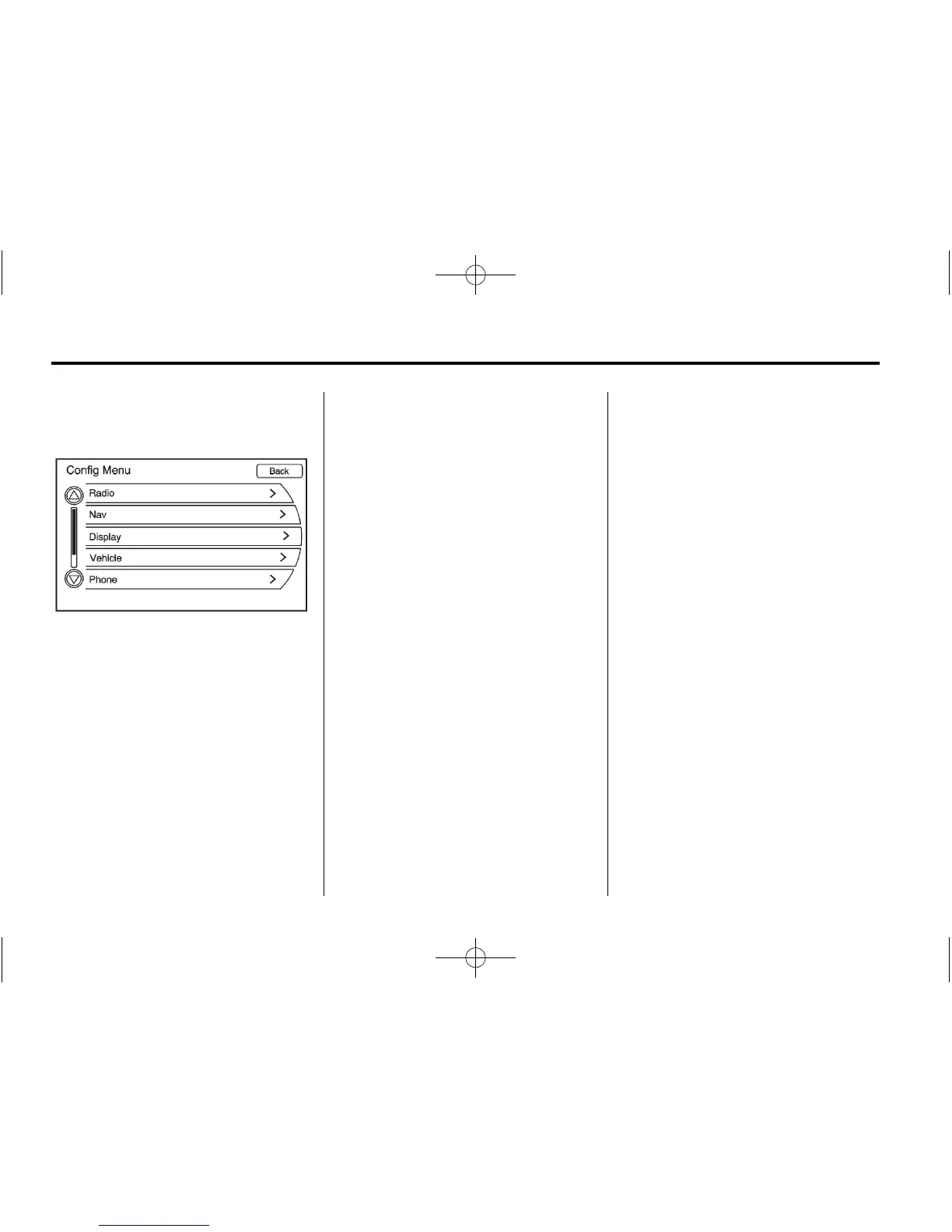
Press CONFIG to display the
Config Menu features.
.
Turn the MENU/SEL to display
Radio. Press the MENU/SEL
knob or press the Radio screen
button to display other options.
Audio system settings or features
can be customized for:
.
Automatic Volume
Select OFF, Low, Medium,
or High sensitivity to
automatically adjust the
volume to minimize the effects
of unwanted background noise
that can result from changing
road surfaces, driving speeds or
open windows. This feature
works best at lower volume
settings where background
noise is typically louder than
the sound system volume.
.
Number of Favorite Pages
Change the number of
mixed-band preset pages when
using the FAV button. Press 1
through 6 to select the number
of preset lists.
.
HDD FAV Pages (Number of
Favorite Categories for
HDD Mode)
Selects the categories such as
Playlist, Artist, Album, and
Genre to be used as a favorite
category during HDD mode.
.
DivX Registration Code
Displays the DivX registration
code used for DivX media
playback.















 To Next Page