38 Infotainment System
5. The audio book begins
playback.
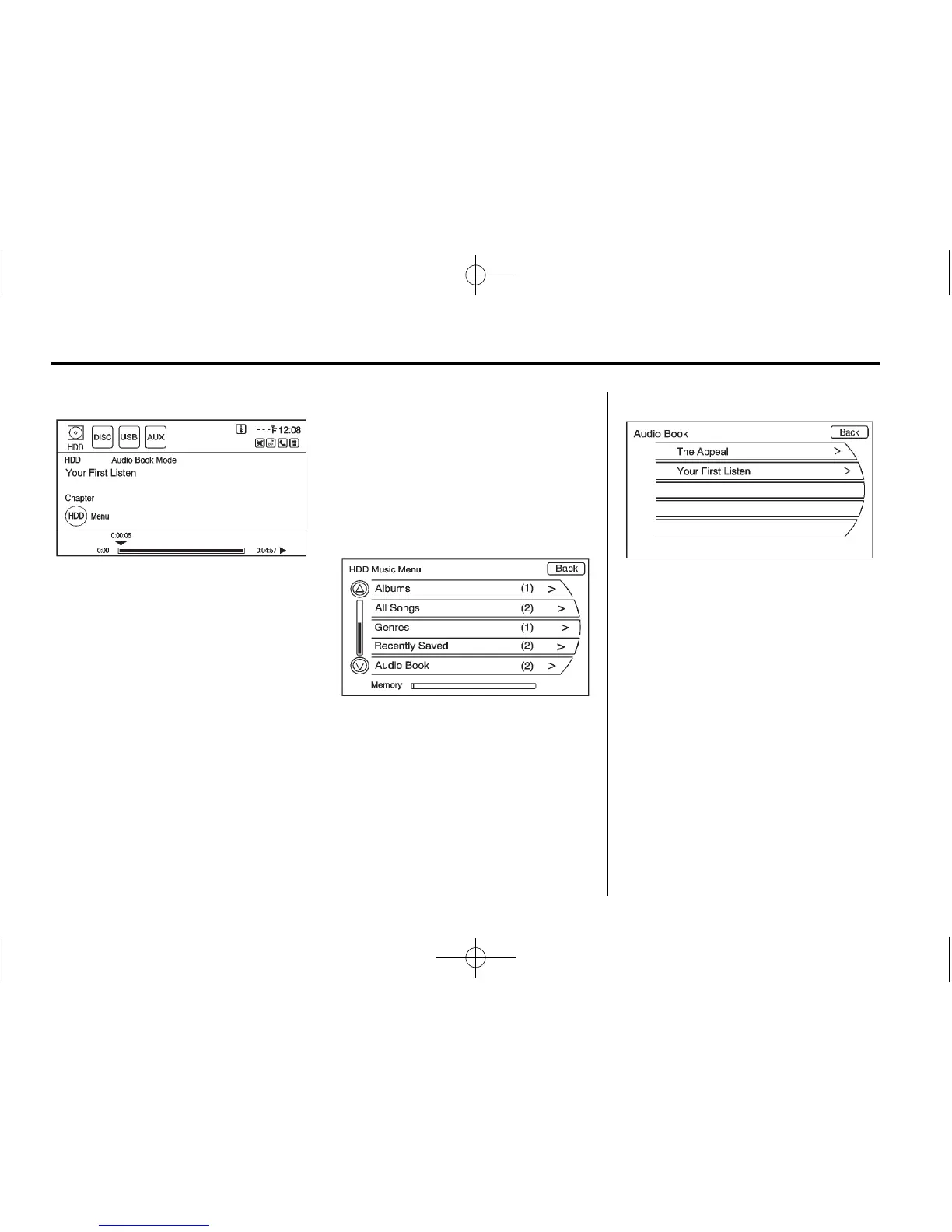
Selecting Another Audio Book
To play a different audio book from
the one selected, return to the Audio
Book menu options.
To change the audio book currently
playing:
1. Press the HDD Menu button or
press the MENU/SEL knob to
display the HDD Music Menu.
Scroll down to the Audio Book
option.
2. The Audio Book screen displays
a list of the available audio
books for playback. Select
a book.















 To Next Page