Infotainment System 39
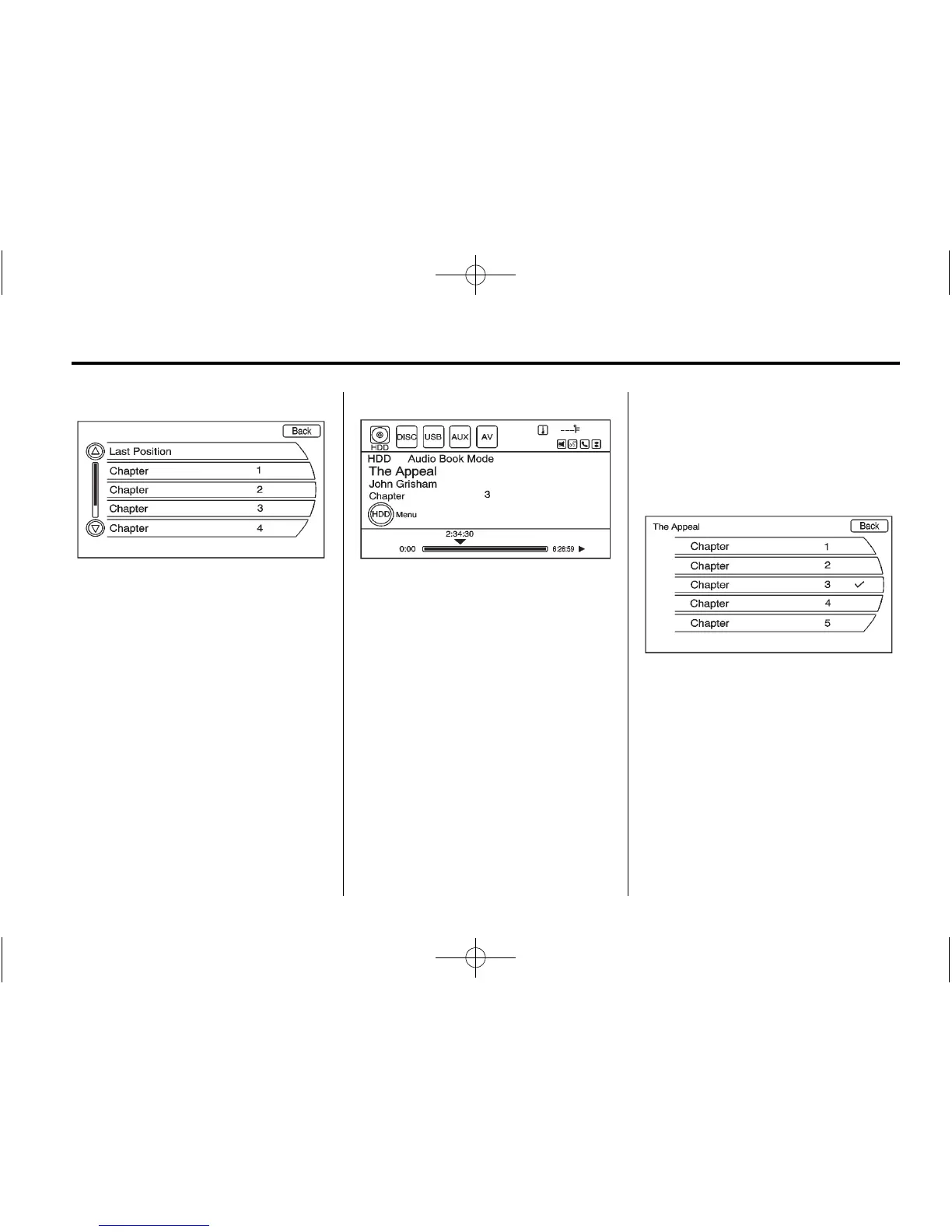
3. Select a chapter to start
playback.
4. The audio book begins
playback.
Changing Chapters within an
Audio Book
To change chapters within an
audio book:
While the audio book is playing,
press the MENU/SEL knob. The
chapter list of the current book
displays. Select a chapter from the
list. To return to the current chapter
being played, select the chapter
with the checkmark located at
the right.















 To Next Page