78 Infotainment System
The Traffic Icon has three different
condition displays. These are:
.
No icon displays if there is no
XM NavTraffic subscription or
traffic events.
.
A single car icon displays if
there are traffic events in the
area, but none are on route.
.
A multiple car icon displays if
there are traffic events on
the route.
It could take some time to sort the
received information. The list of
traffic conditions display in the order
of distance from the vehicle, for up
to approximately 125 km (77 mi).
With a route planned, traffic events
display on the route. Not all traffic
conditions may display.
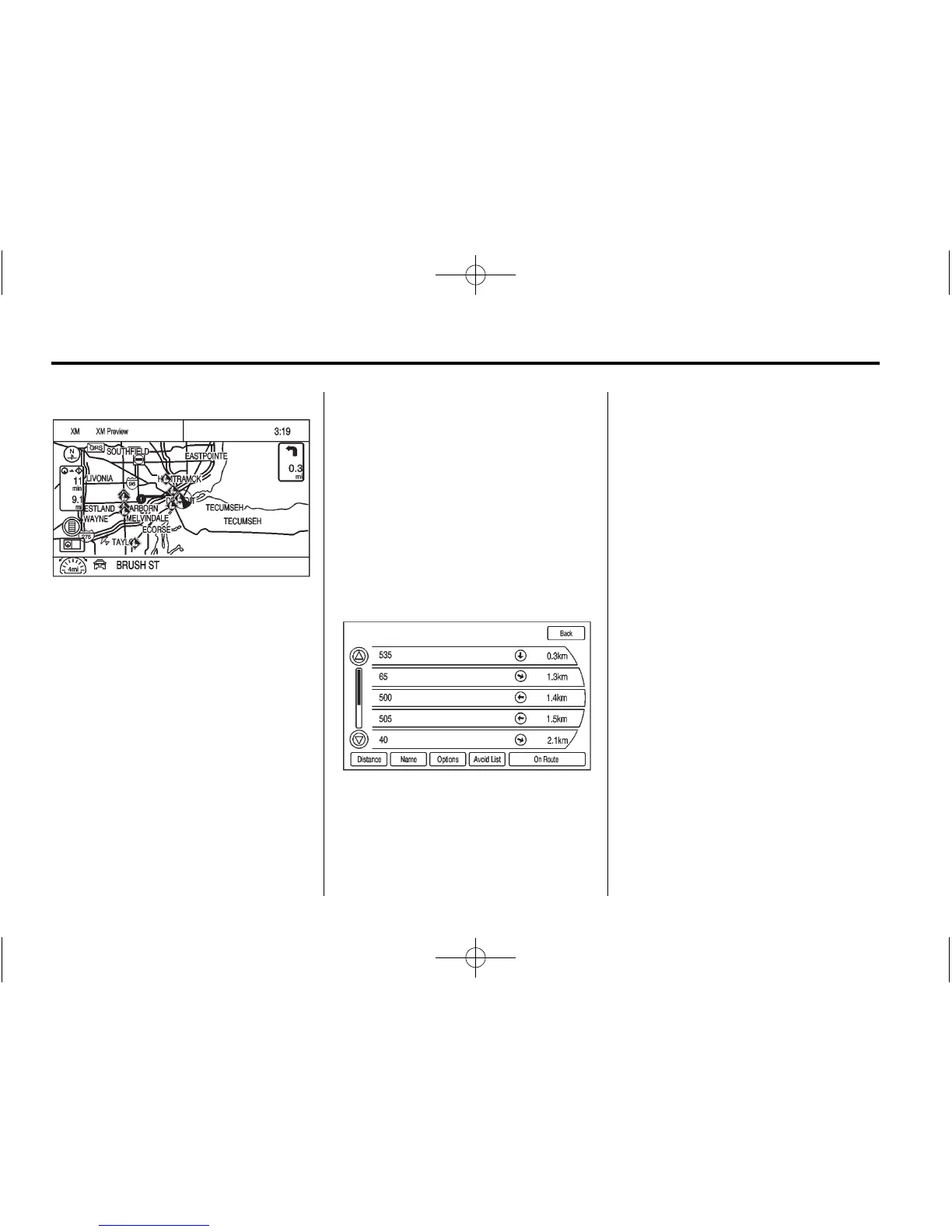
To view the traffic condition location
and information on the map:
1. Press NAV to show the map,
then press the MENU/SEL knob
for the map menu.
2. Scroll down and select the
Traffic screen button. A list of
traffic conditions with distance
from the vehicle’s current
position displays.
An arrow can appear before the
distance. The arrow indicates
the distance is a straight line
distance and the direction of the
event from the vehicle’s current
position. If no arrow appears, the
distance indicates how far the
event is ahead on current route.
No more than three pages of
traffic events may be viewed
while the vehicle is moving.















 To Next Page