Infotainment System 79
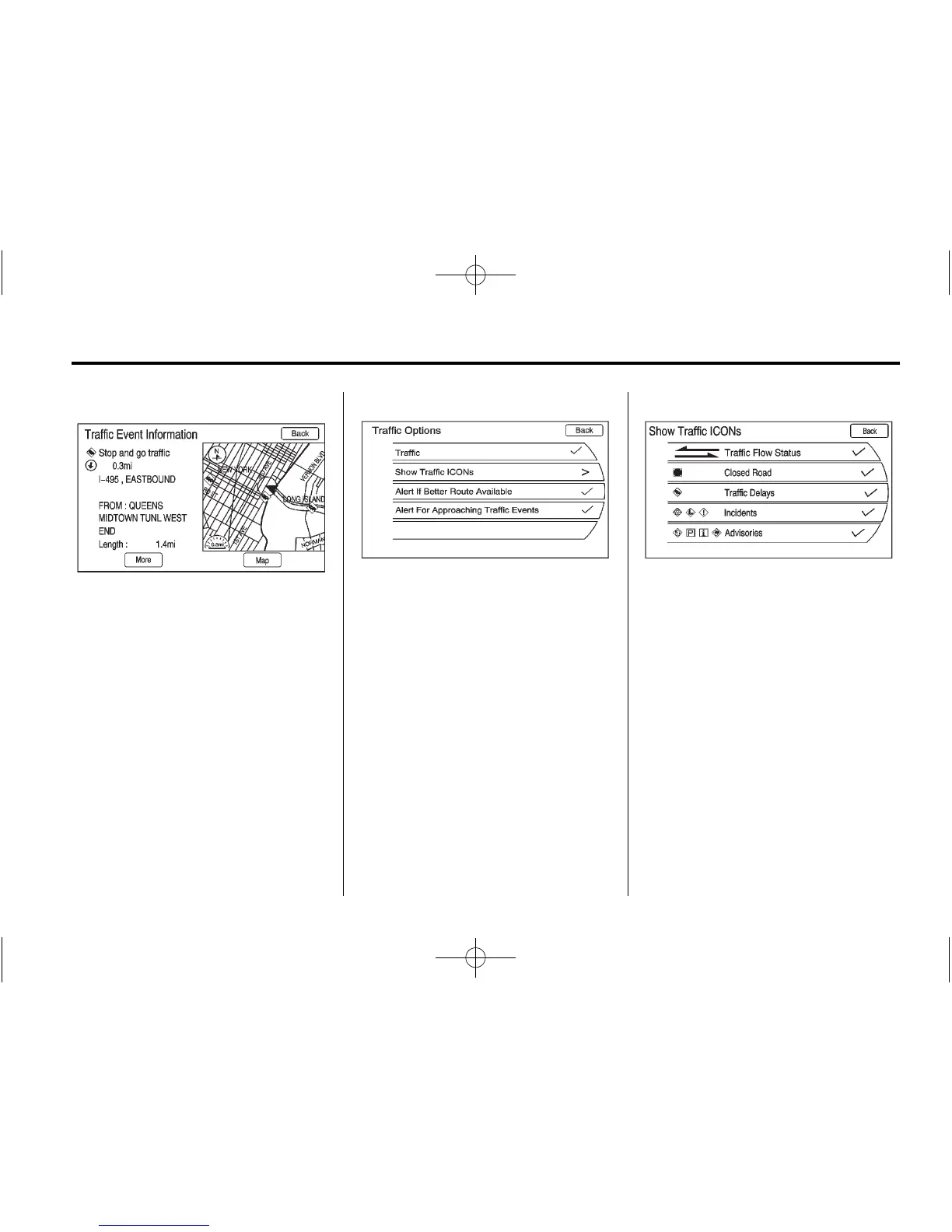
3. Select a traffic condition to get
more detailed information.
Press the Options screen button.
A Traffic Options menu displays.
Select the traffic related option.
Traffic: Press to enable or disable
the traffic function.
Show Traffic ICONS: Press to
display traffic icons on the map
screen. Also, select what traffic
information displays.















 To Next Page