80 Infotainment System
Traffic Flow Status — Enables or
disables the green, yellow, red and
black arrows that display beside the
roads and shows the traffic flow or
extent of a traffic event.
.
Black indicates a closed road
segment
.
Red indicates significantly
impaired traffic flow with
average speed of less than
40 km (25 mph).
.
Yellow indicates slightly impaired
traffic flow with average speed
between 40 km and 73 km
(25 and 45 mph).
.
Green indicates normal traffic
flow with average speed above
73 km (45 mph).
Traffic flow data arrows display on
the map when scaled up to
eight miles. Closed Road,
Traffic Delays, Incidents, and
Advisories — Select the traffic
event ICONS that appear on the
map screens.
Alert for Approaching Traffic
Events: When On, if an
approaching traffic event is within
the alert range, one of two traffic
alerts display:
.
With no route planned, while on
freeways, Approaching Traffic
Event without Avoid screen
displays.
.
With route planned, Traffic Event
on Route screen displays. If the
Alert for Approaching Traffic
Events is Off, the alert does
not display.
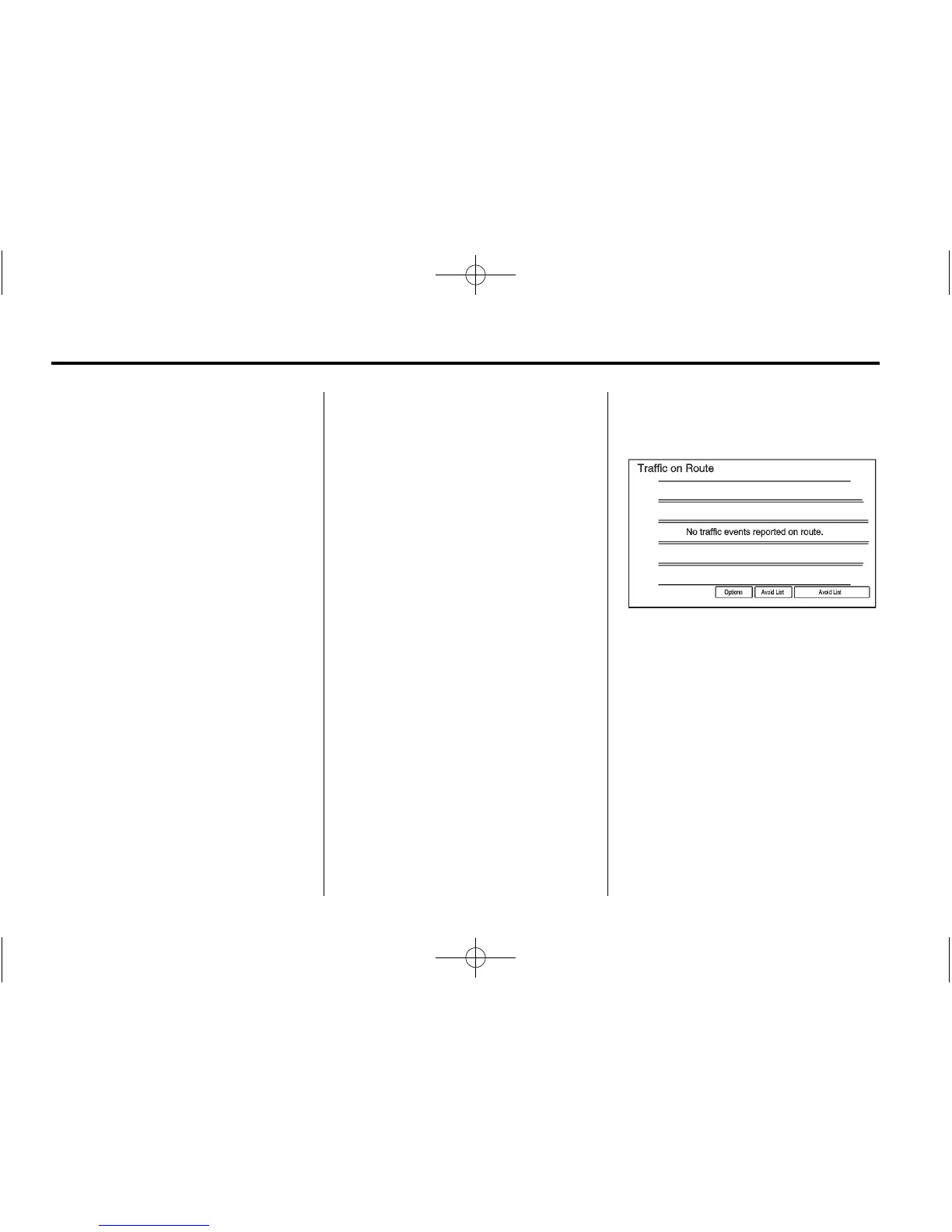
On Route
Select On Route to display all
events ahead on the current active
route. No traffic events reported
on route displays if there are none
to report.
Name
Select Name to display traffic
events in alphabetical order.
Distance
Select Distance to display traffic
events in order of distance with the
closest event shown first.















 To Next Page