2 Printer Setup
017
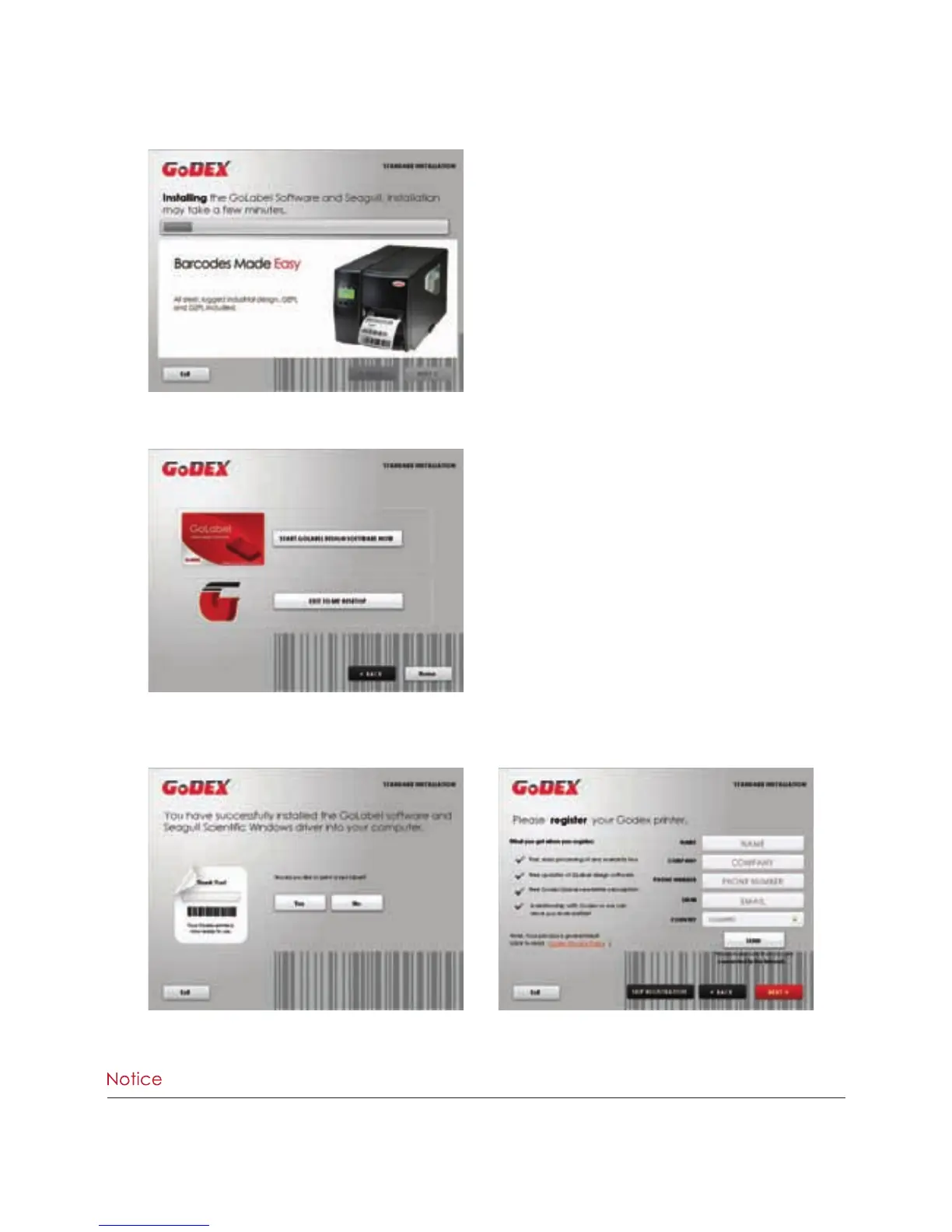
4. As the printer driver and GoLabel are installing, a screen will display a progress bar.
6. As the optional steps, you can also print a test label or register your printer during the “Standard Installation”
procedure.
5. Once the installation is complete, you can start to make and print labels with GoLabel or throug the printer driver.
****If you need more resources, tools or reference documents, you can also find them on Super Wizard CD. Just click
“Other Choices” on Welcome Screen to access the files.



 To Next Page