3 Setting and Control for Operation Panel
023
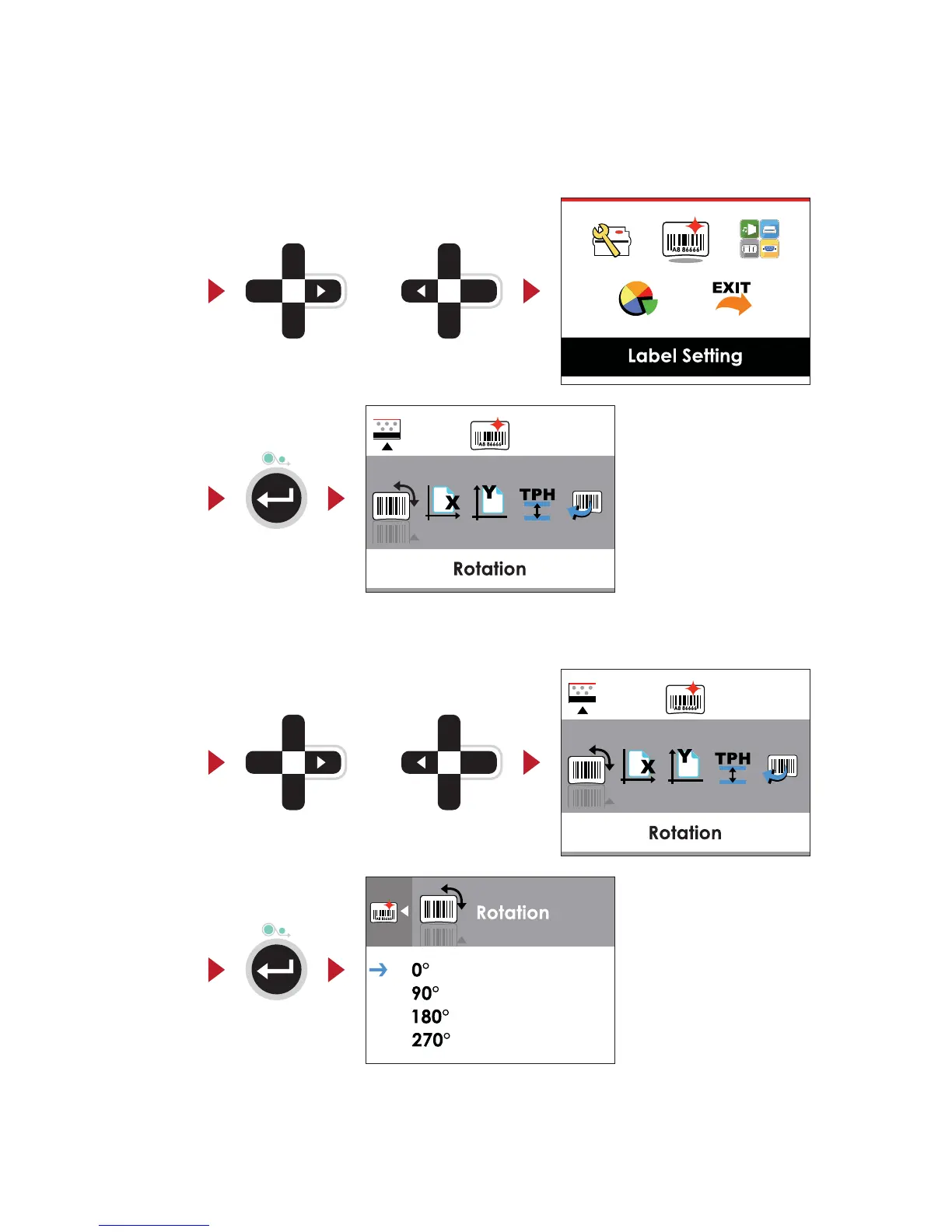
Operations on Setting Page
On MAIN PAGE, press
or
button to move the cursor and select the functions.
Select a designated function and press FEED button, you will enter the SETTING PAGES for the function.
or
Select
Enter
On SETTING PAGES, press
or
button to select the setting items.
Select a designated function and press FEED button, you will enter the SETTING VALUE PAGES for the function.
orSelect
Enter



 To Next Page