3 Setting and Control for Operation Panel
034
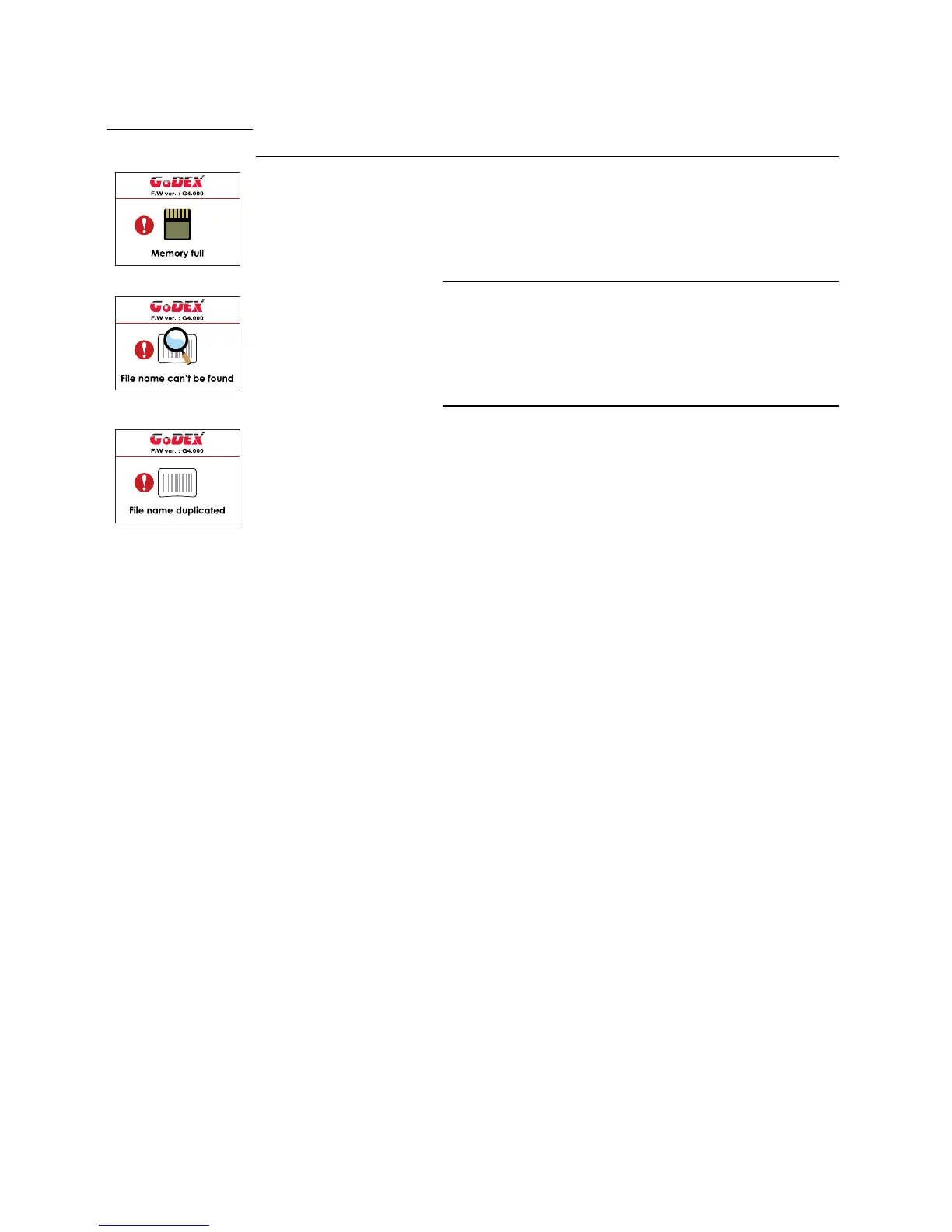
The memory is full. The printer
prints the message "File System full
".
Delete unnecessary data or install
additional memory.
Unable to find file. The printer
prints the message "File Name not
found"
Use the "~X4" command to print
all files. Then check whether the
files exist and whether the names
are correct.
A file of the same name already
exists. The printer prints the
message "Duplicate Name".
Change the name of the file and
try storing it again.



 To Next Page