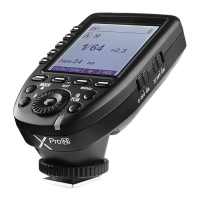
1. As a Wireless Studio Flash Trigger
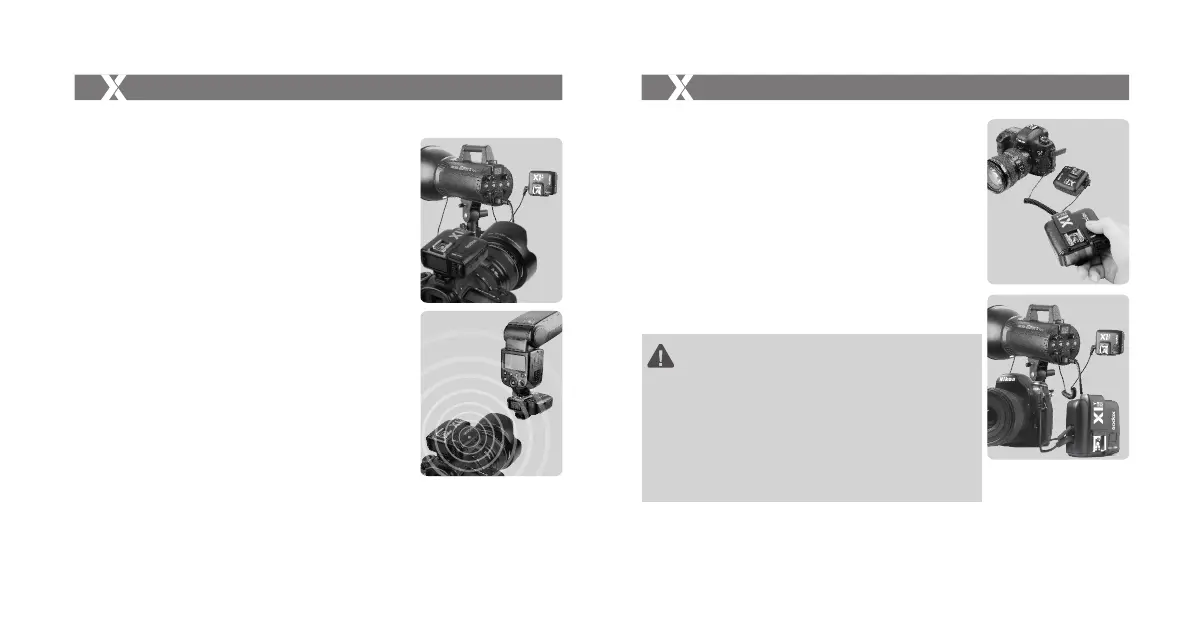
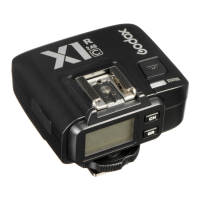
1.1 Mount the transmitter on camera hotshoe and turn it on before
turning on the camera.
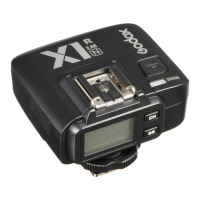
1.2 Connect the receiver to studio flash by Sync Cable (one end in
2.5mm Shutter Release Port of the receiver, the other end in
sync port of studio flash) before turning on the studio flash.
1.3 Set the transmitter and the receiver to the same channel.
1.4 Press the camera shutter button, and the studio flash will be
triggered simultaneously. Status Indicator Lamp of both
transmitter and receiver units turn red.
The flash trigger features the following functions:
Using the Flash Trigger
2. As a Wireless Speedlight Trigger
2.1 Mount the transmitter on camera hotshoe and turn it on before
turning on the camera.
2.2 Mount the speedlight to Hot Shoe Speedlight Connection of
receiver unit. Set the speedlight to M mode.
2.3 Set the transmitter and the receiver units to the same channel.
2.4 Press the camera shutter button, and the speedlight will be
triggered simultaneously. Status Indicator Lamp of both
transmitter and receiver units turn red.
3. As a Wireless Shutter Release
3.1 Connect the receiver and the camera by Remote Cable (one
end in receiver’s Shutter Release Port, the other end in
camera’s shutter port) before turning on the camera.
3.2 Half press the <TEST> Trigger Button to focus. When fully
press the <TEST> Trigger Button to shoot, the Status Indicator
Lamp will turn red until releasing the button.
Using the Flash Trigger
4. As a Wireless Studio Flash Trigger or Speedlight Trigger with
PC Sync Socket
4.1 The connection method of the receiver can be found in As a
Wireless Studio Flash Trigger and As a Wireless Speedlight
Trigger section.
4.2 The transmitter will control the flash on the receiver end to fire
via using PC Sync Socket as input by default.
4.3 Press the camera shutter and use the PC Sync Socket’s signal
to control the flash.
4.4 PC Sync Socket can also be set as output. Long press the
<CH/OK> Button of the transmitter until <Fn> is displayed on
the panel. Then, set the value of C.Fn-03 to ou, and the PC
Sync Socket is under output mode.
1. To fire flashes normally, please set the camera flash which
connects to the transmitter or receiver to i-TTL mode.
2. To set ZOOM functions, please open the ZOOM functions on
the camera flash.
3. If high-speed continuous shooting is needed, please set the
groups as required. The shot-to-shot will increase noticeably for
the group that set to TTL mode needs extra preflash time. Turn
off the needless flash groups or set them to M mode to improve
continuous shooting speed.
4. Nikon's CLS system can only control four groups (M/A/B/C). D
and E group cannot be used in TTL mode.
1
2
3
4
- 32 -- 31 -



 To Next Page