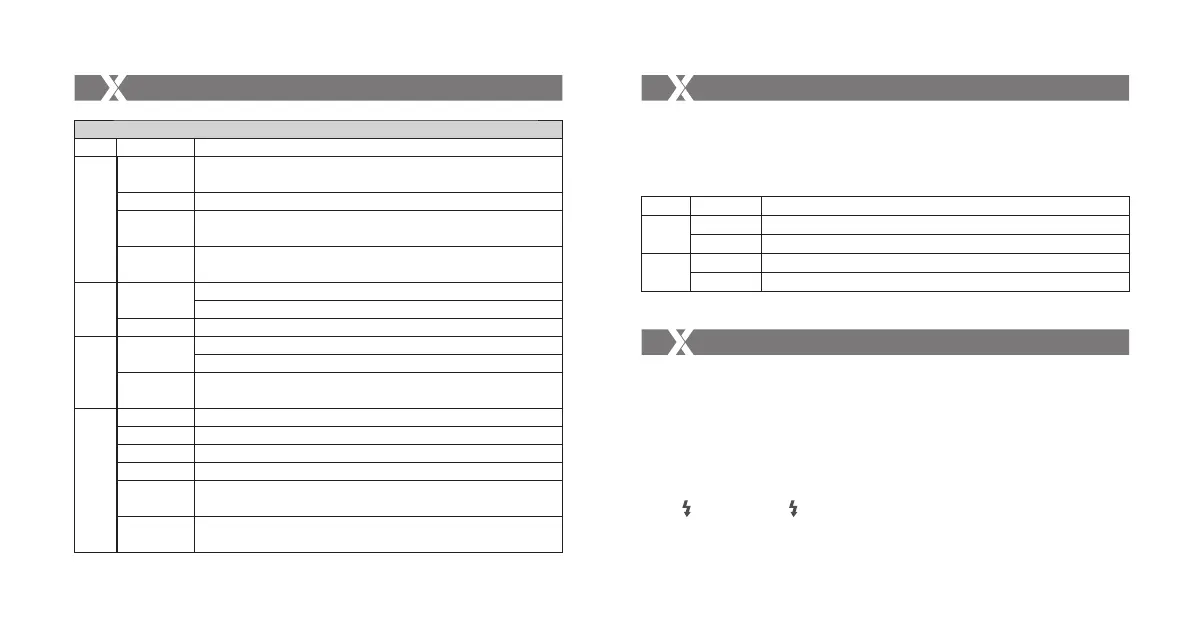
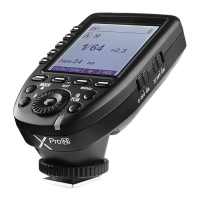
Multi Mode (C.Fn-04-on)
Operation
Short press
Double-click
Long press for
2 seconds
Long press for
5 seconds
Short press
Double-click
Short press
Long press for
2 seconds
Status
Normal
Set the channel
Set the Group
Set the flash
times
Set the flash
frequency
Button
CH/OK
GR
MODE
Function
(under normal status) Enter CH settings; (under settings) Confirm and back to
normal status
Control the ON/OFF of modeling flash
Enter C.Fn custom settings
Switch the Operation Methods (Method 1/Method 2)
Select the group downwardly
(under PTH status) Set power/times /hz
Select the group upwardly
Set the group’s ON/OFF
(under PTH status) Back to normal status
Enter PTH status(P-power, T- times, and H-hz)
Function
No (3 groups) /Turning (5 groups) [Note 2]
Adjust the channel amount
Adjust the group’s power amount
Adjust the times amount
Adjust the frequency amount
Selecting the Operation Method
[Note 2] 3 or 5 Groups refers to wireless groups. If there is a camera flash attached on the transmitter,
the camera flash belongs to M group instead of 3 or 5 groups. Choose 3 or 5 groups by
setting C.Fn-07 to 03 or 05.
Operation
Short press
Double-click
Short press
Double-click
Function
Select the channel amount upwardly
Select the channel amount downwardly
Select the group amount upwardly
Select the group amount downwardly
Button
CH
GR
Selecting the Operation Method
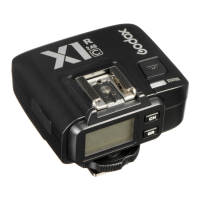
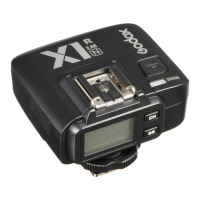
Receiver:
- 45 -
- 46 -
Select
Dial
Attentions
1. Unable to trigger flash or camera shutter. Make sure batteries are installed correctly and Power
Switch is turned on. Check if the transmitter and the receiver are set to the same channel, if the
hotshoe mount or connection cable is well connected, or if the flash triggers are set to the correct
mode.
2. Camera shoots but does not focus. Check if the focus mode of the camera or lens is set to MF. If
so, set it to AF.
3. Signal disturbance or shooting interference. Change a different channel on the device.
4. Operating distance limited or flash missing. Check if batteries are exhausted. If so, change them.
5. No < > is displayed or < > is blinking on the camera viewfinder, though the camera is
mounted on the transmitter and the power switch is turned on. This is resulted from unusual
working of the transmitter. Check and make sure the flash trigger is well connected to the camera
through Hot Shoe Camera Connection, then power the Transmitter on again.



 To Next Page