13
DE
IT
FR
EN
| FEATURES AND DISPLAY
EN
DE
IT
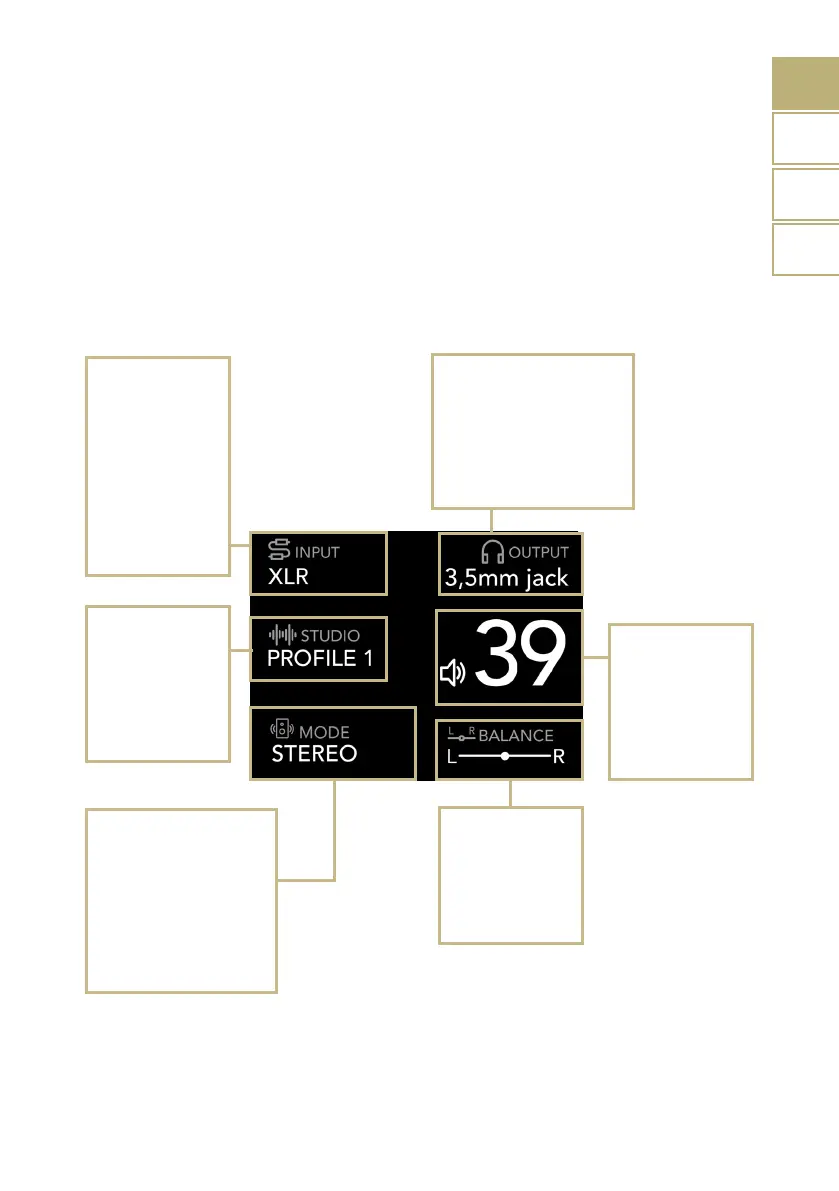
Outputs selection
Headphone:
3,5 mm jack
4-pin XLR
6,3 mm jack
4,4 mm jack
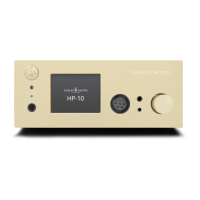
DISPLAY OVERVIEW
All the functions of the HP-10 can be
adjusted on the go through the display, the
SKC and the remote control. The volume is
on the right side while the other functions
STUDIO
PROFILE 1
PROFILE 2
PROFILE 3
OFF
Volume
0 to 100
MUTE (by tapping
the audio icon)
BALANCE
Allows you to adjust
the sound to suit
your needs by
adjusting the left
and right channels.
found in the top and the bottom part of the
display. Please refer to the image below for
details about the options available for each
function.
Input selection
Line out:
RCA
XLR
BLUETOOTH
Digital:
USB*
Available only on
HP-10 DELUXE
MONO/STEREO MODE
STEREO
STEREO REVERSE
MONO
MONO R
MONO L
Line out:
REAR


 To Next Page