7
TURNING THE PH-1000 ON/OFF
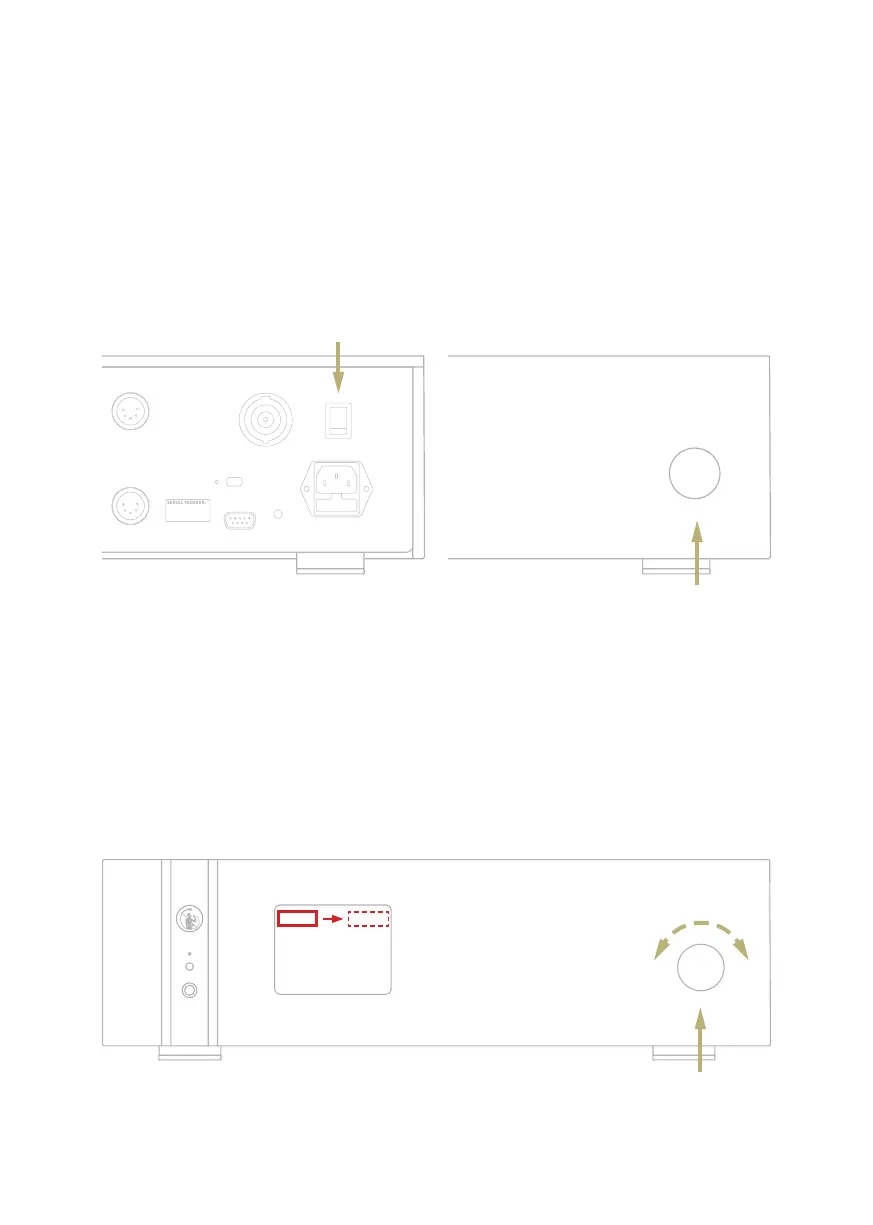
Turn on the Master Switch on the rear panel
to power the PH-1000, the status LED is red
when in standby. Push the SKC (Single Knob
Control) for three seconds to switch on the
PH-1000 and the status LED will turn blue.
| SELECT FUNCTIONS
Master switch
HOW TO SELECT THE FUNCTIONS
1 Press the knob once to activate the
SELECTION FRAME.
2 Turn the knob left or right until the
desired function is highlighted in white
then press the knob to select it.
3 The frame will turn red: now you can turn
the knob to change the function.
4 Press the knob again when the desired
value is set to confirm and exit the
selection.
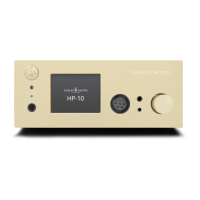
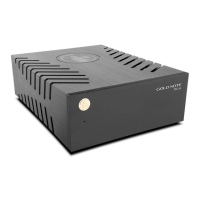
Rear panel Front panel
Push once
3 seconds push
Turn left or
right to browse
the menu


 To Next Page