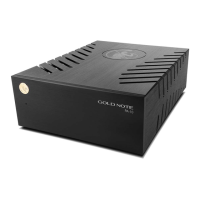
|
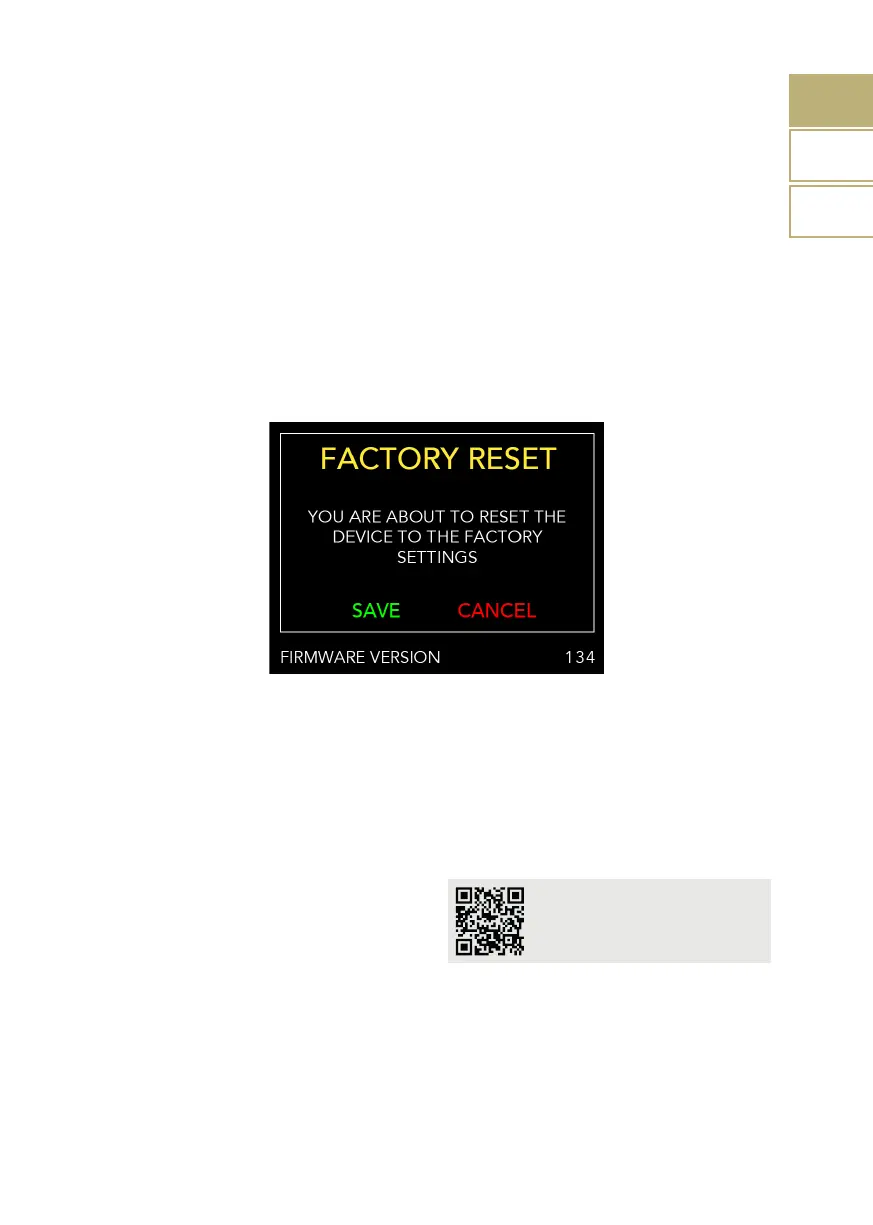
FACTORY RESET
| AND FIRMWARE VERSION
| FIRMWARE UPDATE
We are constantly striving to deliver the best
user experience and audio quality with our
products, so please keep your Gold Note
unit up to date with the latest firmware.
Scan the QR-Code and visit the dedicated
page on our website to find out how to
update your unit.
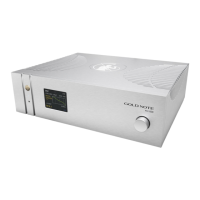
To check the firmware version of your
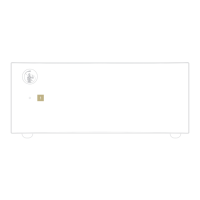
PH-1000, first turn off the Master Switch
located on the rear panel, then press and
keep pressed the SKC (knob on the front
panel) while switching back on the Master
Switch.The firmware version is shown at the
bottom of the display.
www.goldnote.it/rmware_
updating_guide.pdf
14
EN
DE
IT
A factory reset function is also available and
can be used to reset the PH-1000 to the
default settings.
Press SAVE to reset the PH-1000, press
CANCEL to exit the menu.
Firmware version and factory reset


 To Next Page