13
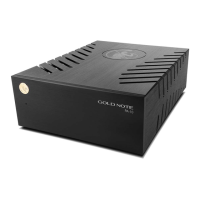
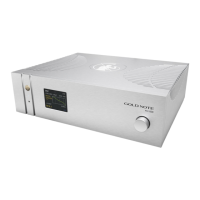
USING THE REMOTE CONTROL
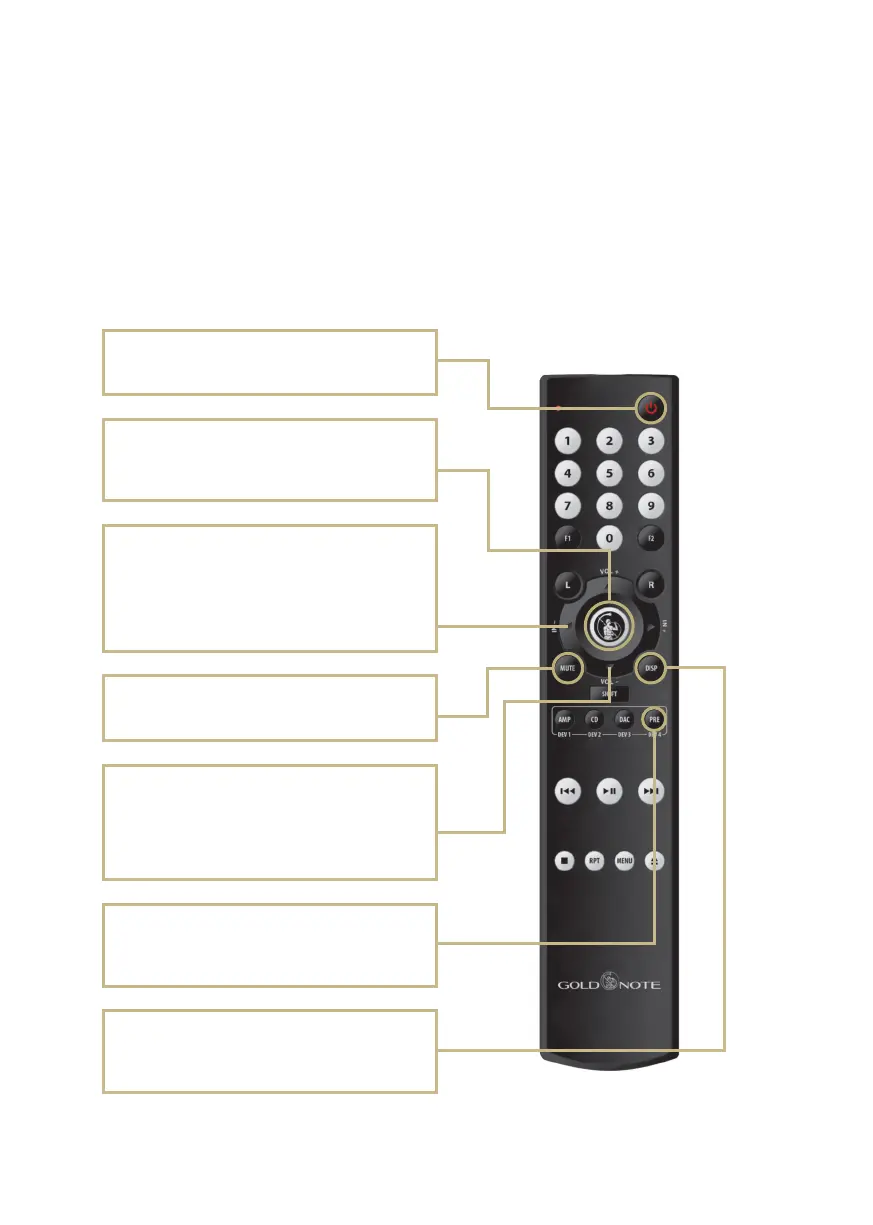
All the functions and features available on
the PH-1000 can be adjusted using the
remote.
| REMOTE CONTROL
Power ON/OFF
Turns ON and OFF the PH-1000.
Volume control
Use VOL+ and VOL- to adjust the volume level of
the headphone output by 1 step at a time. On the
PH-1000 LINE, adjusts the volume when used in
PREAMP mode.
Enter
Activates the SELECTION FRAME and selects the
functions, just like you would by pressing the knob.
Mute
Mutes the PH-1000.
PRE
To control the PH-1000, press SHIFT + PRE on the
remote control.
Display
Dimmers the brightness of the display in 4 steps:
100%, 50%, 25%, 0%.
Input selection
Use IN+ and IN- to change the selected input.
Use IN+ and IN- when the SELECTION FRAME is
red (active selection) to change the function and
set the desired value.
Press Enter to activate the selection frame,
press IN+ and IN- to browse the menu and
adjust the functions.


 To Next Page