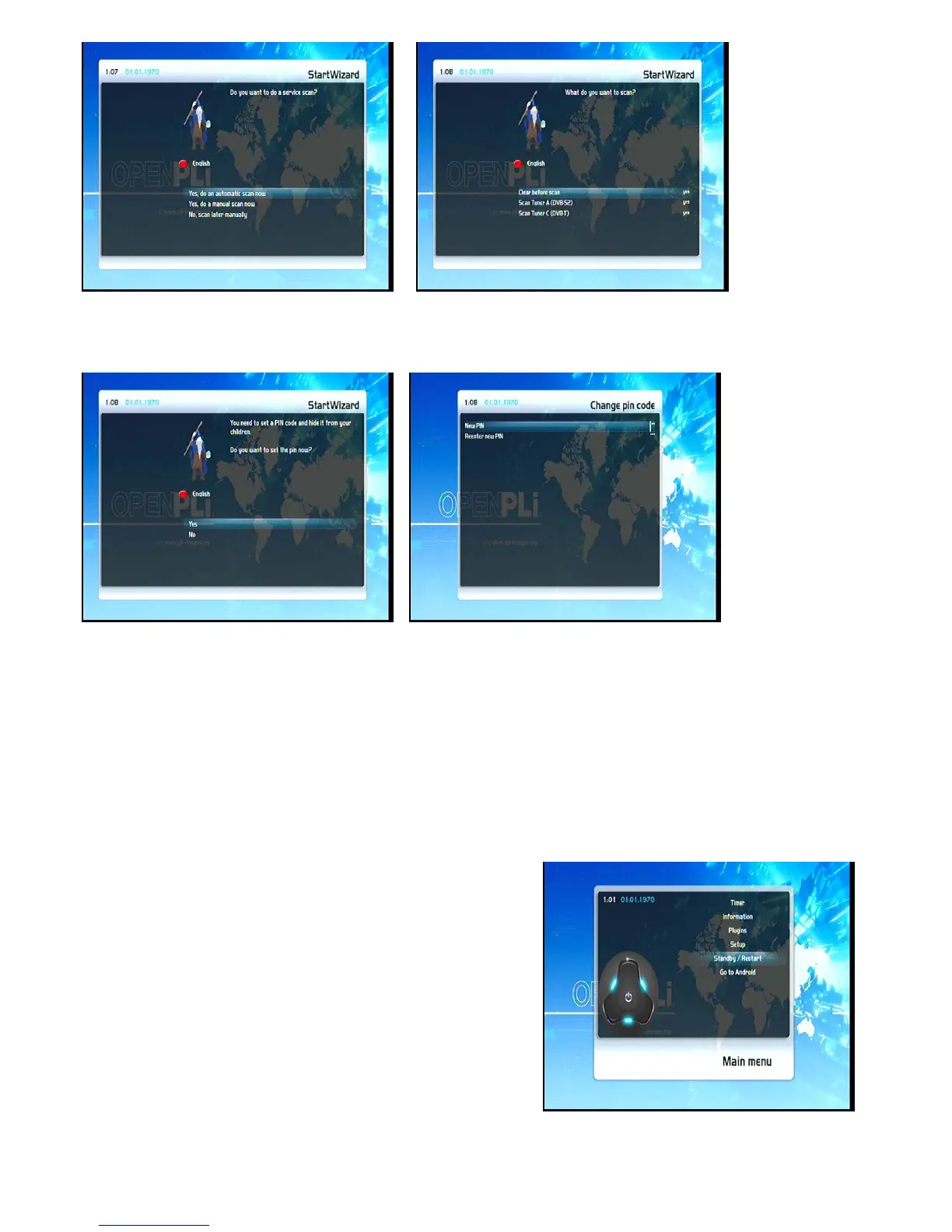
3.5 Parental Control
Refer to section 6.8 Parental control for further information about this feature.
4. Basic operation
4.1 Turning your STB on and off
Use the Power-Button to turn your STB on and off.
To put your STB into Standby-Mode press the Power-Button on your remote control or press directly on your
STB. The current time will be shown in the STB’s OLED-Display.
Holding down the Power-Button on your remote control for
three seconds will put your STB into the Shutdown Mode.
You can also put your STB into Shutdown Mode by using the
OSD main menu. Choose the Option “Standby / Restart” in the
OSD main menu and navigate to “Shutdown” option afterwards.
Pressing the OK-Button will put your STB into the Shutdown
Mode. Alternatively you can push down the Power-Button on
your STB for 5 seconds. If no OSD Menu is visible on the
screen, your STB will also put into Shutdown Mode.
All your settings will be saved now and your STB goes into
Shutdown Mode afterwards (saves energy!).
10



 To Next Page