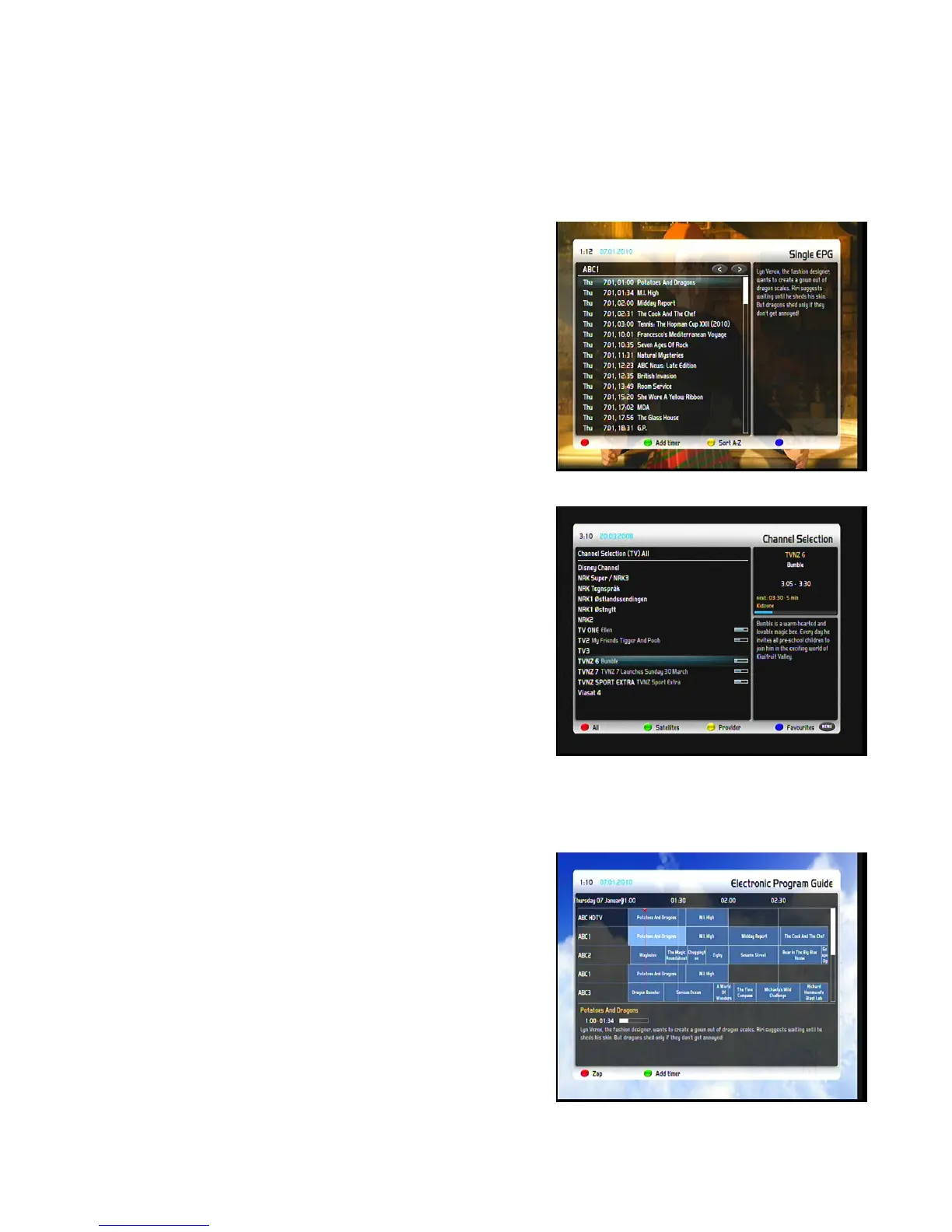
Pressing the red Options-Button opens a listing of similar broadcasts.
By pressing the green Options-Button you can set a timer for this to rerun.
For additional information about recording by timer please see chapter 7.2.3 Recording by timer.
5.1 Single-EPG
In this view you are supplied with detailed information about the
currently selected channel’s programming. By pressing the
yellow Options-Button your can sort the “Single-EPG”
alphabetically or by time. You can also access this view by
pressing the Info-Button for about 2 seconds.
The Navigation-Buttons up/down to open the services list and
then press the Info-Button. This way you can very quickly and
easily access the Single-EPG of every service.
5.2 Multi-EPG
Use the blue and yellow Options-Buttons to switch between the
present, next and more views. Pressing the green
Options-Button will give you the possibility to automatically copy
the start and end time of the selected show into a recording
timer.
If you have set the “Multi bouquets” option to “yes” (see chapter
11.2) a selection of you bouquets will appear. Select the bouquet
of which you want the Multi-EPG view. This view shows the
currently airing shows on the services listed in the left column. A
progress bar showing the progress of the currently airing show is
placed next to the service’s name. Using the Navigation-Buttons
up and down you can select a service, just like in the service list,
and change to the selected service by pressing the red Options-Button
5.3 Graphical Multi-EPG
You have another option to view the EPG of different services
and successive shows. The Graphical Multi-EPG displays the
EPG overview of the upcoming hours (can be set to 1-5 hours
with the Buttons 1-5 on the Numeric-Keypad) for the chosen
bouquet.
Using the Navigation-Buttons up/down/left/right you can browse
the shows. More detailed information about the selected show is
displayed at the bottom part of the EPG. You can directly set a
timer for the selected show, by just pressing the green
Options-Button.
13


 To Next Page