8
SETTINGS MENU
Continued from previous page.
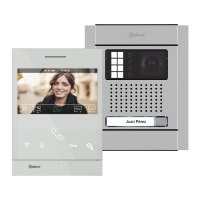
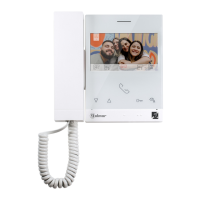
ART 7 /G2+ MONITORH
Selecting the melody and call volume: Press the hidden button below icon to access the settings
screen. In order to identify the origin of the calls when you are not in front of the monitor, select
different melodies and the desired call volume. Go to the option to be modified by pressing the
button/hidden button below corresponding icons / , then press the hidden buttons below
corresponding icons / to select the melodies and desired call volume. Press the button
below icon to validate the changes made and return to the settings menu.
Select the field to modify by pressing the hidden button below corresponding icons / , thenbutton/
press the hidden buttons below corresponding icons / to adjust the value/format. Validate the
changes made by pressing the button with icon . After setting the desired values, press the hidden
button below icon to return to the settings menu
.
07 00 AM PM/
31 08 2019
DD MM YY/ /
1
05
2
05
03
01
02
3
05
4
05
03












 To Next Page