7
SETTINGS MENU
Continued overleaf
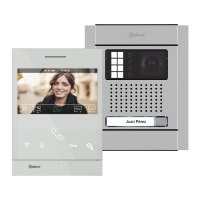
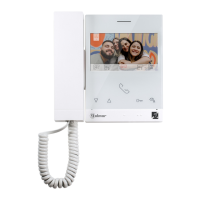
ART 7 /G2+ MONITORH
Returning to the main menu: Press the button below icon to return to the main menu.
Setting the monitor's date and time, as well as the presentation format: Press the button below
icon to access the settings screen. Go to the option to be modified by pressing the button/
hidden button below corresponding icons / , then select the option to modify by pressing the
hidden button below icon .
07 00 AM PM/
31 08 2019
DD MM YY/ /












 To Next Page